The cloud platform your venue runs on
One admin dashboard and one client for every PC in the room. Sessions bill themselves, members keep their own balance, and the day closes with a report you can trust.
- 3000+
- Venues worldwide
- 90+
- Countries served
- 24/7
- Global support
What it does
Session billing and time control
The clock starts at login and stops when the session ends. Charges calculate themselves, prepaid and postpaid both work, and the machine locks when time runs out.
Member accounts and balances
Every customer gets an account with a prepaid balance, a history and a tier. Guests can still walk in and pay by the hour without registering.
PC and console control
Start, end, restart or cut off any machine from the admin panel without leaving the counter. Consoles bill on the same rules as the PCs.
Game license pool
Buy a handful of licenses and share them across the room. A license is assigned when a player launches the game and returns to the pool afterwards.
Daily reports
Earnings, expenses, shift handovers and member activity, closed off per day and kept for as long as you need them.
Runs in the cloud
The management side lives on our servers, so you can open the dashboard from the counter, from home or from your phone.
Shifts and accountability
Staff log in as themselves. Every top-up, refund and discount is attributed, and force-end-shift closes an unattended till.
Discounts and loyalty
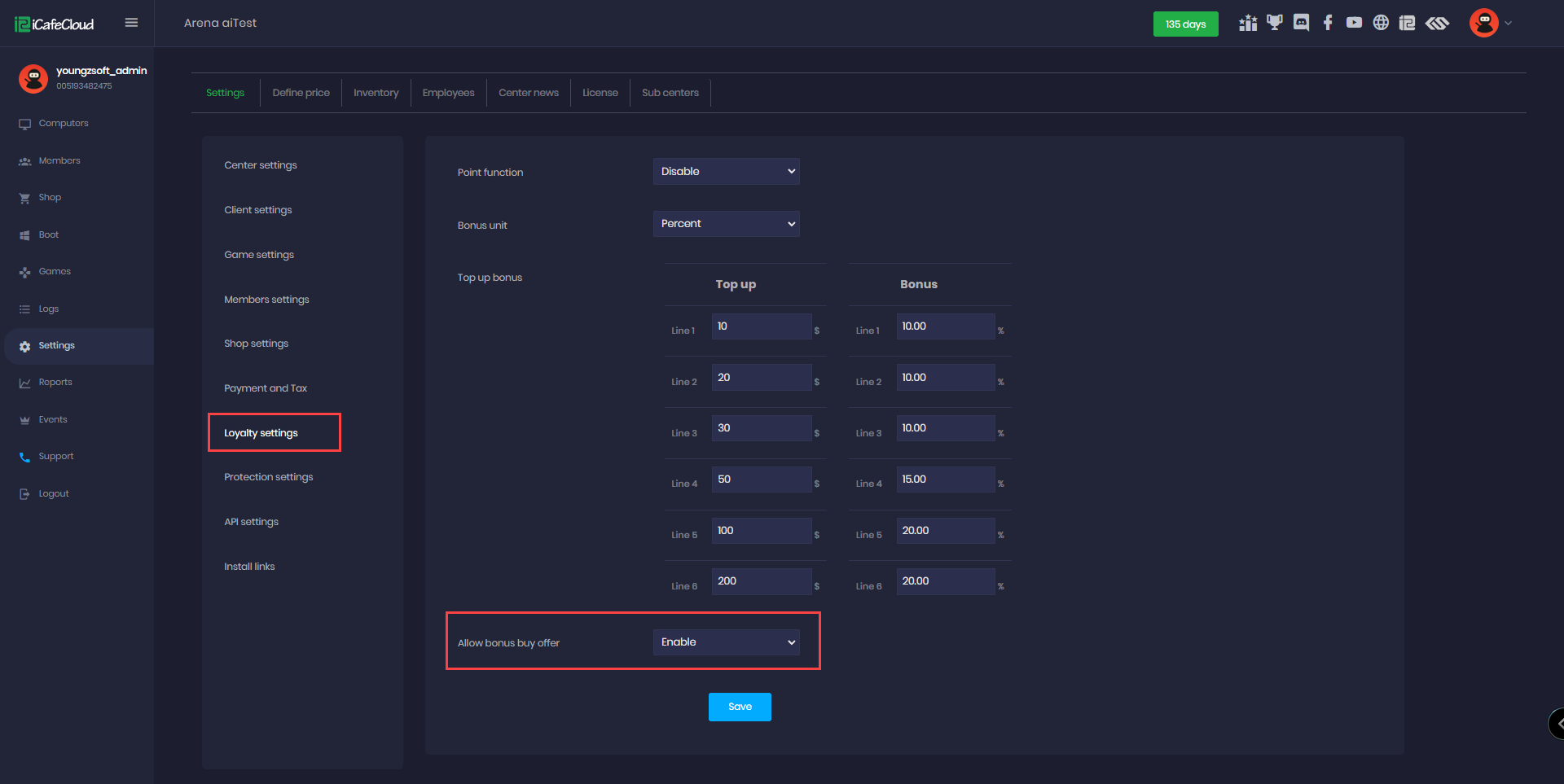
Time offers, happy hours, top-up bonuses and coin prizes, applied automatically by rule instead of by hand.
Everything in one dashboard
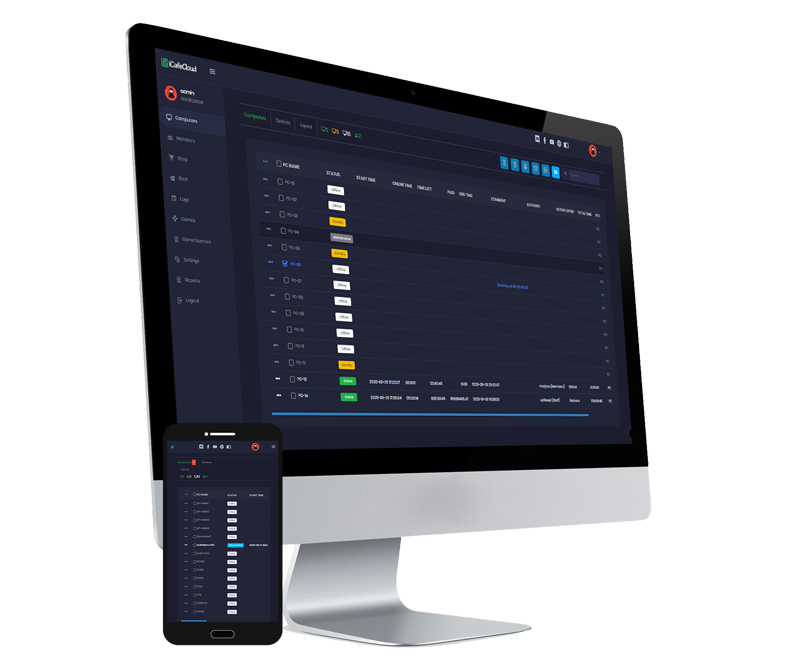
The computers page is where most of the day happens. Every machine shows its status, who is on it, how long they have left and what they owe. Selecting a PC gives you the same controls you would have standing in front of it.
Because the panel is a web page, the counter, the office and your phone all see the same live state. There is no separate management PC to keep running.
- Start, end, restart or lock any machine from the list
- See the live session, the member on it and the running total
- Move a player to another seat without restarting their session
- Same dashboard from the counter, from home or from a phone
Games and licenses, handled
Games update from a master image instead of machine by machine. Paid titles sit in a license pool: a player who opens the game gets a license for the duration of the session, and it goes back when they are done.
That turns a per-seat cost into a per-concurrent-player cost, which is usually the difference between stocking a title and skipping it.
What players see when they sit down
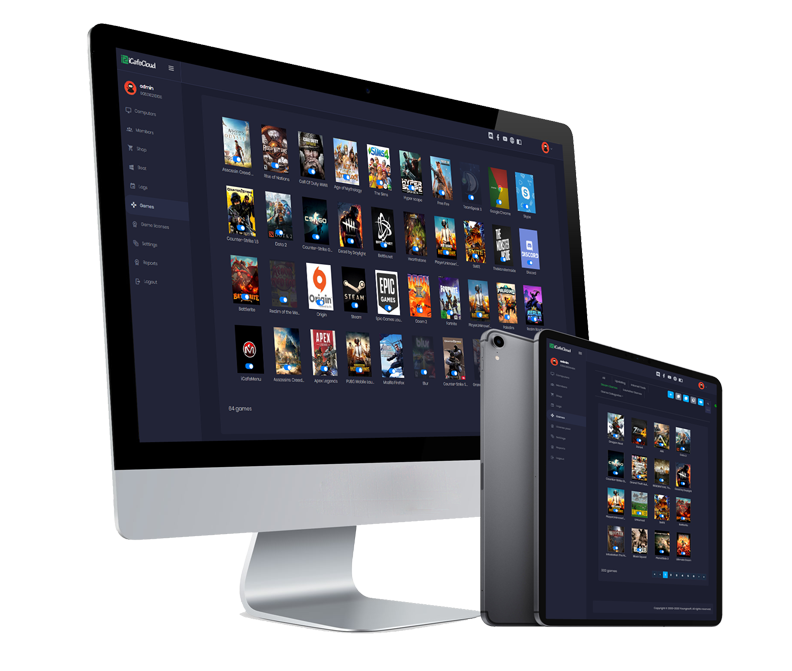
The client replaces the desktop with iCafeMenu: the games you stock, laid out as a wall of covers with search, favourites and categories. Nobody has to hunt through a Start menu or know which launcher a title lives in.
The look is yours to set — background, logo, categories and which titles get promoted — so the screen reads as your venue rather than as billing software.
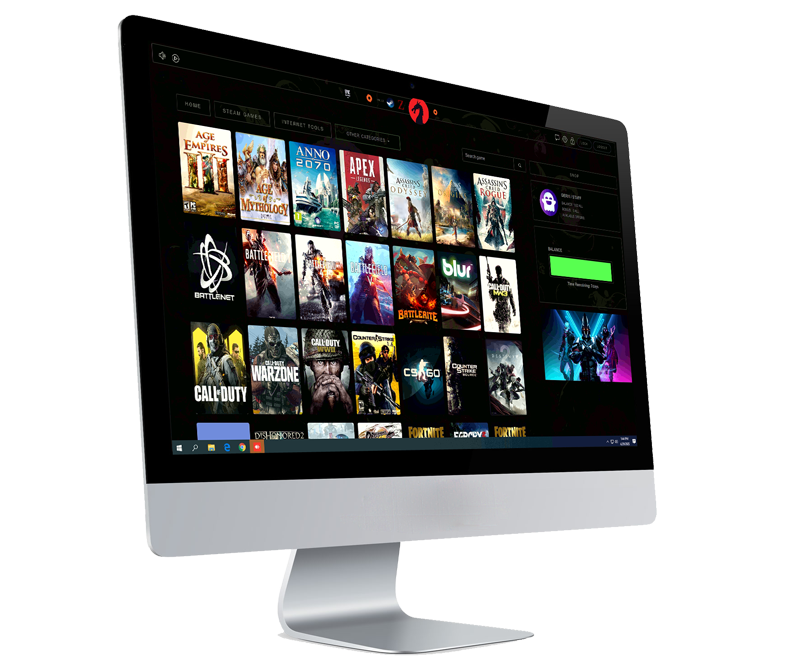
Their time and balance, always on screen
The top bar carries the remaining time, the balance and the current offer, so players stop asking staff how long they have left. Top-ups, shop orders and chat with the counter all start from the same bar.
Where you allow it, a player can switch between the offers they qualify for mid-session and the billing follows the change straight away.
Know how the day went
Reports close off per day and per shift: income by source, expenses, member top-ups, discounts given and stock sold. Nothing needs to be reconciled by hand at the end of the night.
Every figure traces back to the staff member who entered it, so a shortfall at handover has somewhere to be looked up.
- Income by source: sessions, top-ups, shop and offers
- Expenses and refunds against the shift that issued them
- Member activity, balances and coin prizes
- Stock sold and what is left on the shelf
Common questions
Do I need a server in the venue?
The management side runs in the cloud. You still install the iCafeCloud server on a machine in the venue so the clients, games and boot images have something local to talk to.
Can I migrate from another billing system?
Usually yes. Bring your member list and balances and the support team will tell you what can be imported directly and what has to be re-entered.
What happens if the internet drops?
Sessions already running keep billing from the local server. The dashboard reconnects and syncs once the line is back.