

What the customer actually sees
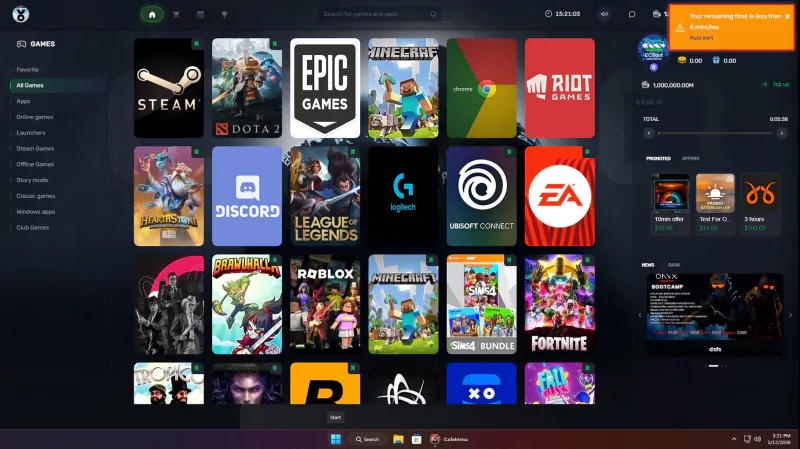
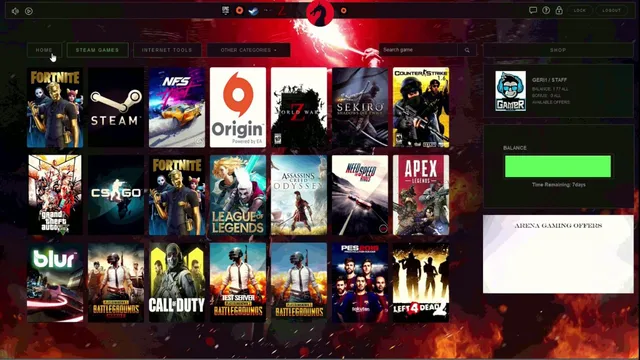
iCafeMenu is the screen in front of every player: the game library, their balance and time left, and the shop. It is also the boundary that keeps a session inside the rules you set.
What it does
Branded game menu
Your titles, your cover art, your categories. Customers browse and launch from one screen instead of hunting through a desktop.
One-click login
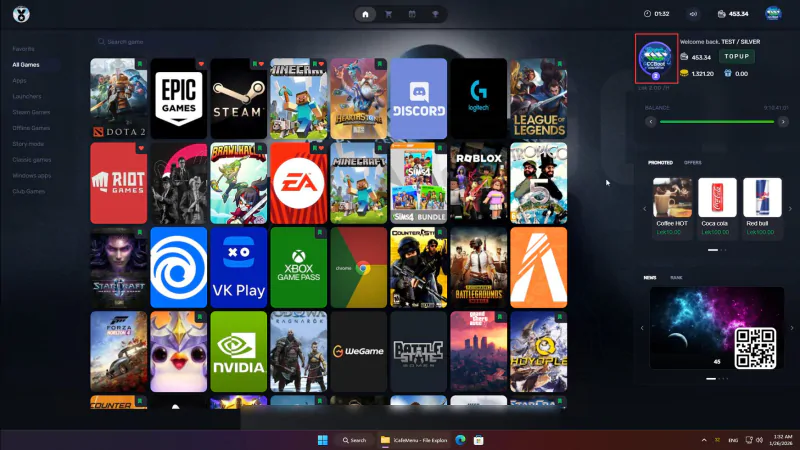
Members sign in on the client and their balance, time and history follow them to whichever machine they sat down at.
Time and balance on screen
Remaining time and balance are always visible, so the counter is not answering the same question all evening.
Announcements
Push a message to every client at once: tournament starting, kitchen closing, promo of the week.
Taskbar and shell
The iCafeMenu taskbar replaces the Windows shell, so a session cannot wander into system settings by accident.
Serverless mode
iCafeMenu can run without a local menu server, which keeps small venues from having to maintain one more machine.
Diskless or HDD install
Install into the diskless image or onto local disks. Both paths are documented and both auto-update.
Auto update
Clients pull new builds themselves, and a force update pushes a version out when you need the room consistent right away.
The session boundary
A gaming PC that behaves like a normal desktop is a support problem waiting to happen. iCafeMenu replaces the shell so the machine presents a controlled surface: the games you stocked, the shop, the account, and nothing else.
When time runs out or the customer logs off, the client returns to the login screen. Combined with diskless boot, the next person sits down at a machine in exactly the state you prepared.
- Custom images and layout for the menu
- Taskbar with balance, time left and shop
- Works with the license pool for paid titles
- Folder layout documented for advanced setups
Signing in and topping up, without the counter
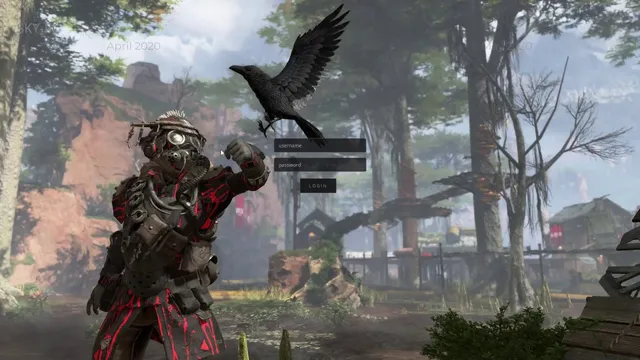
The login screen is the first thing on the machine. A member signs in with their account, a walk-in takes a guest session or an access code, and social login covers the ones who never remember a password.
Top-up runs from the same screen: the customer picks an amount or a time package, pays through the gateway you configured, and the balance is on the account before they have finished sitting down. Nobody queues at the till for ten minutes of extra time.
Nudges that sell the next hour
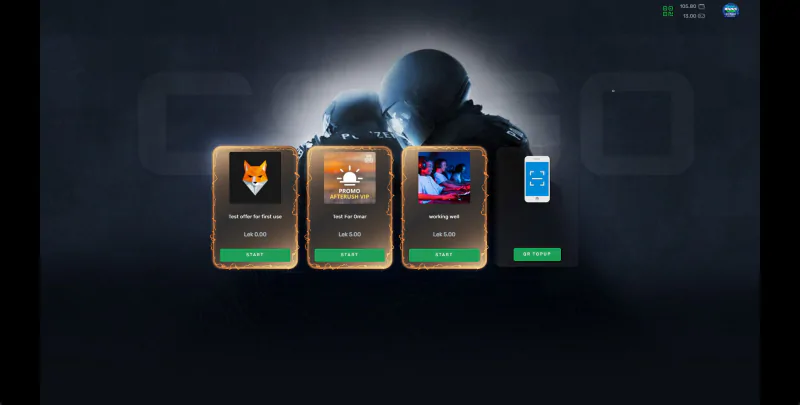
The client warns the player before the time runs out instead of dropping them mid-match, and the warning sits next to the offers they can buy right now. A ten-minute alert with a ten-minute offer beside it is the cheapest upsell in the venue.
Promoted offers, bookings and shop items all surface in the same panel, so a promotion you set up in the dashboard reaches the screen the player is already looking at.
Watch it in action
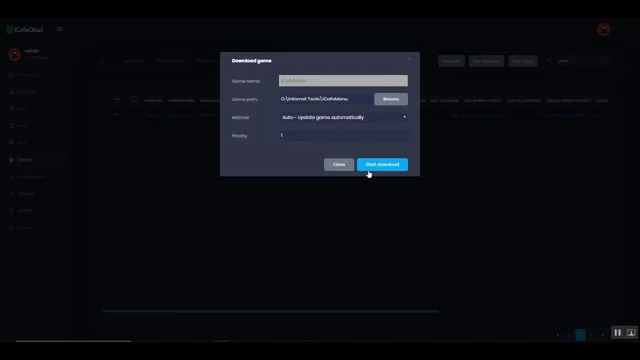
Short tutorials from the iCafeCloud YouTube channel.
Common questions
Does iCafeMenu cost extra?
No. It is the client side of iCafeCloud and comes with the platform. You install it on the PCs and it registers against your centre.
Can I make it look like my venue?
Yes. Background, logo, categories, cover art and which titles get promoted are all yours to set, and the wiki page on customizing the client UI walks through it.
Does it need a menu server in the venue?
Not necessarily. Serverless mode lets the clients work without a local menu server, which is usually the right choice for a small room.
What happens when a session ends?
The client returns to the login screen and the machine goes back to the state you prepared. On a diskless room the reboot restores the image as well.