

The following explains how to use the POS tools and describes the function of each action button, including Refresh, Add Funds, Withdraw Funds, X-Report, and Z-Report.
- Refresh button to manually refresh in case the transactions are not auto updated (Figure 1)
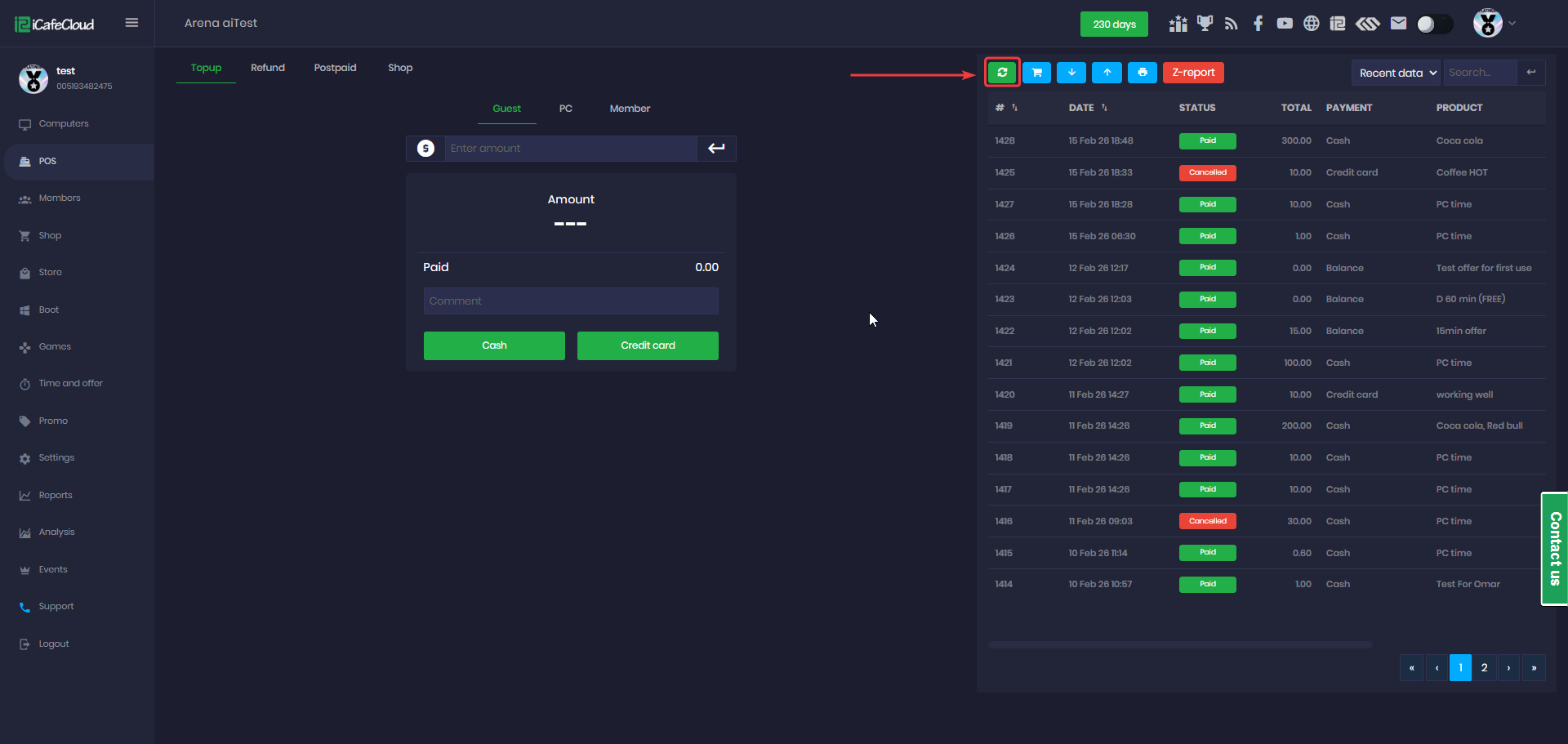
Figure 1
- The button next to Refresh shows pending orders. When you click it, a list of all pending orders will be displayed. (Figure 2)
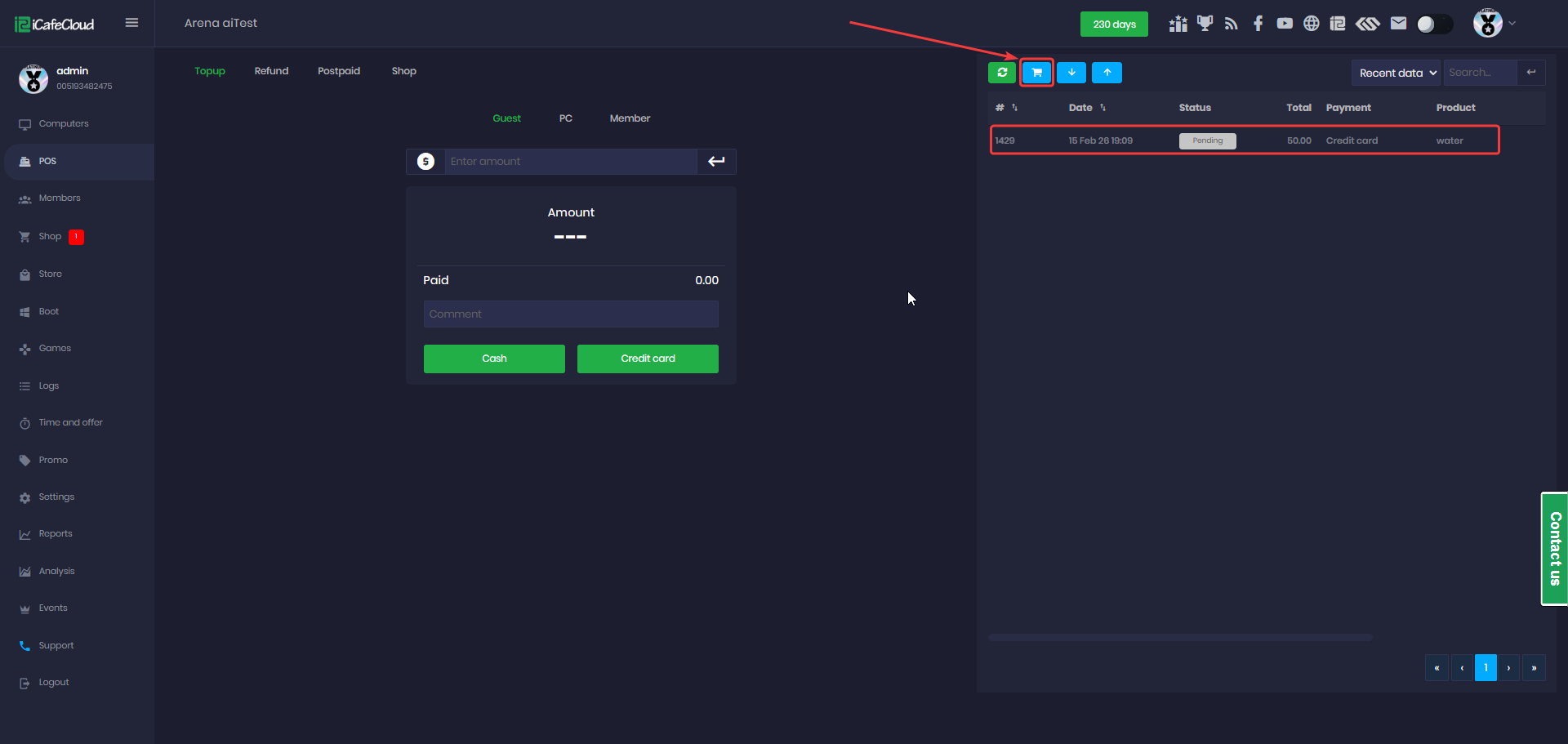
Figure 2
- Add Funds and Withdraw Funds operate based on the Cashier expenses.(Figure 3)
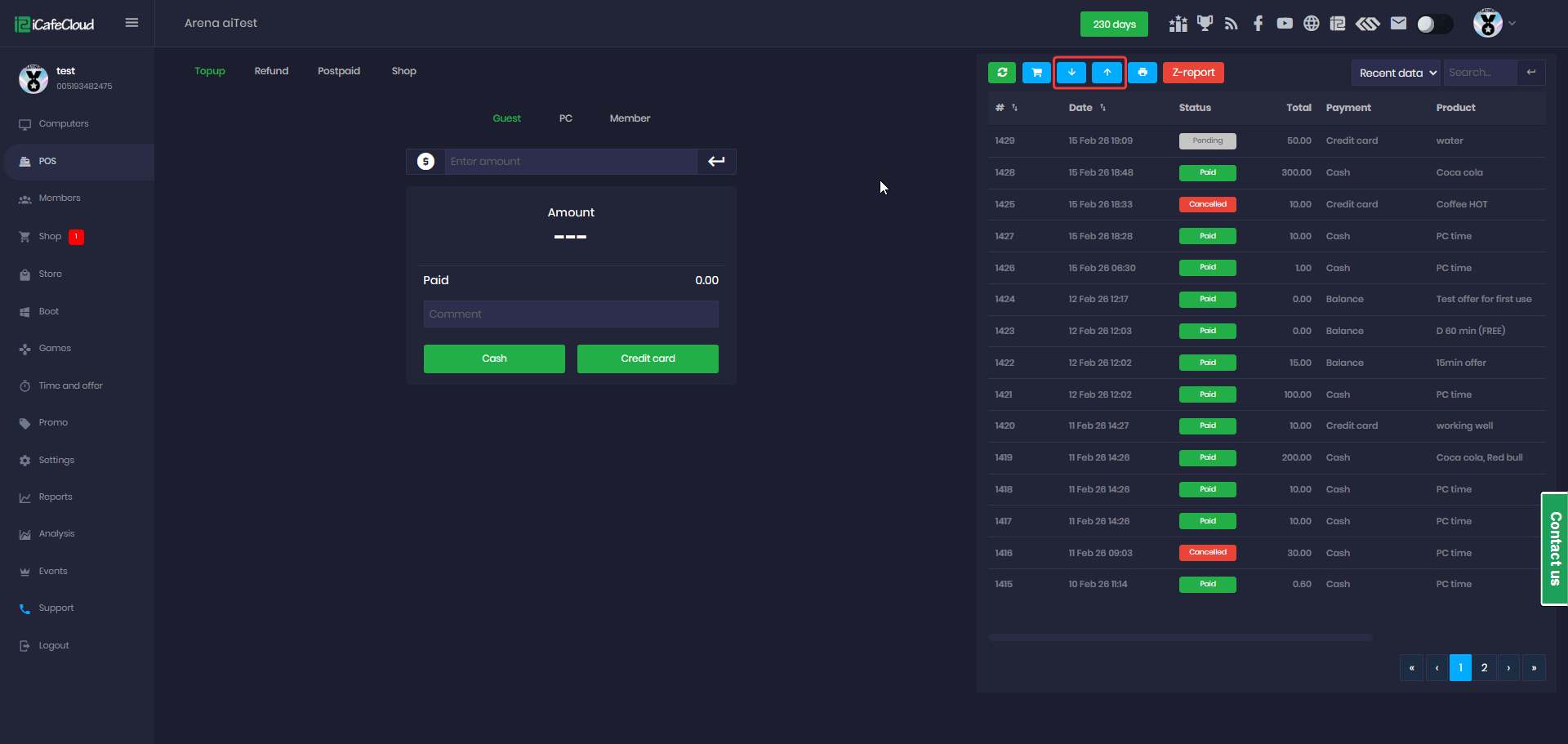
Figure 3
- The X-Report button is used only when starting a shift. It prints a report showing data from the beginning of the shift up to the moment the report is generated. (Figure 4)
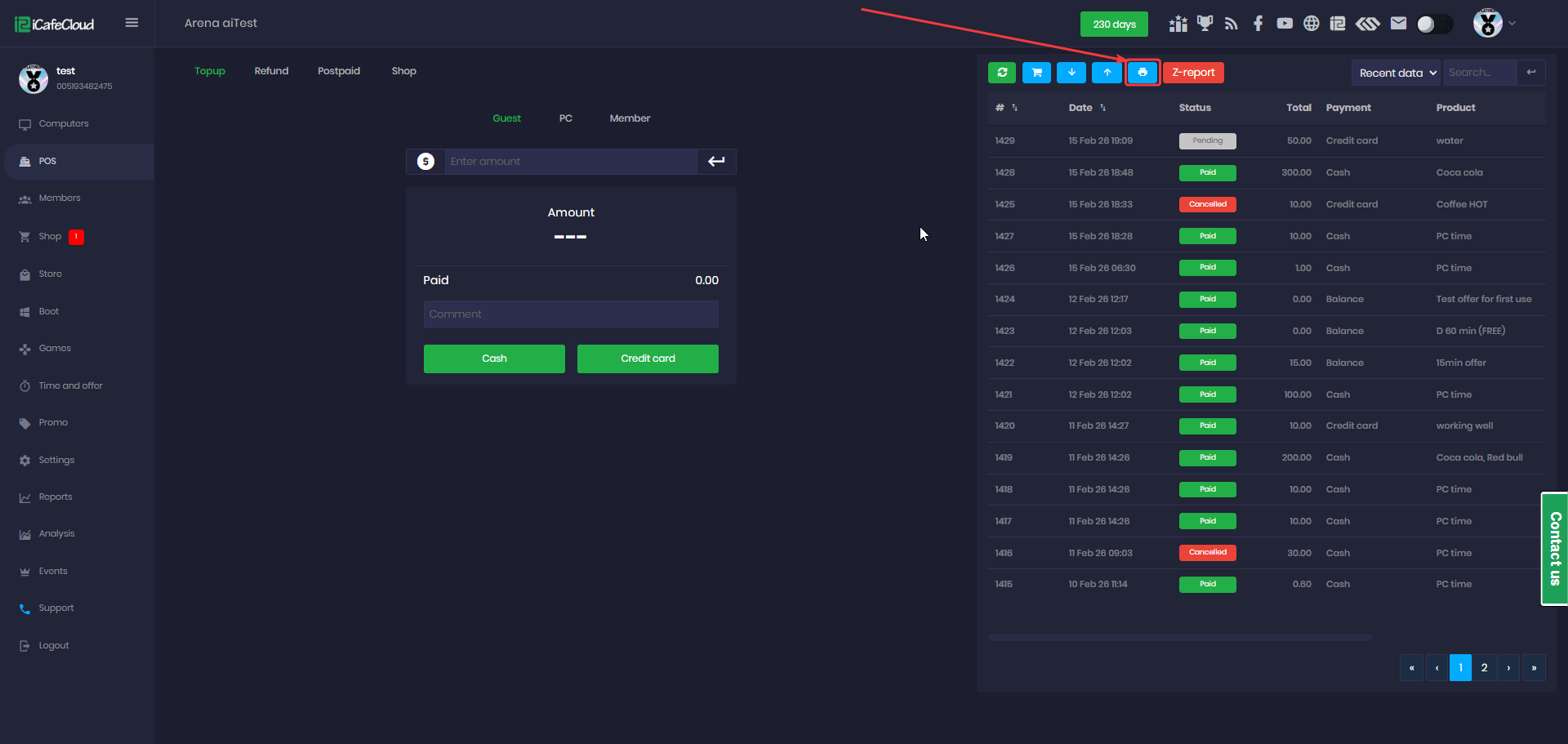
Figure 4
- The Z-Report is used only when ending a shift. When clicked, it closes the shift and generates the final report. (Figure 5)
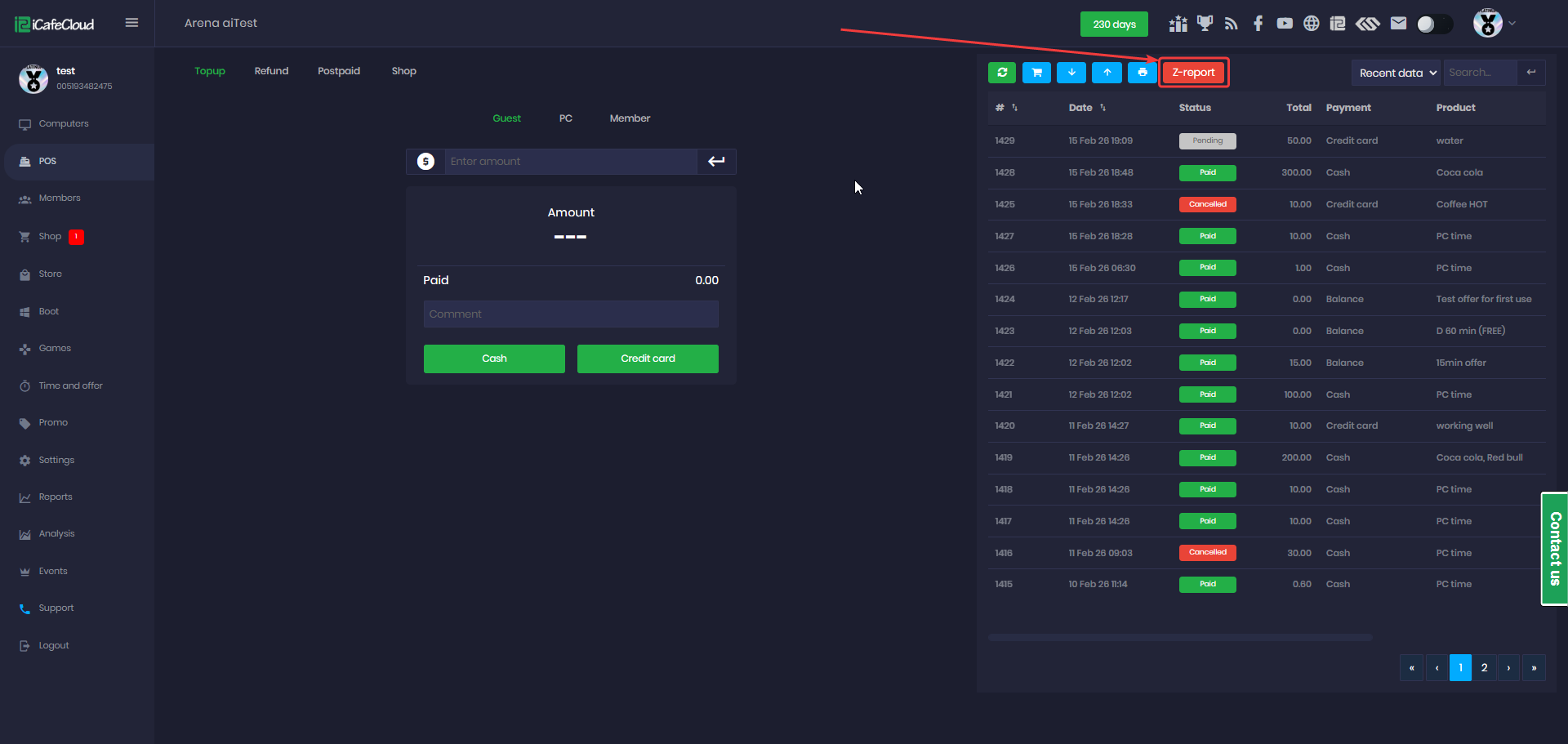
Figure 5
- Next is the Recent Data / History Data option. Based on your selection, it will display the corresponding transactions. (Figure 6)
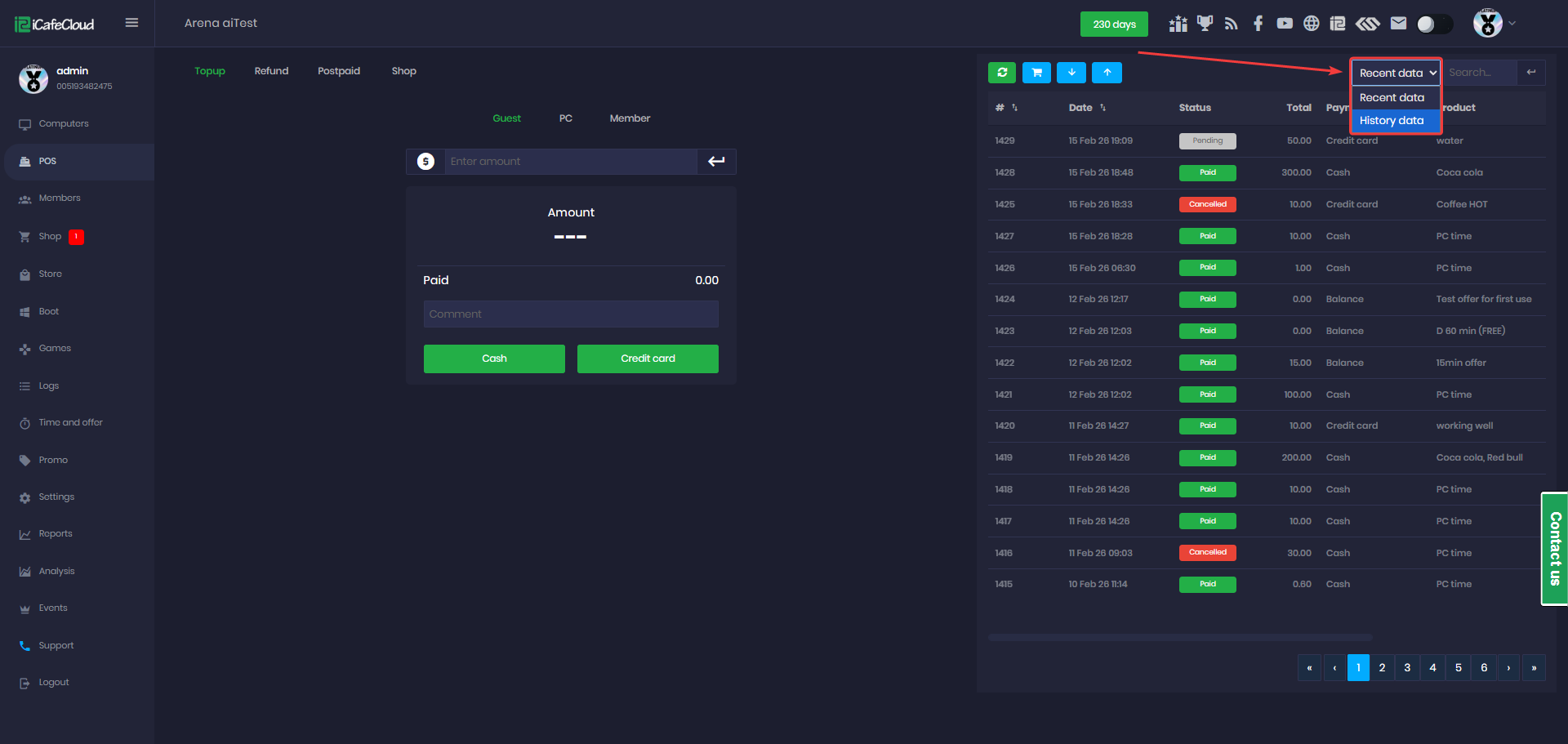
Figure 6
- And Search, which allows you to directly search for the Order ID you’re looking for. (Figure 7)
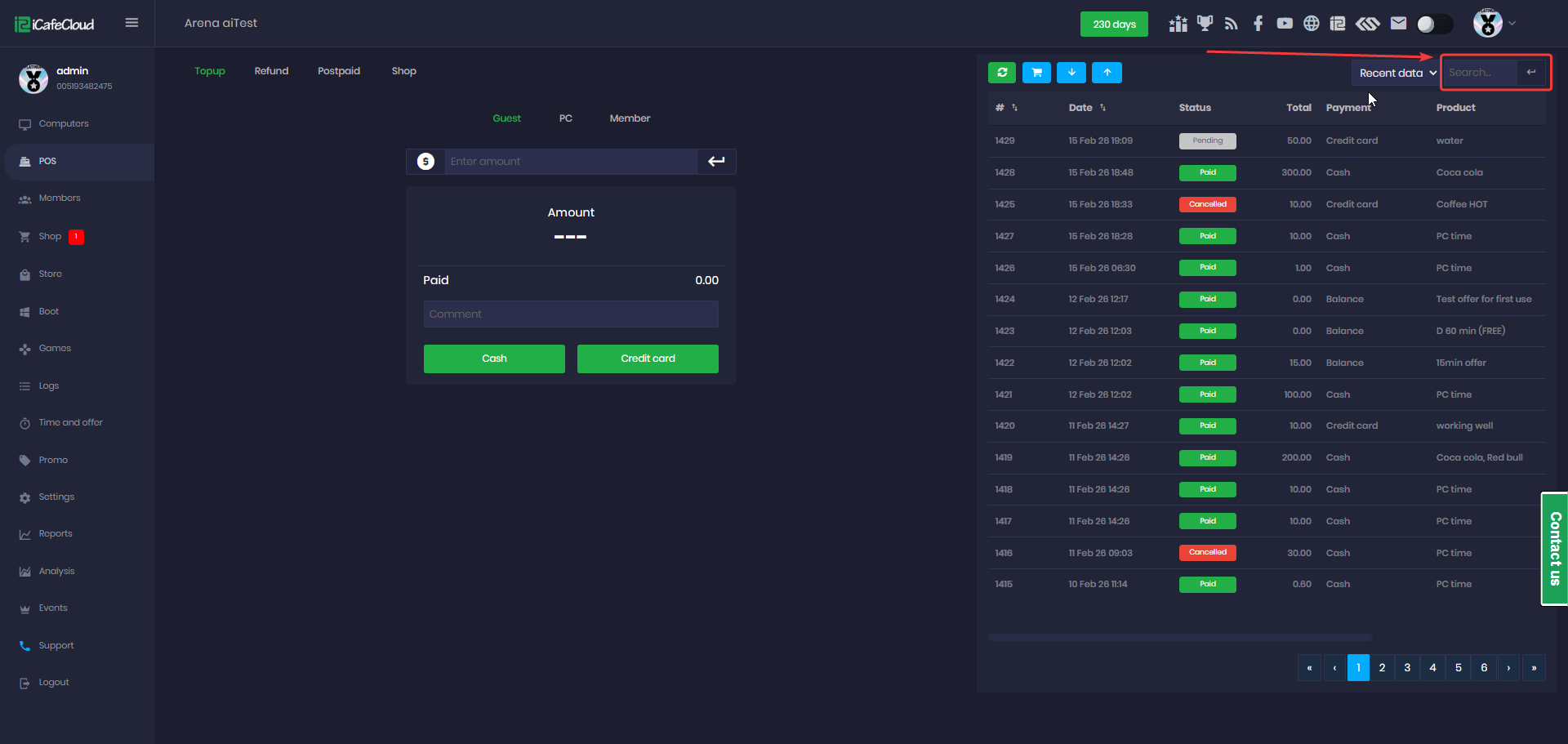
Figure 7