

The following covers how to register or log in to the iCafeCloud shop, top up your account, and add funds via QR code after payment confirmation.
- Access the URL: https://cp.icafecloud.com/shop/yourlicense
- On the login page, you can sign in using member credentials or use Google, Facebook, or Telegram sign-in options. (Figure 1)
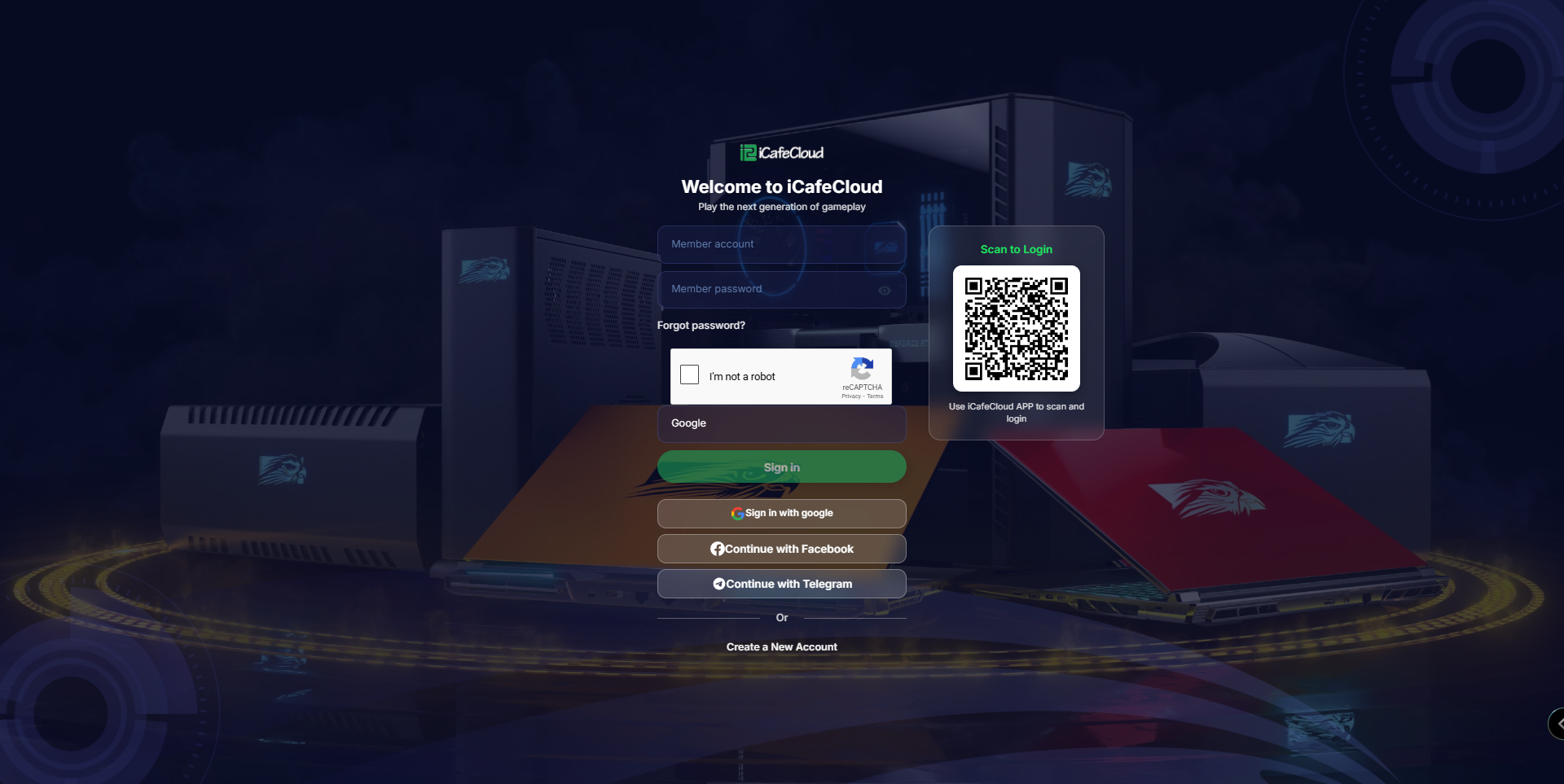
Figure 1
- Use the QR code to scan with a mobile device and be redirected to your center’s portal. (Figure 2)
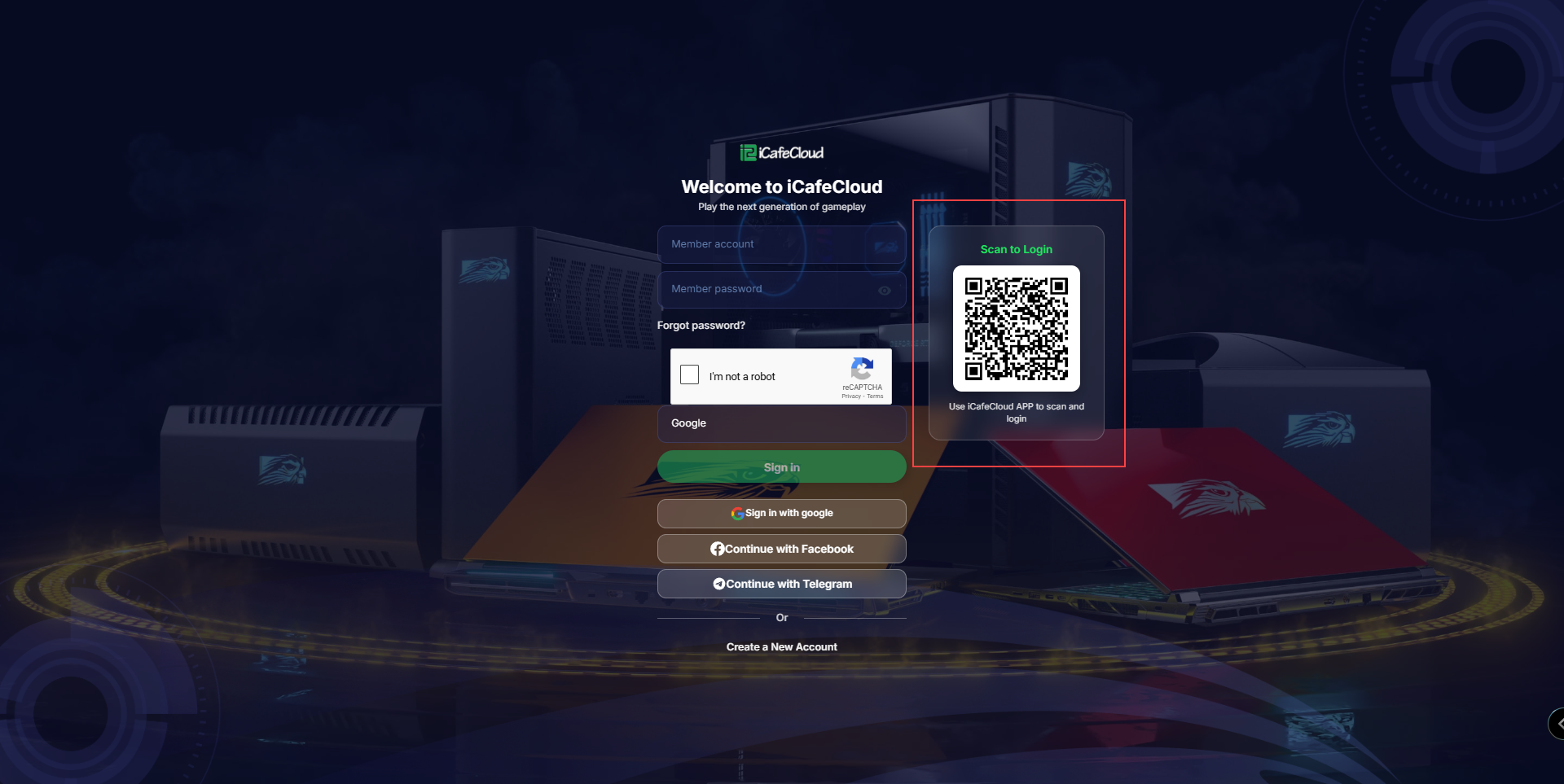
Figure 2
- If this is your first time and you want to create an account, click Create New Account at the bottom of the page to be redirected to the registration page (Figure 3).
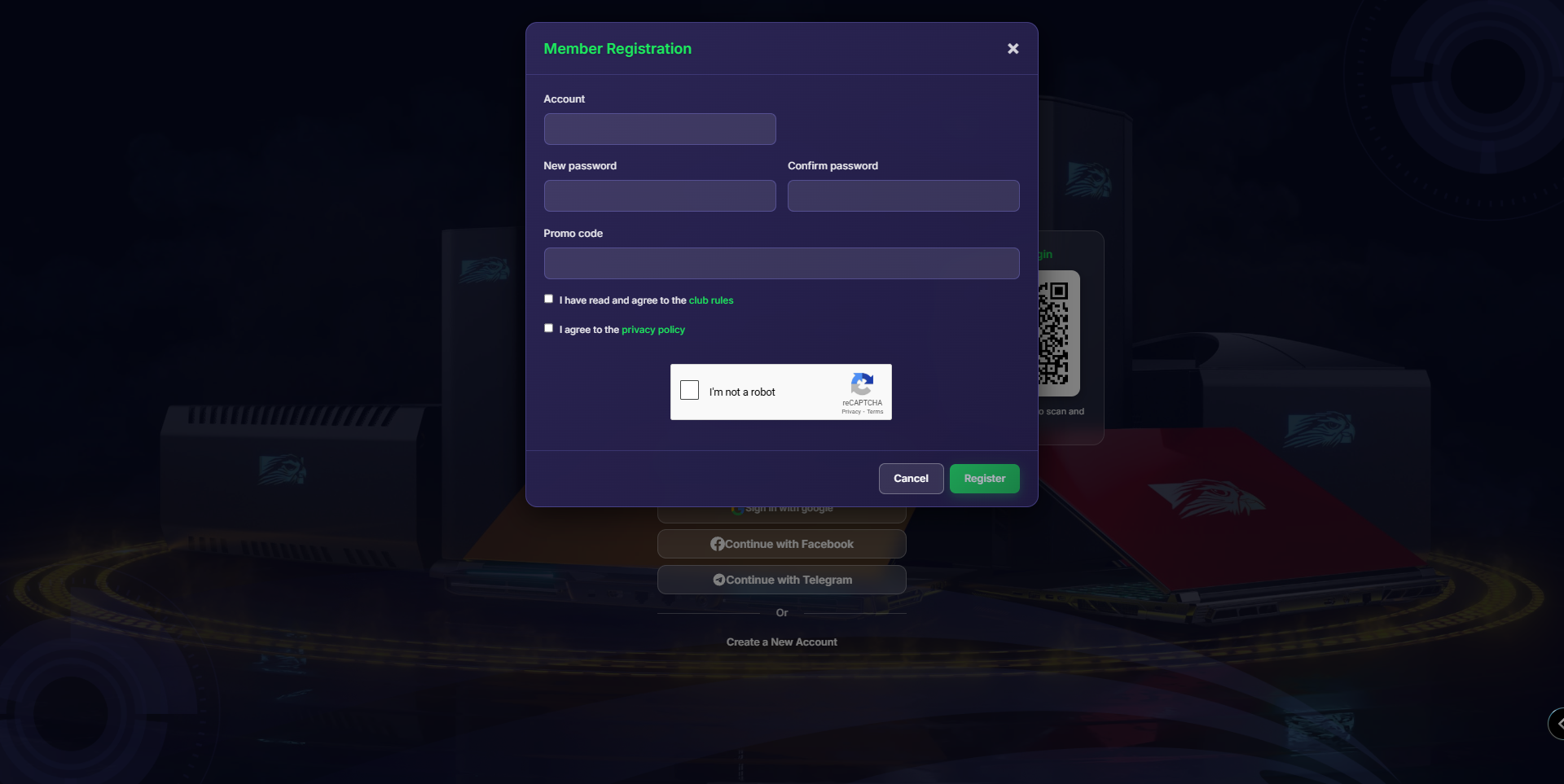
Figure 3
- Fill in the account details and click Register.
- Ensure that "New member offer" is set to None in Settings > Member Settings > New Member Offer.