
2026-06-21
allow, staff, view, reports
The following explains how to configure permissions so that staff members can view reports from both their own shift and other shifts. This can be useful for verifying purchases, reviewing transactions, and checking for any mistakes or discrepancies between shifts.
- Navigate to Reports → Settings and locate the "Allow Staff View All Logs" option. Set it to Yes to allow staff members to view reports and logs from all shifts. (Figure 1)
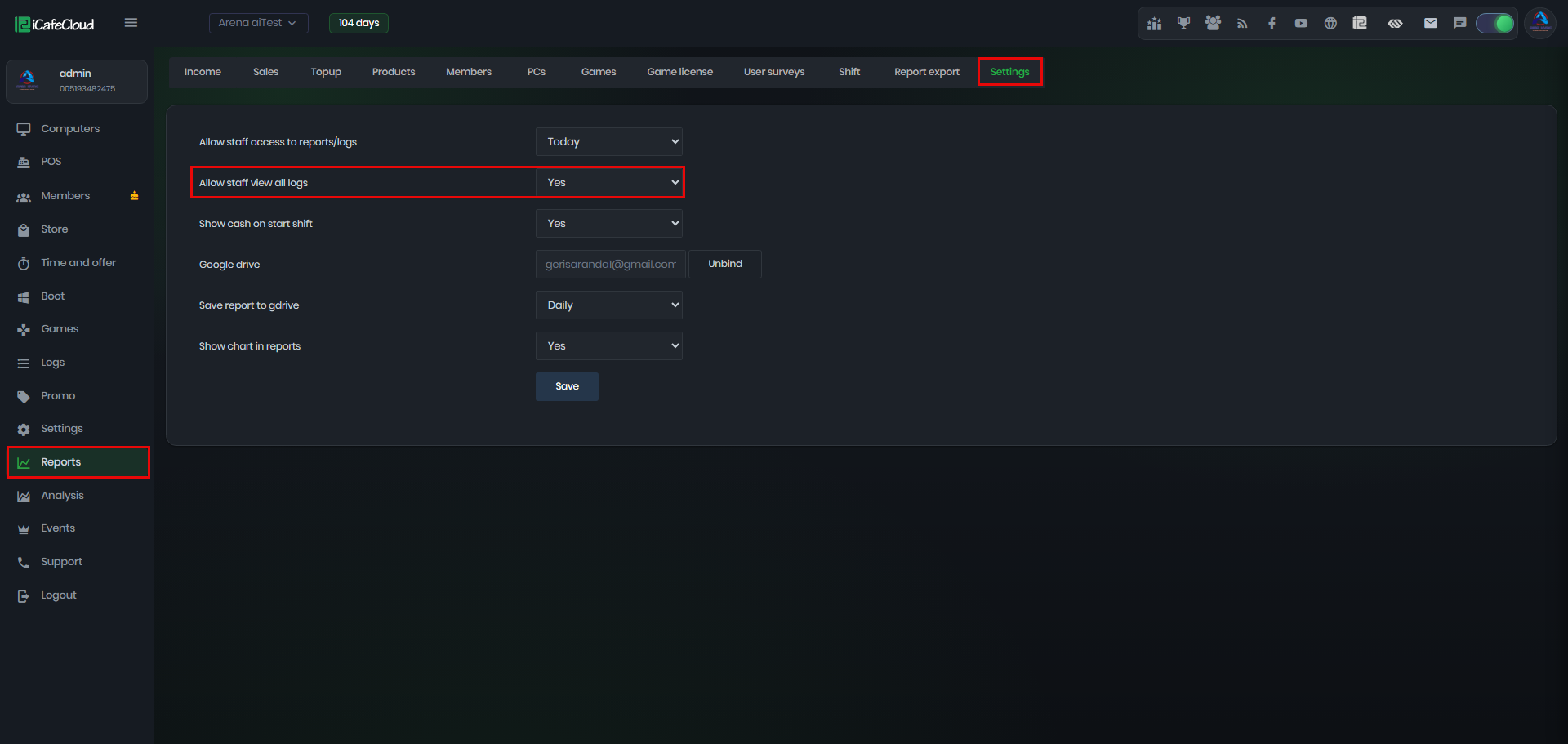
Figure 1
- After accessing the Logs page, you will be able to view logs from all shifts, not just the logs generated during your own shift. (Figure 2)
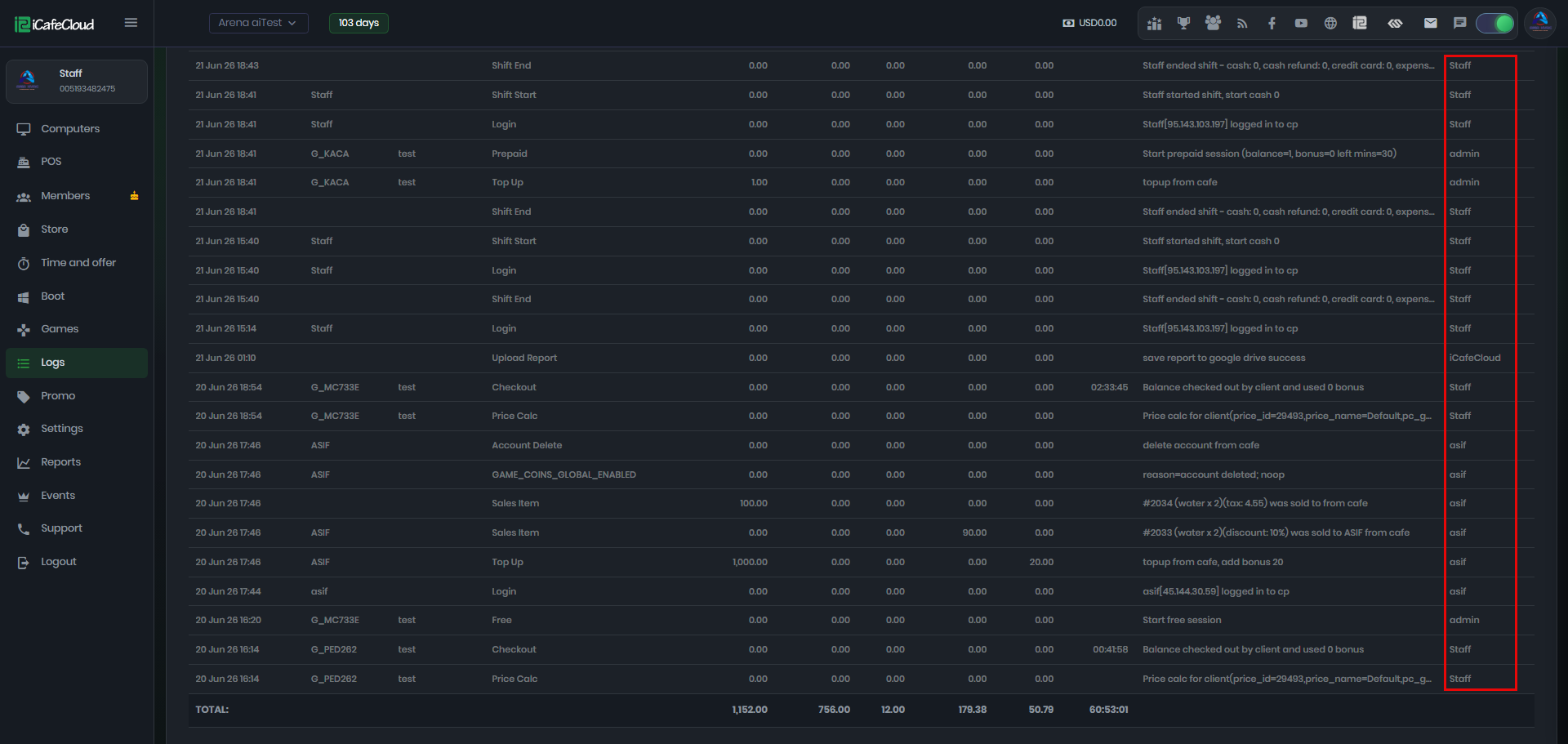
Figure 2
- You must also configure the employee permissions to allow access to the Logs page