
2026-04-23
show, chart, reports
The following explains how to configure charts and enable them to be displayed on the report page or disable them to hide them from reports.
- Navigate to Reports - Settings, set Show Chart Report to Hide, and click Save (Figure 1).
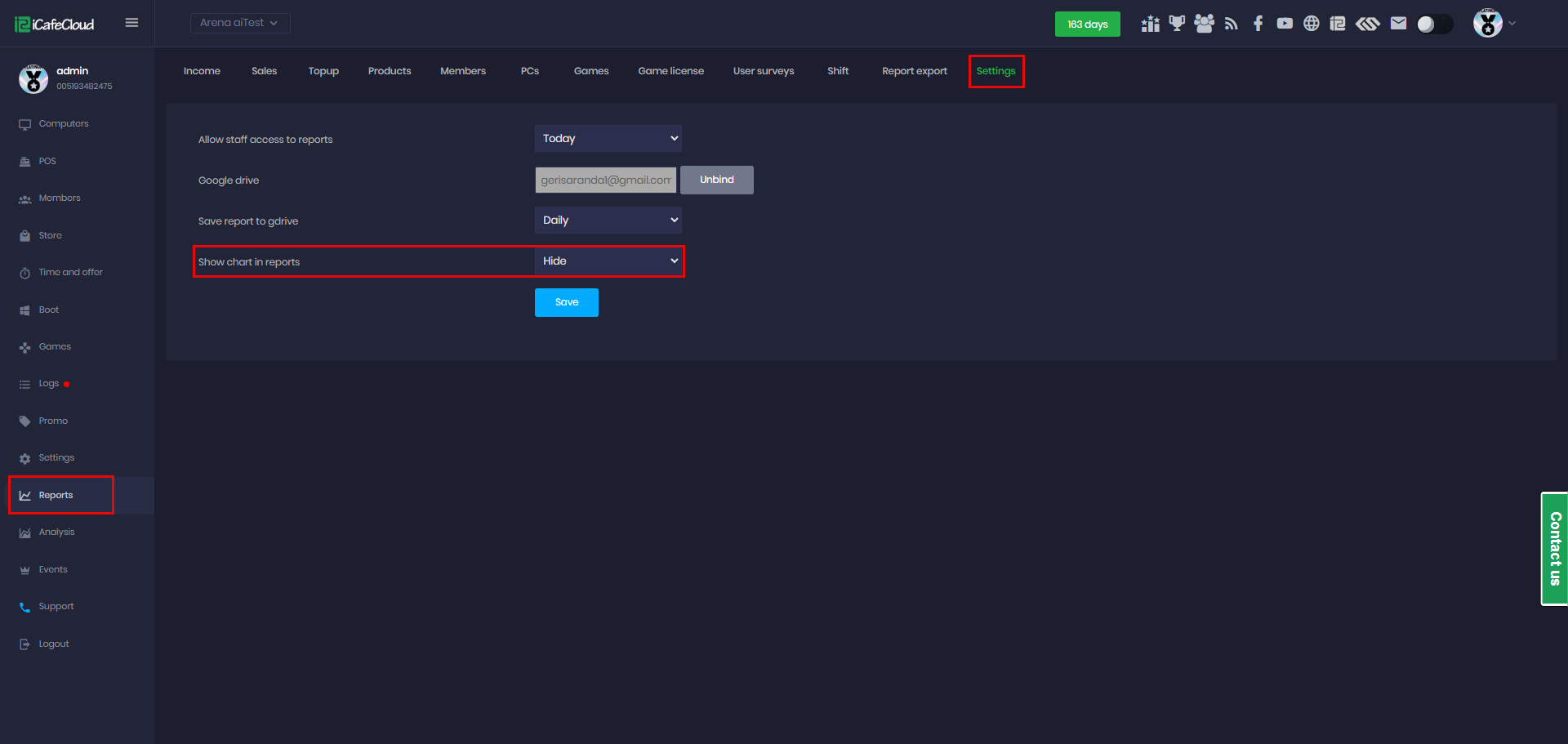
Figure 1
- The report page will no longer display charts and will show only the report data (Figure 2).
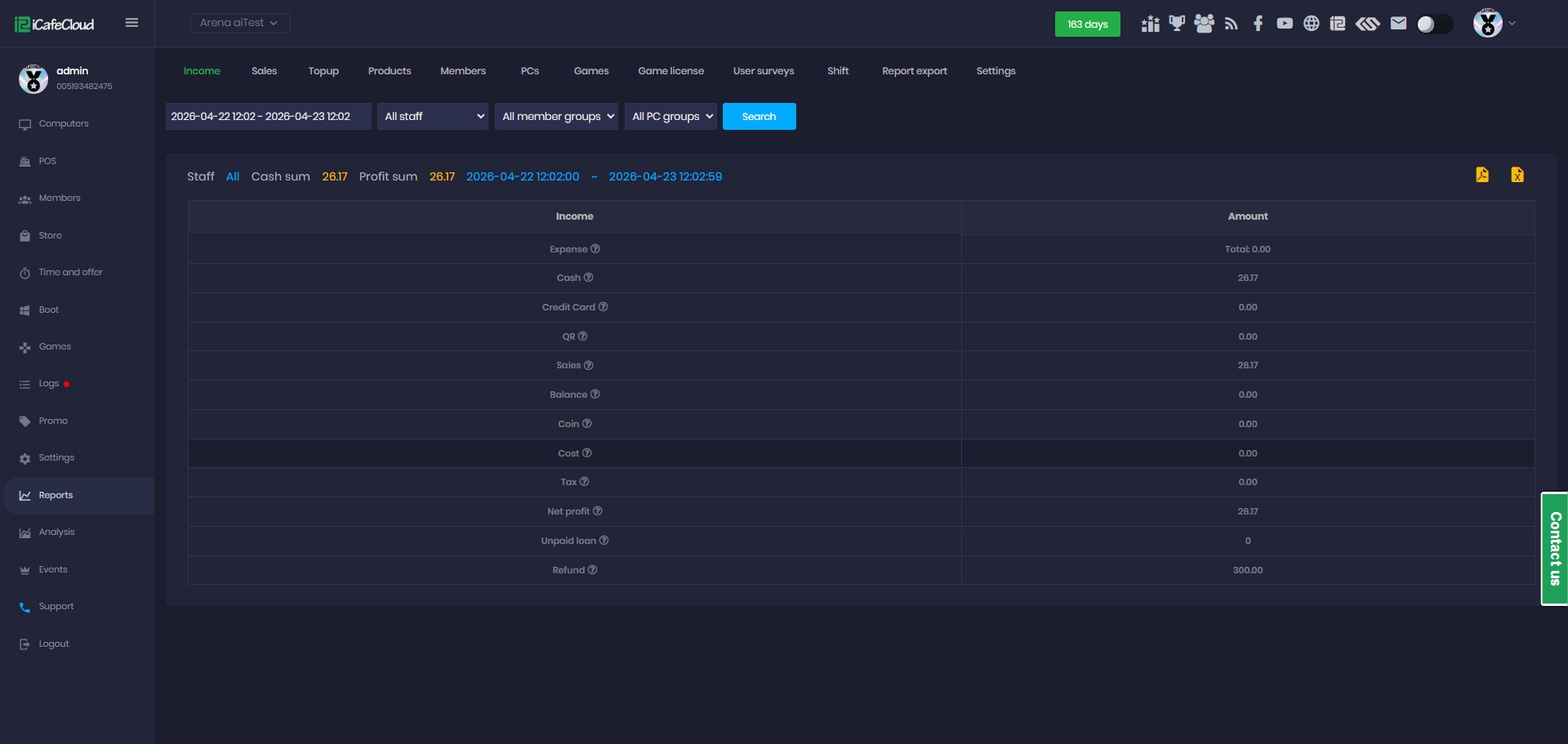
Figure 2
- This setting applies to all report pages including Income, Sales, Topup, Product, Member, PC, Games, and others.