

The following explains the warehouse options.
- Navigate to Warehouse and click the Settings tab (Figure 1).
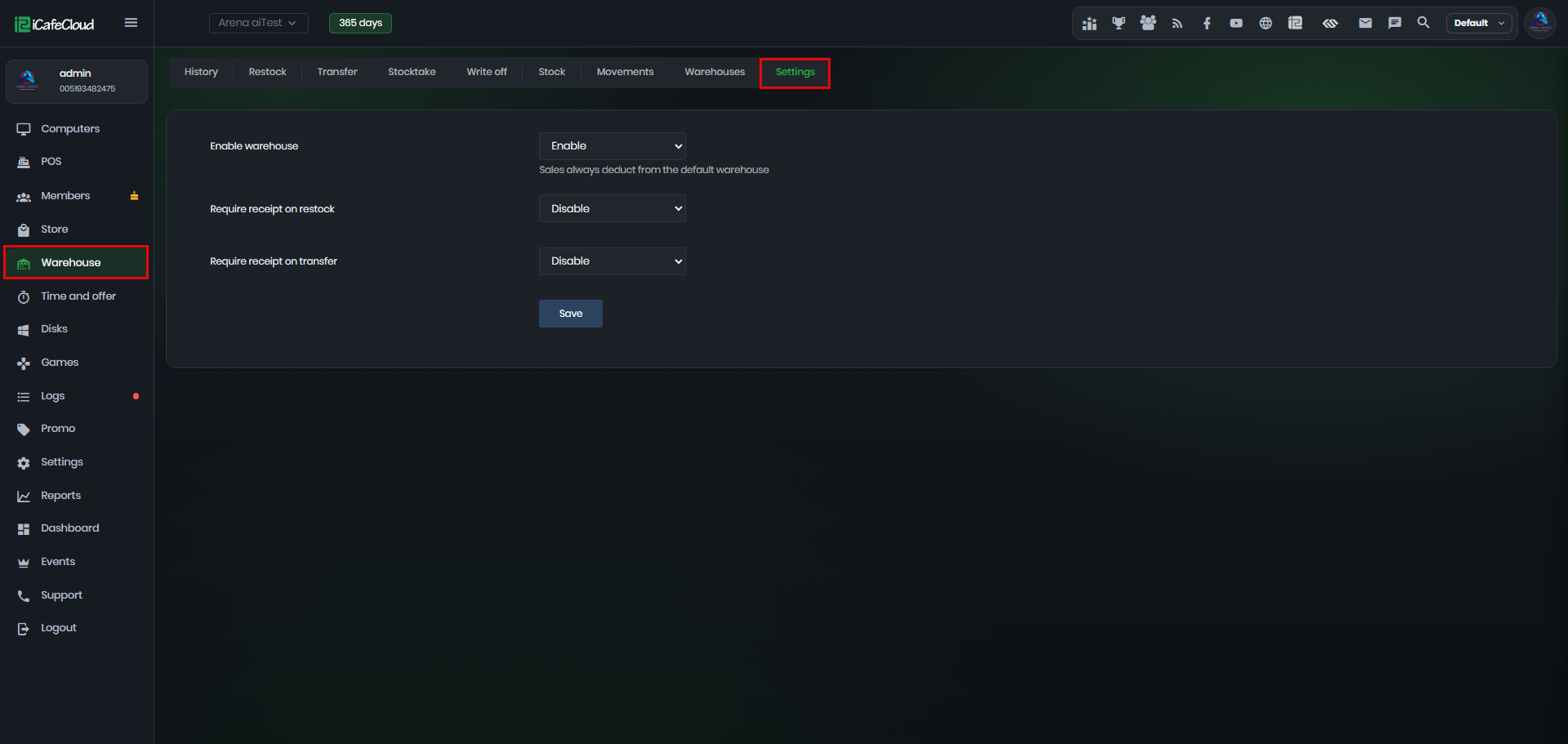
Figure 1
- Enable warehouse: turns stock tracking on or off.
Sales always deduct from the default warehouse.(Figure 2)
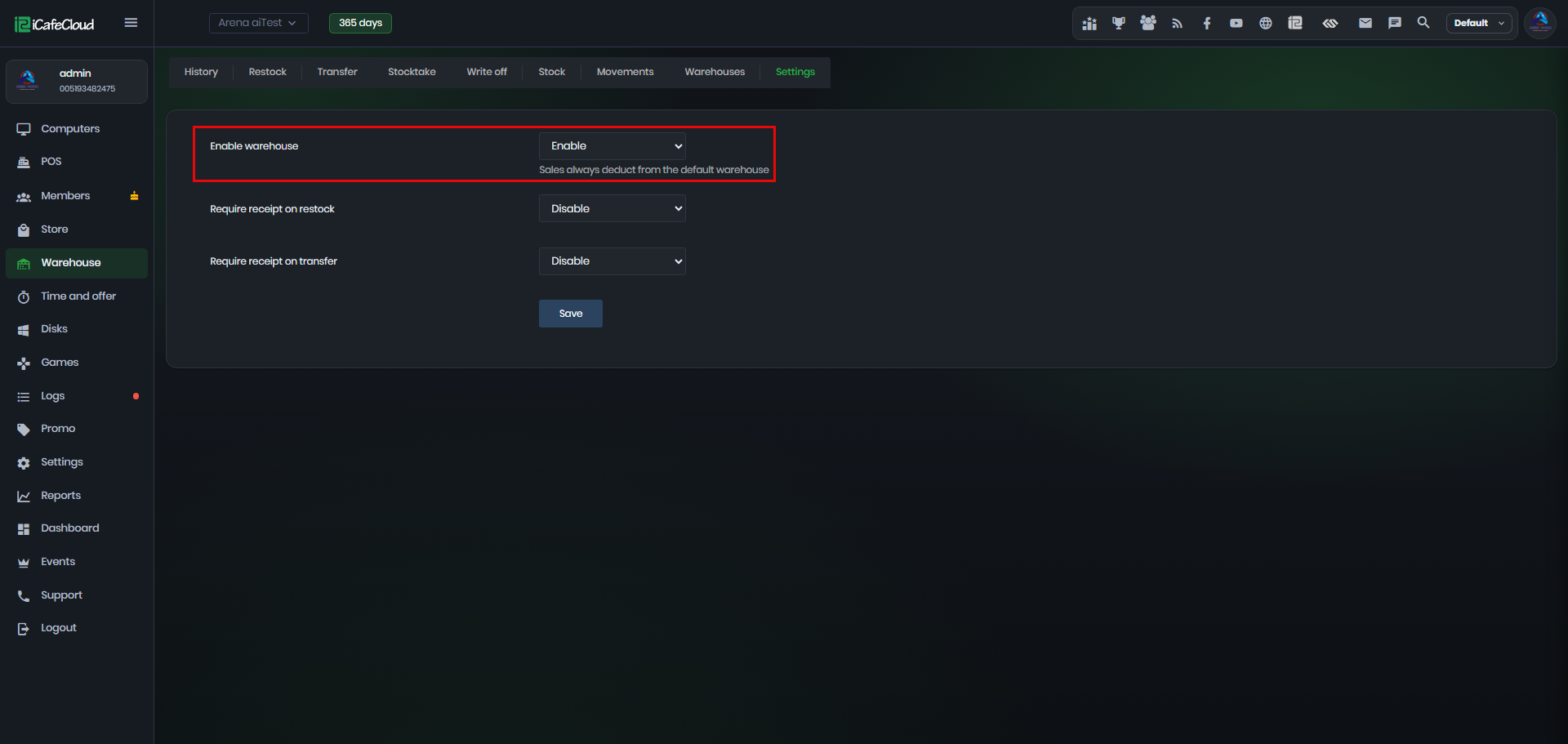
Figure 2
- Require receipt on restock: when enabled, a receipt image must be attached before Restock can be saved.(Figure 3)
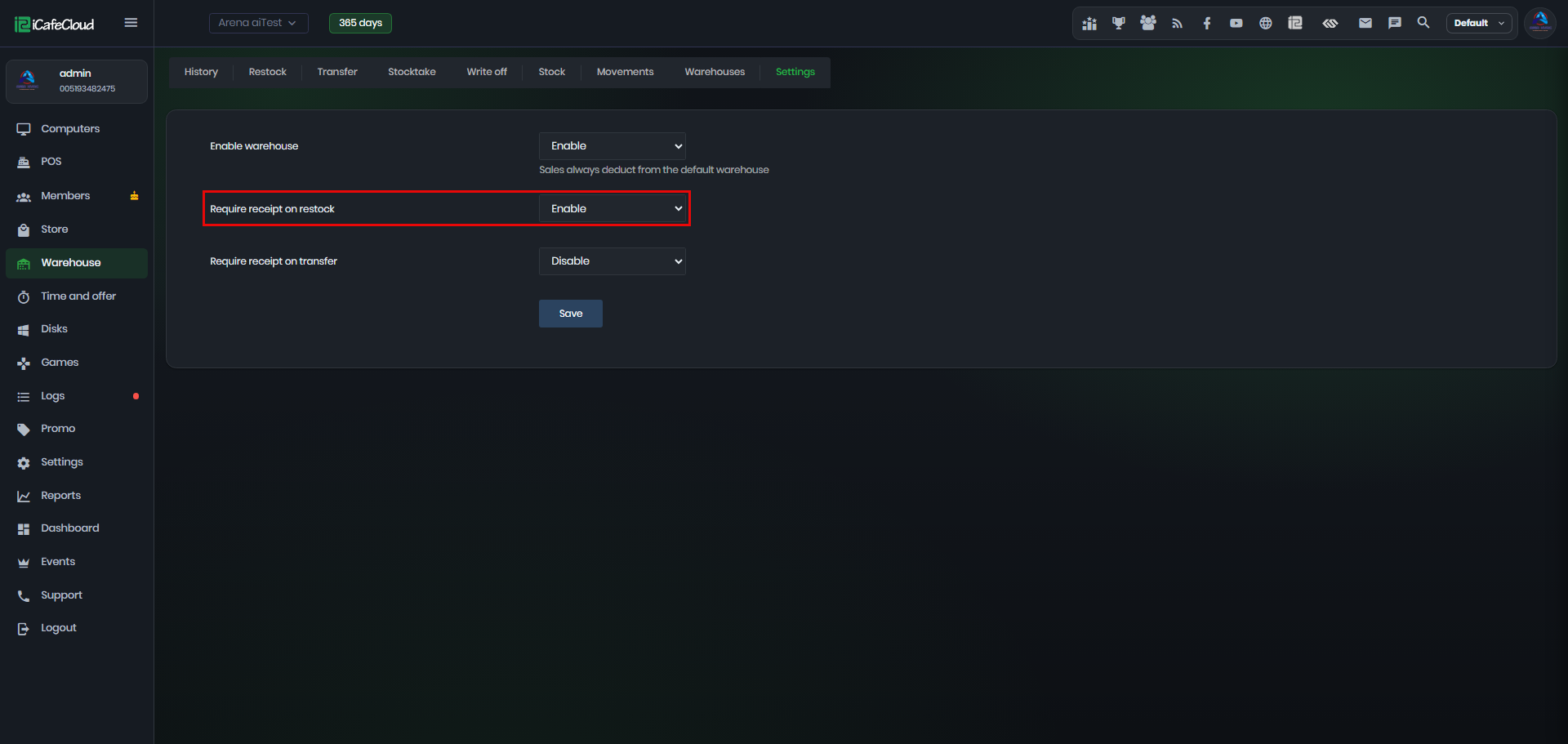
Figure 3
- Require receipt on transfer: when enabled, a receipt image must be attached before Transfer can be saved. (Figure 4)
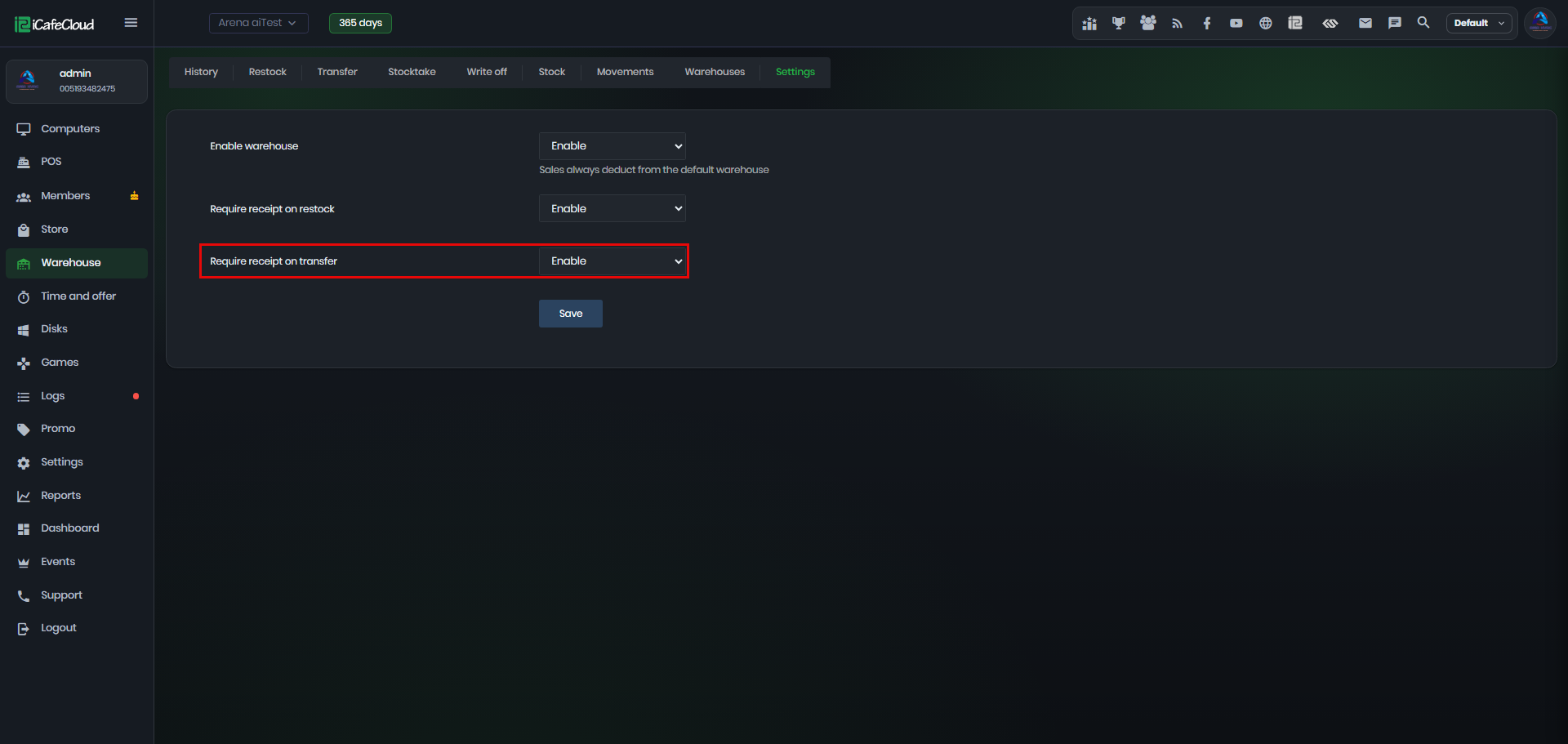
Figure 4