

The following explains how to see how much of each product is in stock.
- Navigate to Warehouse and click the Stock tab (Figure 1).
- The table shows each product, a column for every warehouse and the Total. Click Total to sort.
- Filter by warehouse, category or keyword.
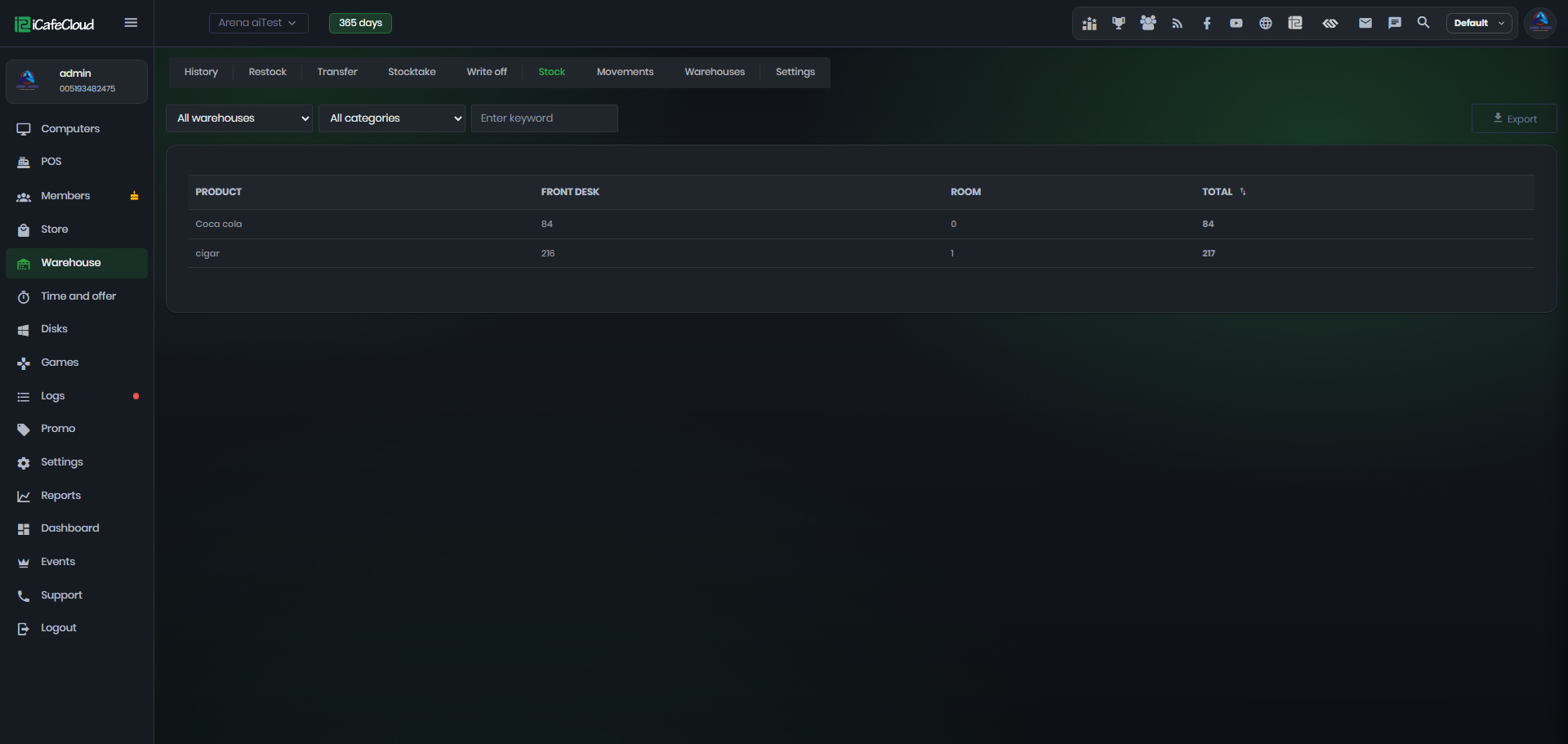
Figure 1
- Click Export to download the list as an XLSX file to your local device.