

The following explains how to check the balance in client interface in real time or refresh to get an update in case the page is idle for long time
- By default, iCafeMenu continuously updates the clock in real time. However, the balance and bonus values are not refreshed automatically based on seconds or minutes.
- Instead, the balance is updated only when a page change occurs (for example, switching from the Games page to the Shop page or vice versa), or when an action is performed such as a Top-Up or a Shop purchase.(Figure 1)
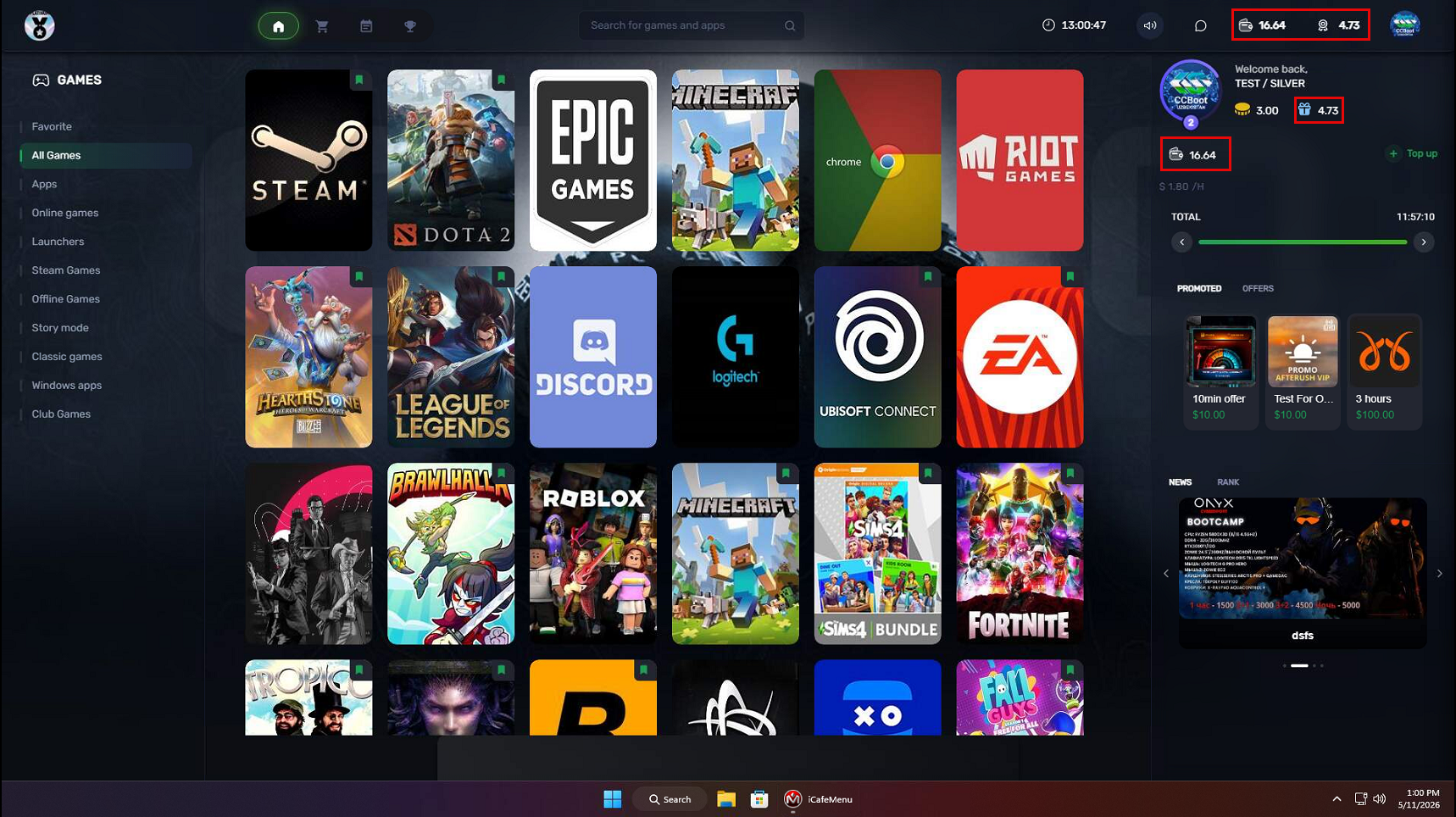
Figure 1
- To update the balance or bonus after a long idle period, click ‘Refresh’. The system will immediately update and display the current balance. (Figure 2)
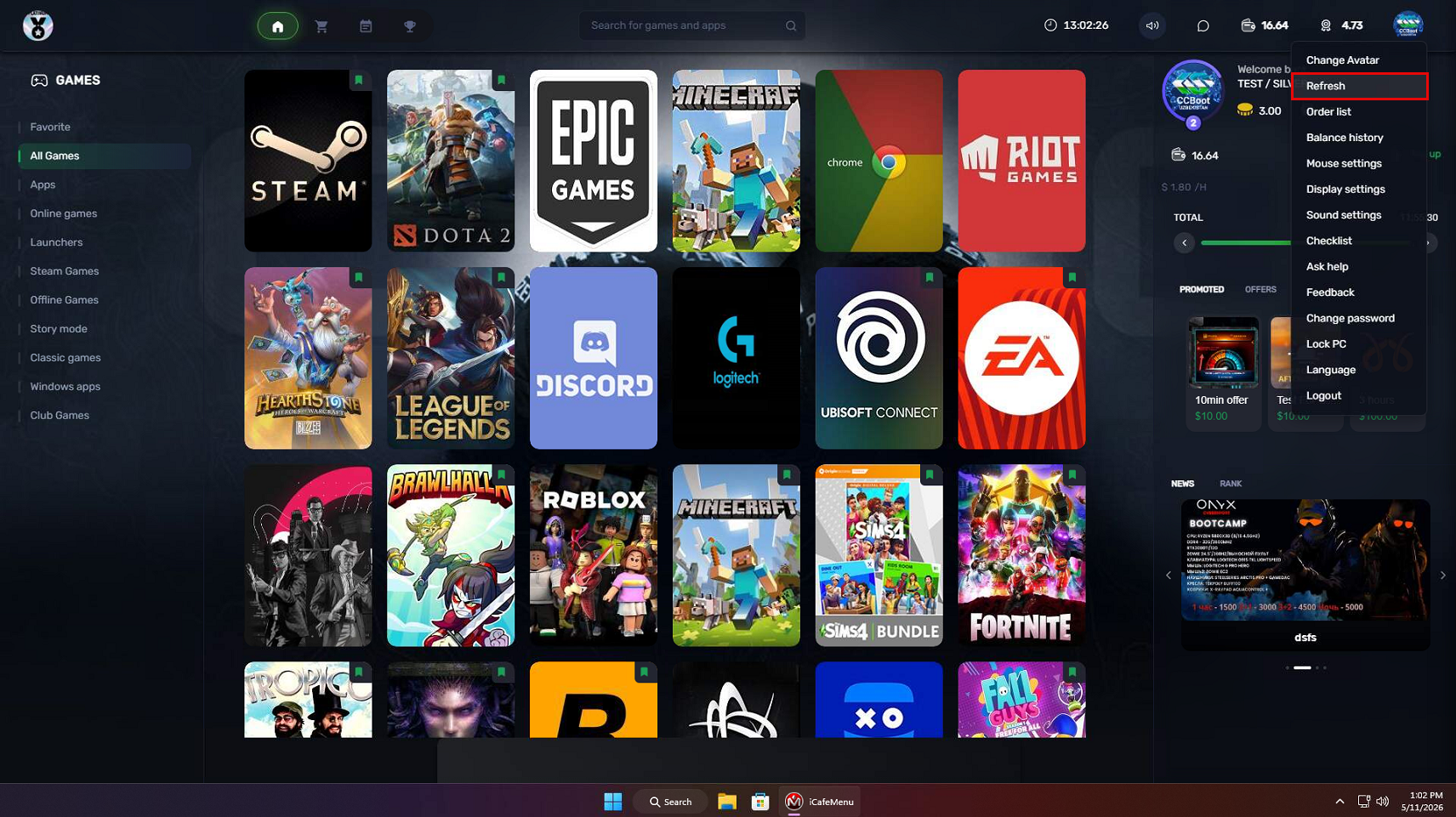
Figure 2
- The Refresh button can be used as many times.