

The following explains how to change the keyboard language on the iCafeMenu login page, allowing users to type their account credentials correctly when using different languages.
- On the login screen, at the bottom next to the iCafeMenu version, you will find the keyboard language icon, which displays the current language (EN). (Figure 1)
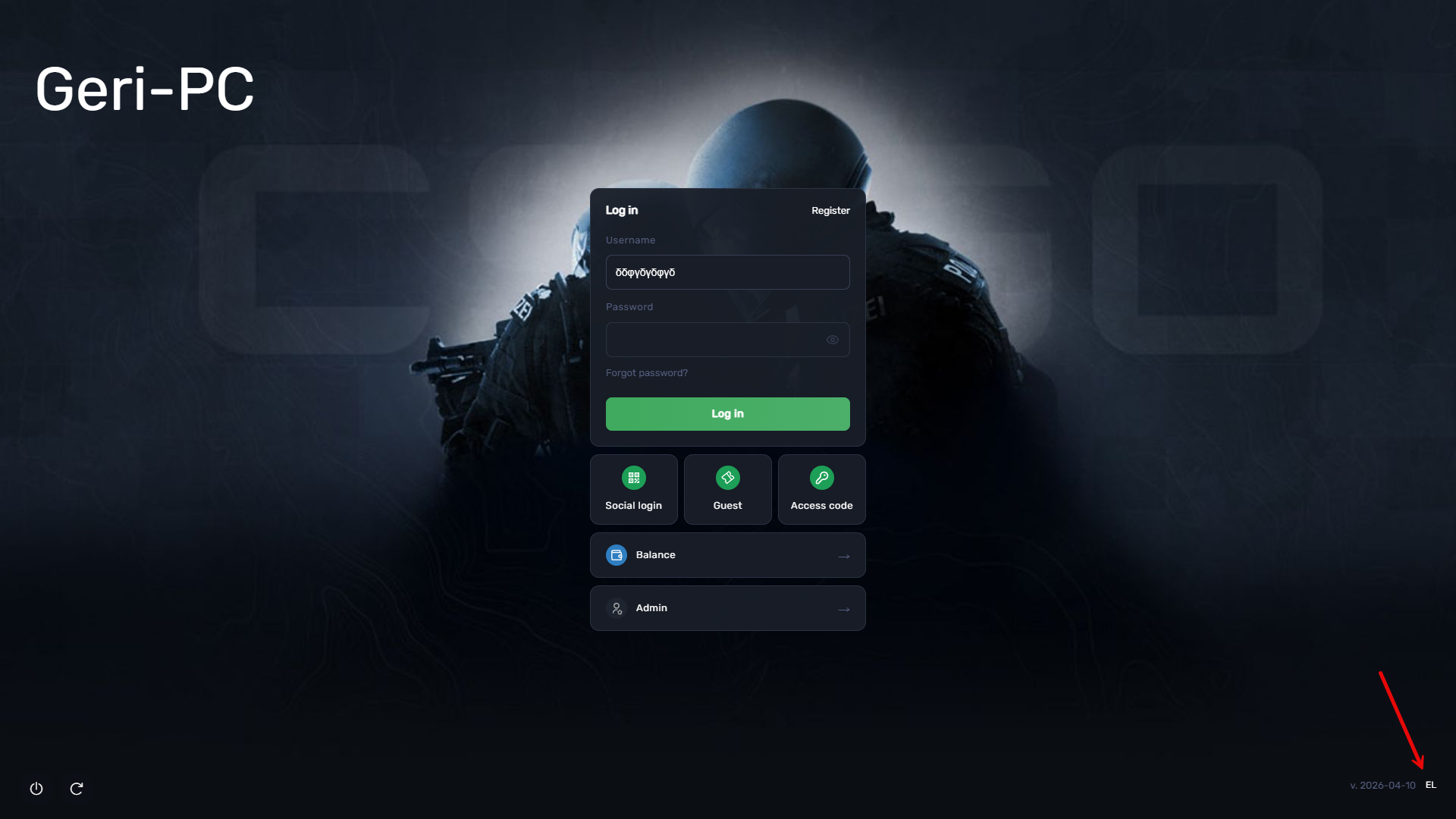
Figure 1
- If multiple keyboard languages are configured in Windows, clicking the language icon will cycle through the available options, for example switching from English to another language, with typing adjusting accordingly. Alternatively, you can use the Alt + Shift shortcut to switch languages directly. (Figure 2)
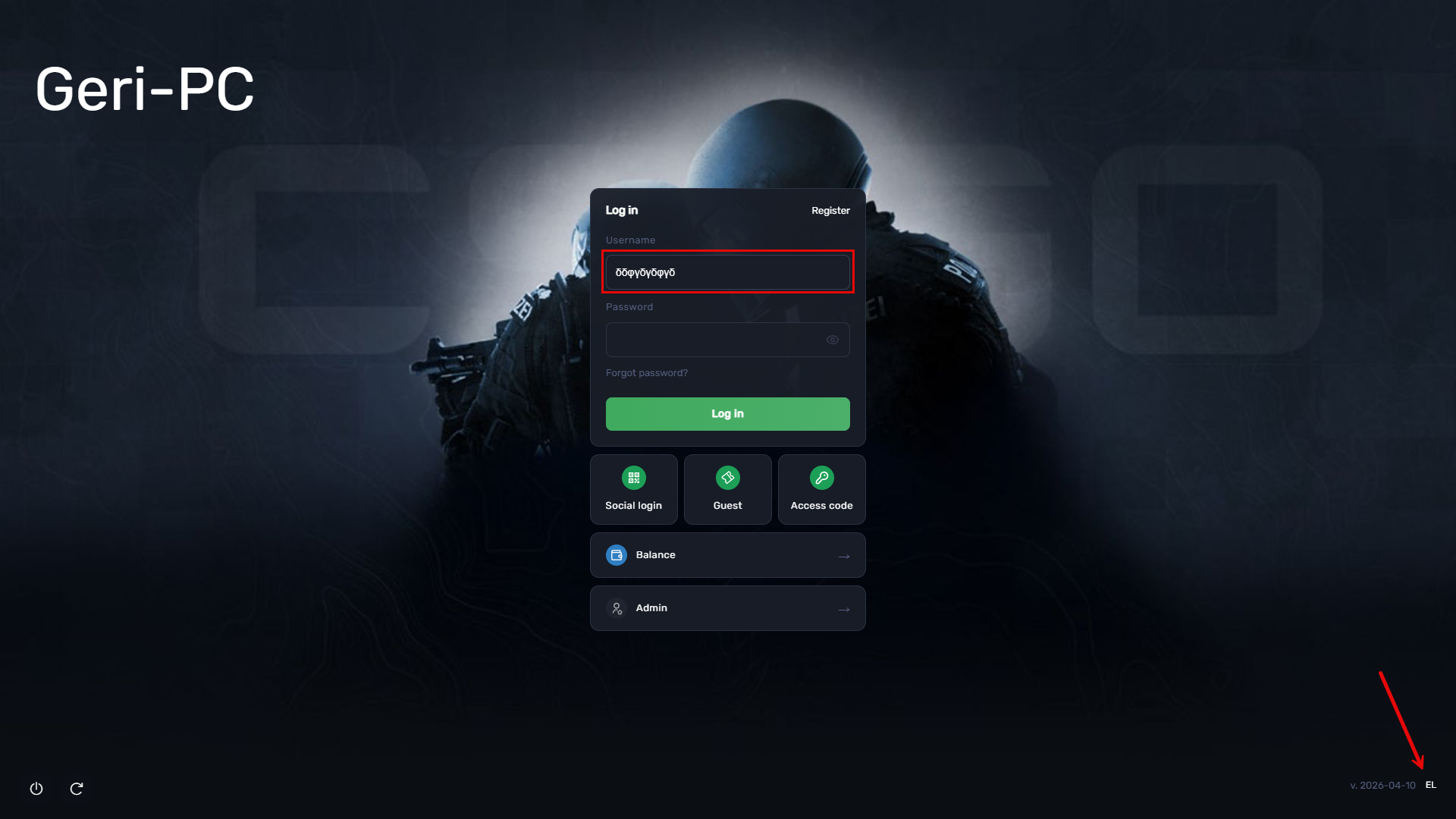
Figure 2