

The following explains how to switch between the available control panel themes before or after logging in, allowing you to choose the color scheme that best suits your preference.
- At the top of the screen, click the current theme name to open a list of available color themes. Then select the theme you want to apply. (Figure 1)
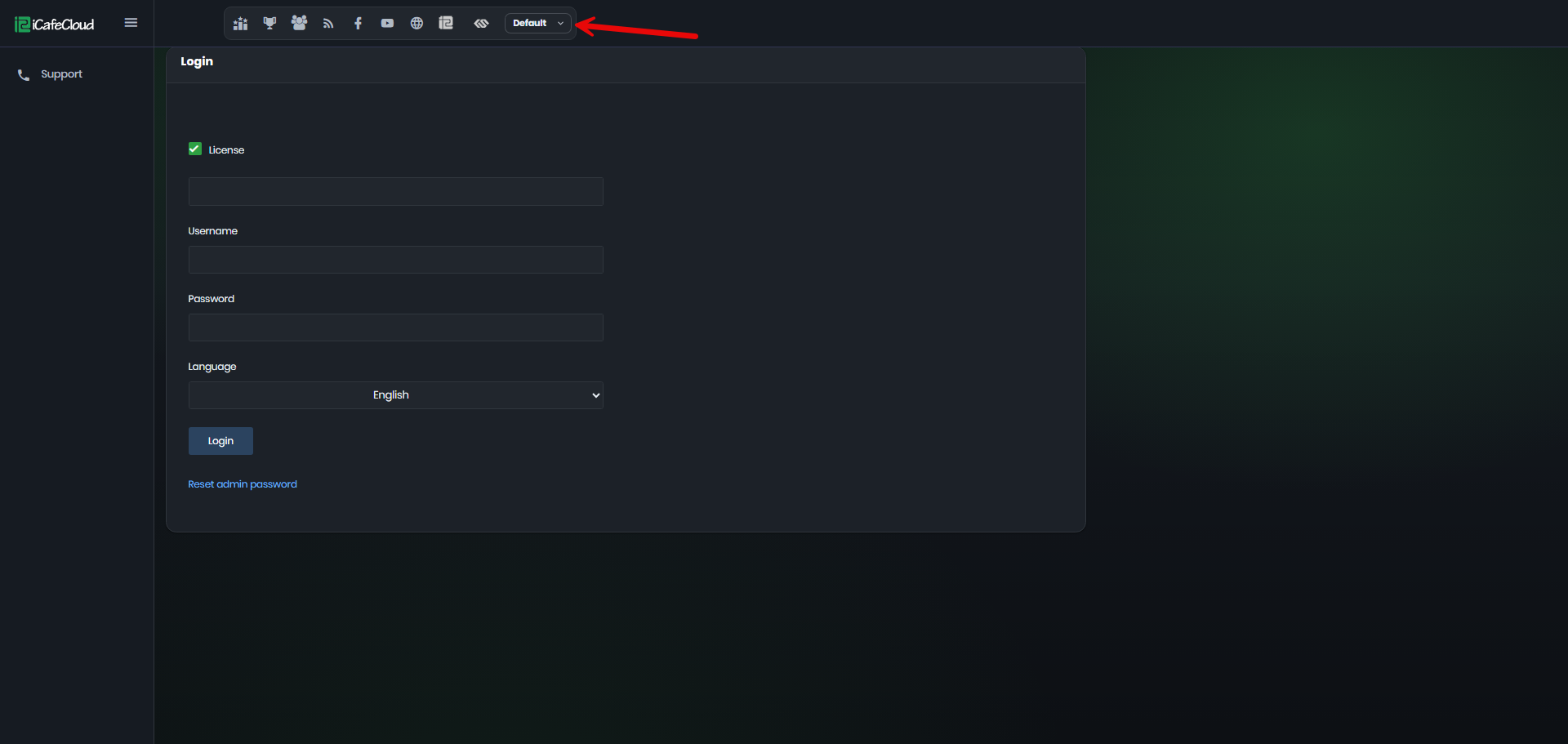
Figure 1
- Several color themes are available, including Default, Blue, Ocean, Emerald, Teal, Indigo, Slate, and Amber. Select any theme to instantly apply it to the control panel. (Figure 2)
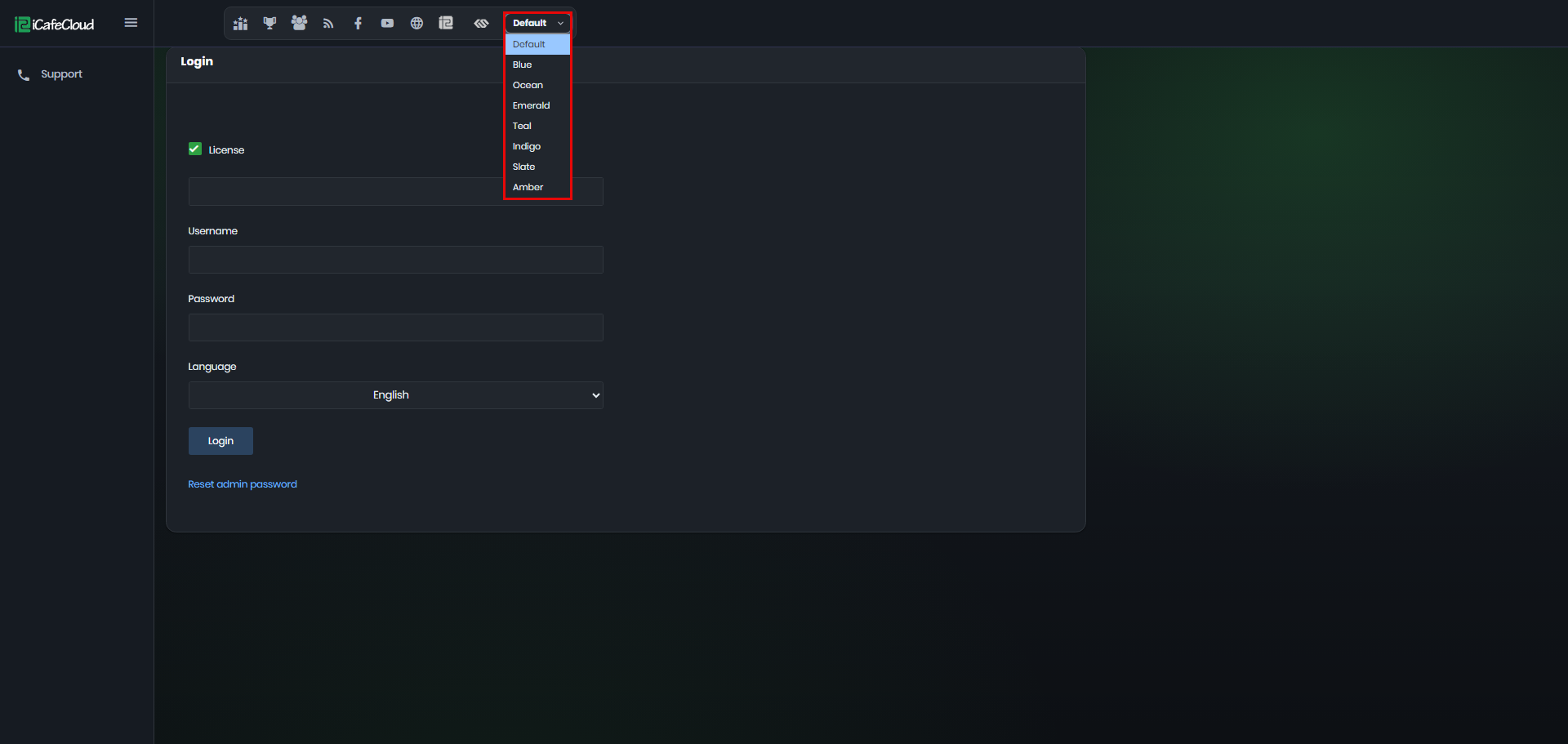
Figure 2
- Selecting one of the available themes will instantly change the color scheme of the control panel. (Figure 3)
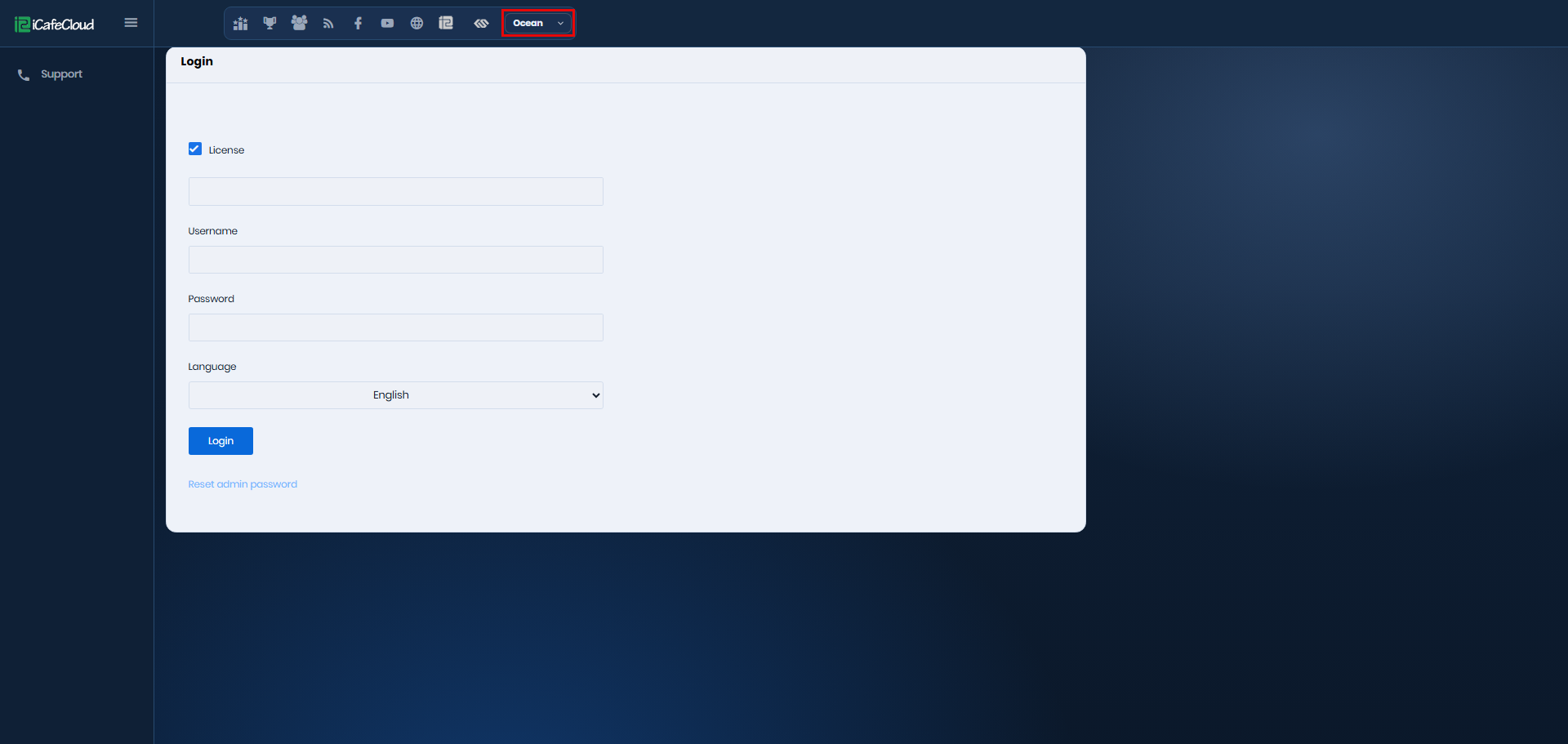
Figure 3