

The following explain how to fix the gameloop error with wlanapi.dll
- If GameLoop fails to launch and displays an error message related to wlanapi.dll, follow these steps to fix the issue. (Figure 1)
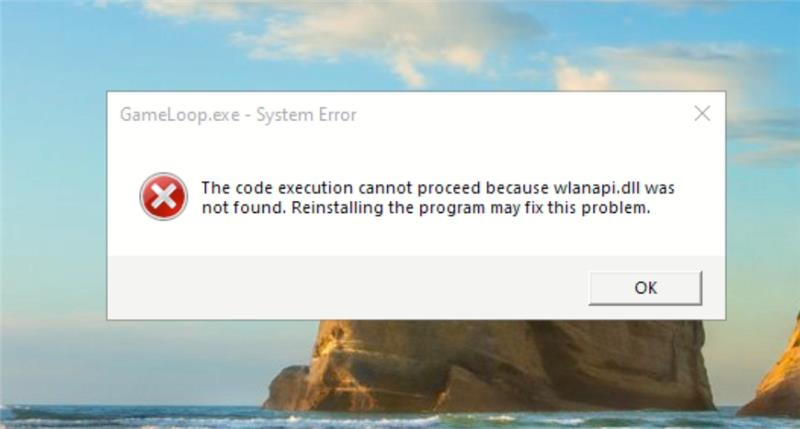
Figure 1
- Open PowerShell as Administrator.
- Paste and run the following command:
Install-WindowsFeature -Name Wireless-Networking - Restart your PC and launch GameLoop again.
- This should resolve the error on supported Windows Server versions.If you're using Windows 10 or 11, this command may not work.