

The following explains how to view a member’s product order history directly from the Members page.
- Navigate to the Members page and open Order History. (Figure 1)
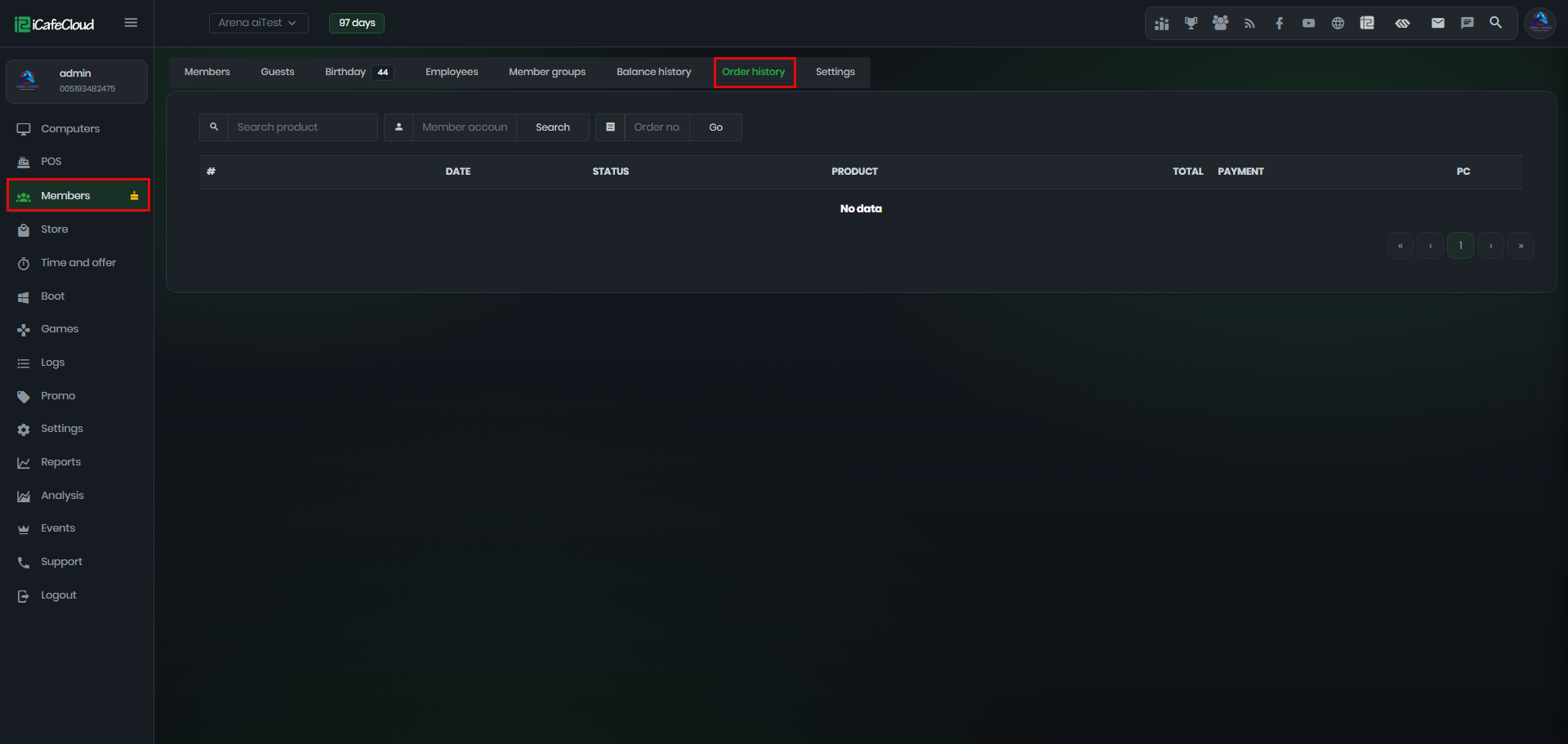
Figure 1
- You can search orders by product name. (Figure 2)
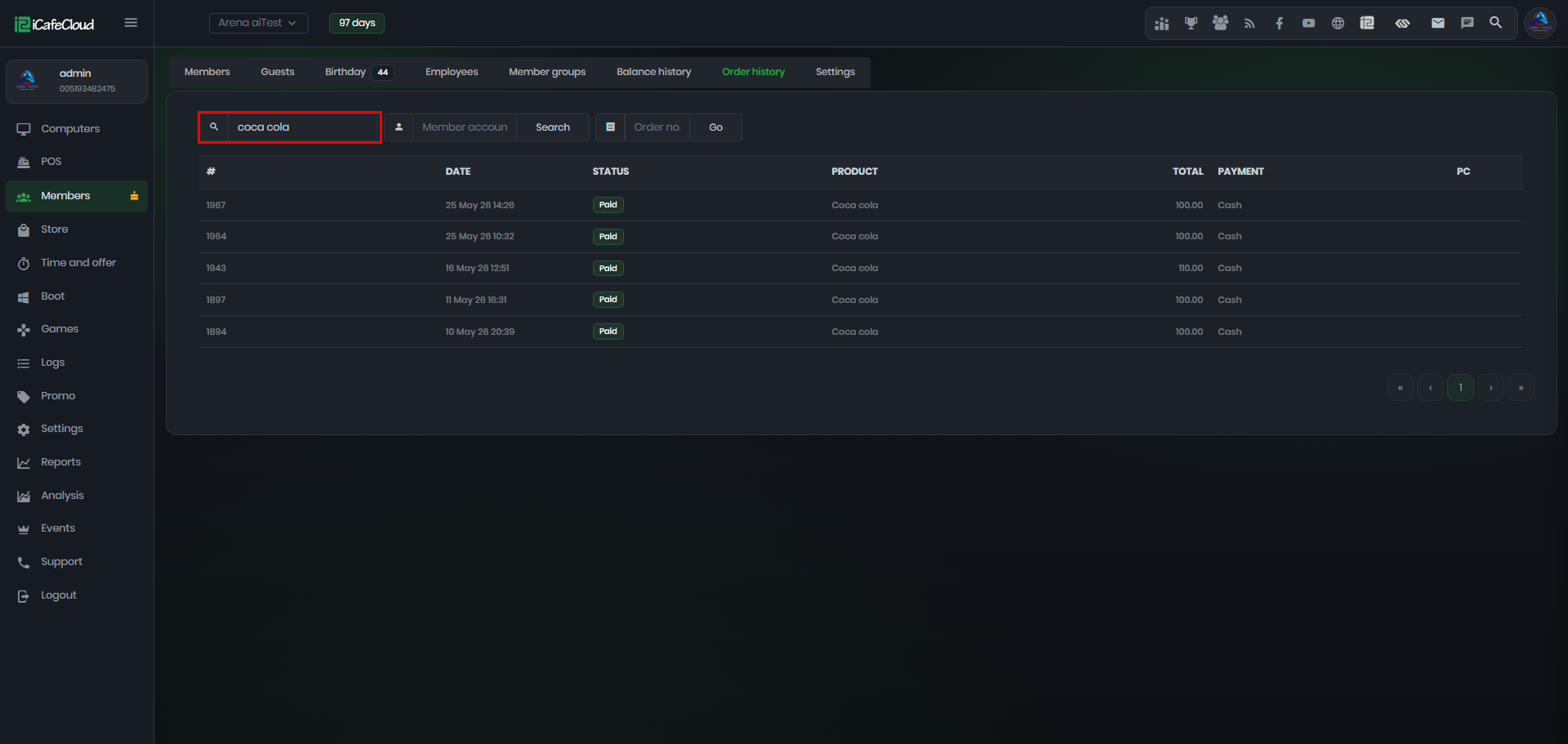
Figure 2
- You can also search orders by member name.(Figure 3)
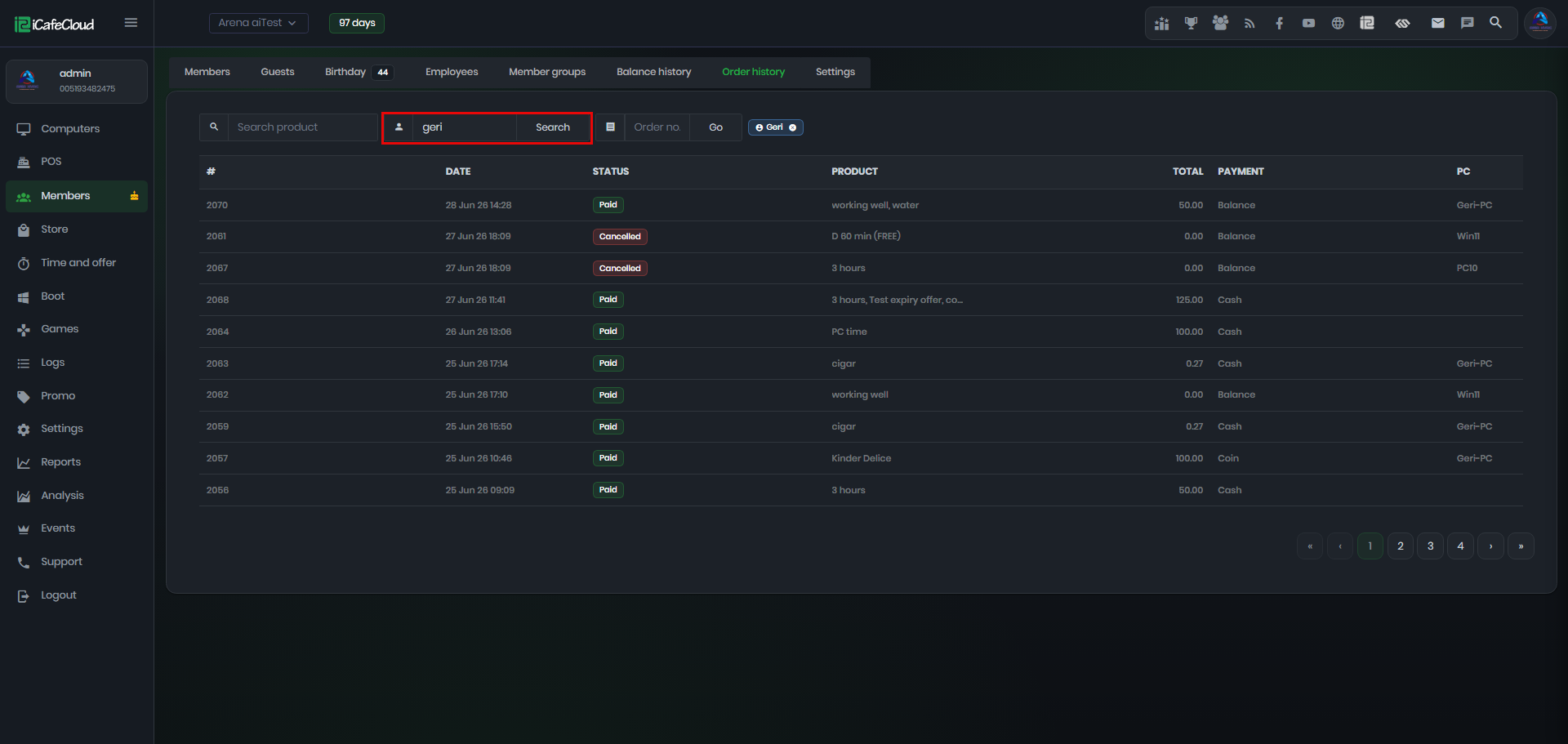
Figure 3
- You can also search by order ID. (Figure 4)
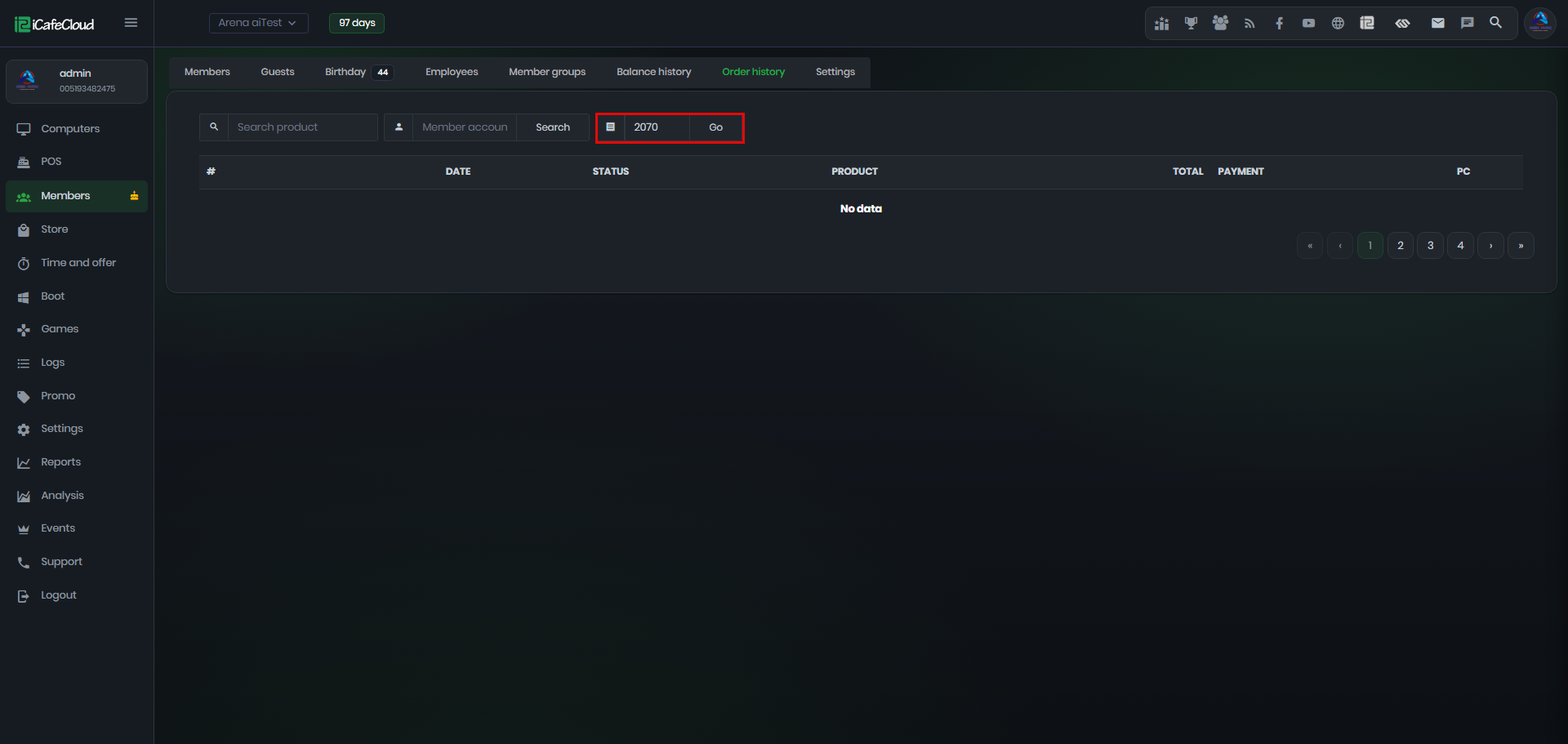
Figure 4
- Clicking a member name in the POS transaction history will redirect you to the Order History page and automatically search for that member’s account. (Figure 5)
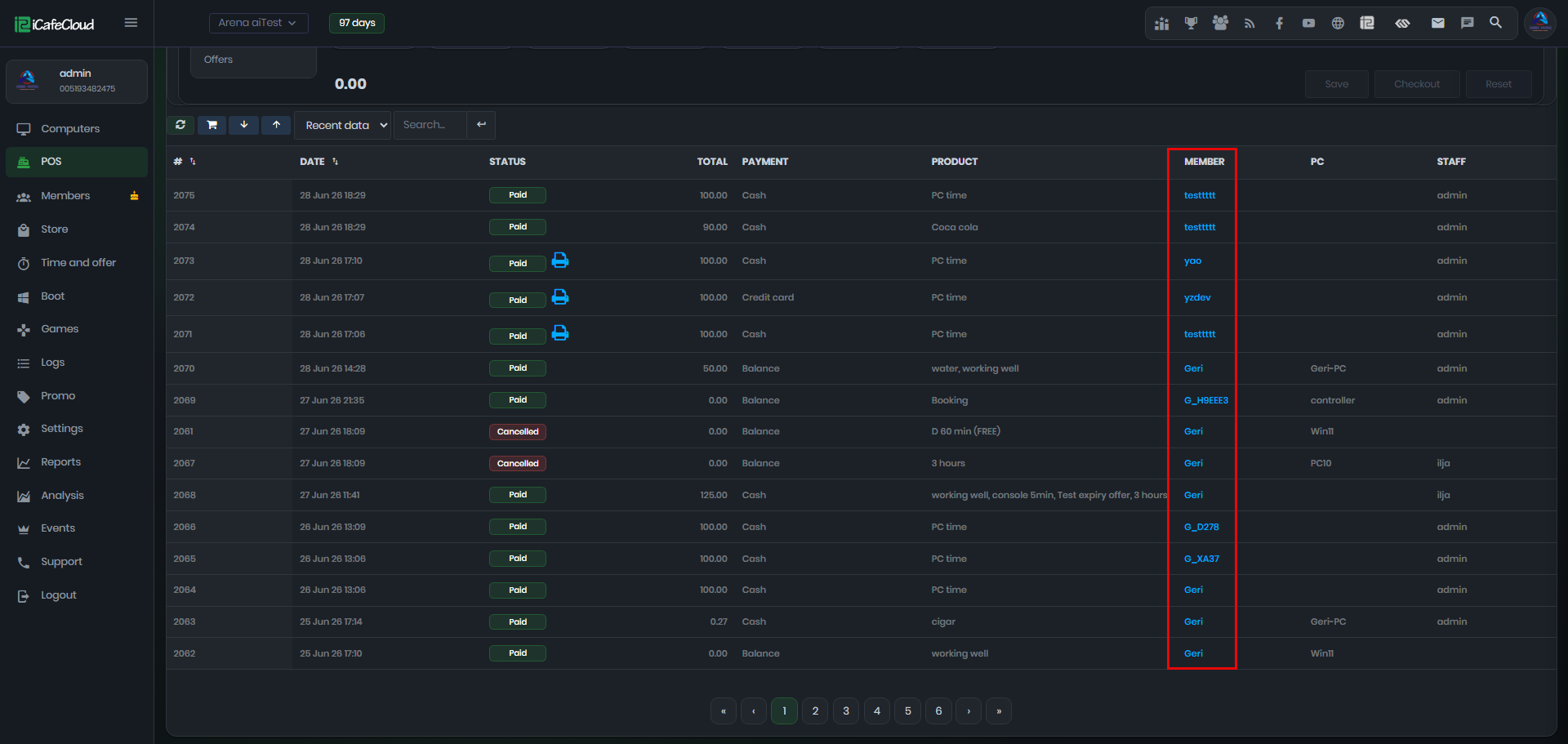
Figure 5