

Running a successful internet cafe requires much more than just building high-end gaming rigs and keeping the latest titles updated. Behind the glowing RGB lights and the sound of mechanical keyboards, the true lifeblood of your business is your financial data. If you aren't rigorously tracking your daily numbers, you are essentially flying blind.
A well-structured internet cafe daily revenue report is your first line of defense against financial leaks, operational inefficiencies, and employee errors. Whether you operate a cozy local cyber cafe or a massive multi-location esports arena, understanding how to calculate internet cafe daily profits separates thriving businesses from those struggling to keep their doors open.
In this guide, we will break down the essential metrics every owner needs to monitor, provide a practical daily template, and show you how to spot hidden problems before they impact your bottom line.
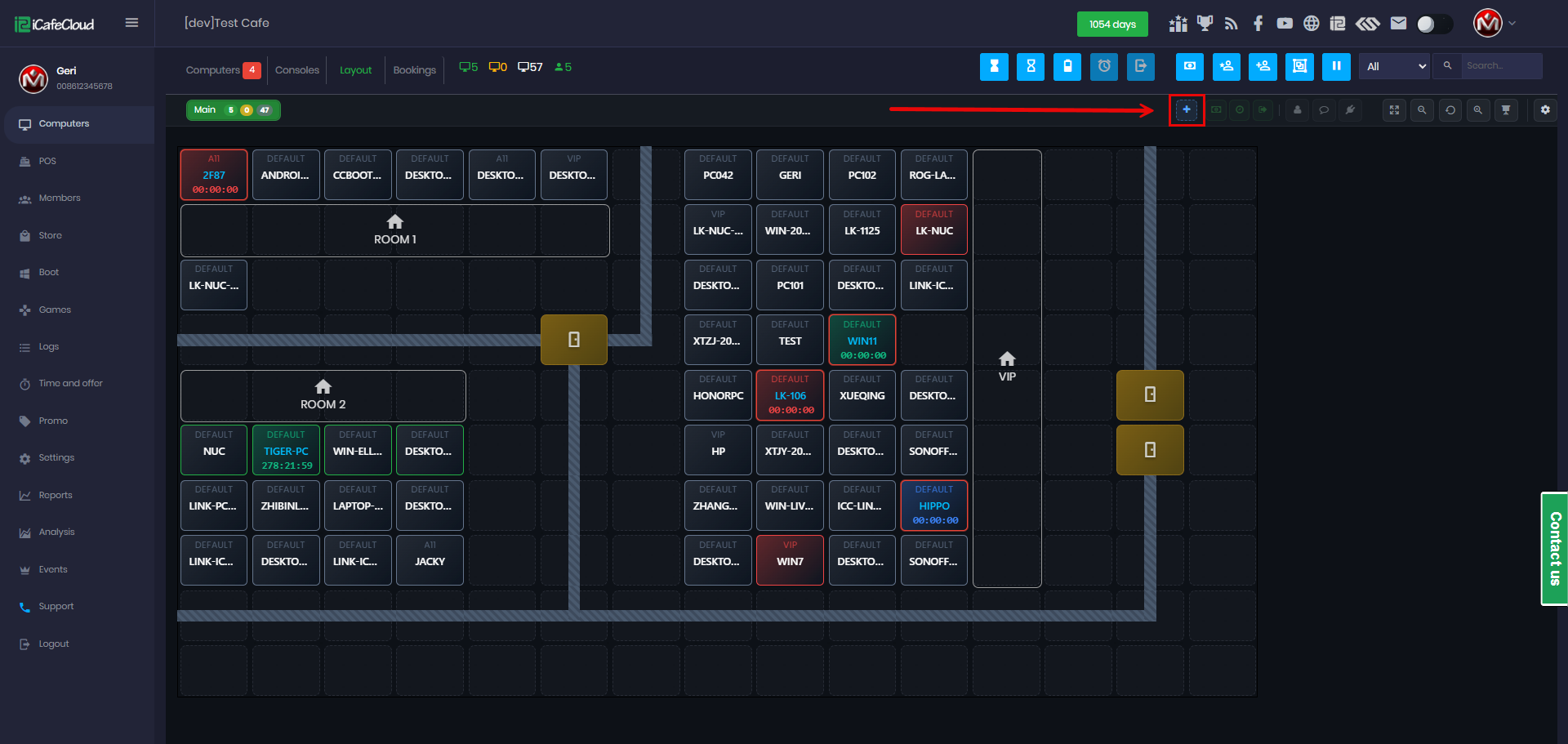
The Era of Data: Manual Bookkeeping vs Internet Cafe Management Software
In the early days of cyber cafes, a cash register and a handwritten ledger might have been enough. Today, the debate of manual bookkeeping vs internet cafe management software has a clear winner. Manual tracking is slow, highly prone to human error, and completely inadequate for managing modern gaming centers with multiple revenue streams.
When you rely on paper trails, spotting revenue leakage in internet cafes—whether from unrecorded snack sales, unauthorized free time given by staff, or miscalculated change—becomes almost impossible. Upgrading to a digital system is the fastest path toward optimizing internet cafe operational costs through reporting. By automating the math, you free up your time to focus on customer experience and business growth.
7 Core Metrics Your Daily Report Must Include
To get a complete picture of your daily performance, your revenue report needs to track multiple distinct categories. Here are the crucial metrics to monitor:
1. Session Revenue & Analytics
Your primary income comes from PC and console time. However, tracking gross gaming revenue isn't enough. You need to look at internet cafe session duration analytics to understand how long gamers are staying. Shorter, frequent sessions might require a different pricing strategy compared to all-day marathon gamers. Additionally, regularly calculating the average hourly rate for gaming centers in your region ensures your pricing remains competitive yet profitable.
2. Machine Utilization
Are your PCs actually making money, or just consuming electricity? Internet cafe machine utilization rate tracking tells you exactly what percentage of your hardware is generating revenue at any given hour. A 30% utilization rate on a Tuesday afternoon might be normal, but a 40% rate on a Saturday night indicates a major problem.
3. Food and Beverage (F&B) Sales
For many modern gaming centers, snacks, energy drinks, and hot meals make up 30% to 50% of total profits. Knowing exactly how to track food and beverage sales in cyber cafes is critical. These items move fast and have high margins, making them prime targets for inventory shrinkage if not strictly monitored through your point-of-sale (POS) system.
4. Memberships and Renewals
Loyal gamers are the foundation of your revenue. Managing internet cafe memberships and renewals efficiently ensures a steady stream of recurring income. Your daily report should highlight how many new VIP accounts were created, how many expired, and how many were successfully renewed.
5. Promos and Discounts
Promotions drive foot traffic, but they can also bleed your profits if abused. Track exactly how many "Buy 2 Hours, Get 1 Free" offers were redeemed daily to ensure staff aren't handing out unauthorized free time to their friends.
6. Peak vs. Off-Peak Performance
Understanding peak vs off-peak revenue analysis for gaming centers allows you to optimize staffing schedules and electricity usage. If you notice specific off-peak hours are completely dead, you can deploy targeted happy-hour promotions to drive traffic.
7. Refunds and Chargebacks
Mistakes happen, and sometimes customers need a refund for a dropped game or a billing error. However, properly handling refunds and chargebacks in internet cafes requires documentation. A sudden spike in daily refunds is a massive red flag that requires immediate investigation.
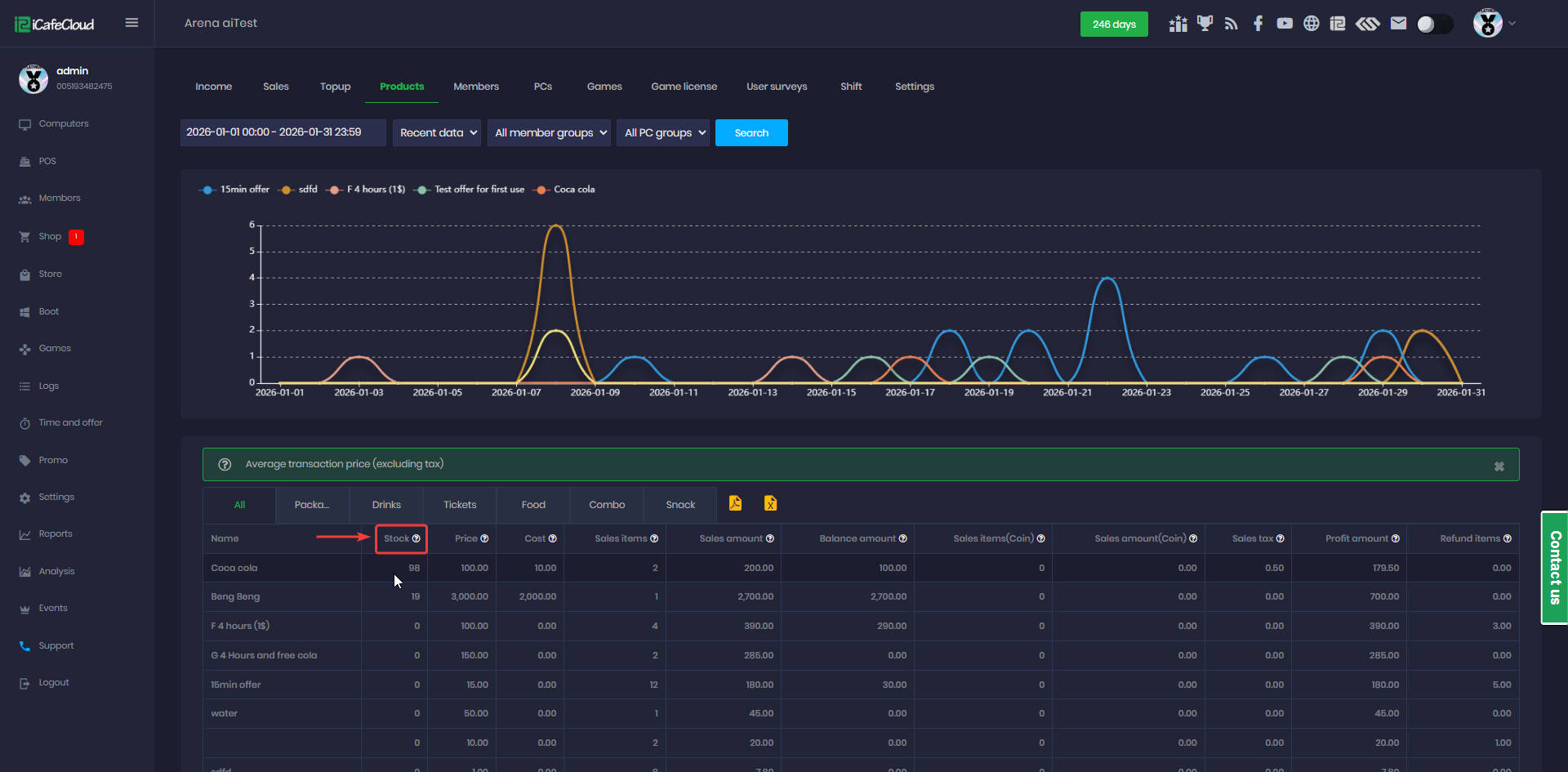
The Daily Shift Handover: Templates & Best Practices
To ensure data consistency, you need a standardized process for when your staff change shifts. Implementing a strict internet cafe shift handover checklist guarantees accountability.
Here is a practical template you can adapt for your center:
Step 1: End-of-Shift POS Summary
- Total Gross Revenue: $_____
- Gaming Time Sales: $_____
- F&B Sales: $_____
- Membership Sales: $_____
Step 2: Payment Breakdown
- Total Cash Expected: $_____
- Total Credit/Debit: $_____
- Total Digital Wallets (Apple Pay, Crypto, etc.): $_____
Step 3: Cash Drawer Reconciliation
- Actual Cash Counted: $_____
- Variance (Expected vs. Actual): +/- $_____
- Note: Identifying cash variances in gaming center POS systems is a daily must. A variance of a few cents is normal; a variance of $20+ requires an explanation.
Step 4: Exceptions and Notes
- Total Refunds Issued: $_____ (List reasons)
- Hardware Issues (e.g., PC #14 out of order)
- Low F&B Inventory Alerts
Automate Your Earnings with iCafeCloud
Manually compiling these checklists across multiple shifts is exhausting. That is why smart owners rely on automated internet cafe billing software reports.
By utilizing iCafeCloud as your dedicated internet cafe management product, this entire process becomes effortless. The iCafeCloud daily revenue tracking features automatically pull data from your PCs, consoles, and F&B sales into one clean, cloud-based dashboard.
With iCafeCloud, you can check your live revenue, track inventory, and monitor PC utilization from your smartphone, no matter where you are. It acts as an invisible, flawless accountant that watches over your business 24/7, completely eliminating the guesswork from your daily operations.
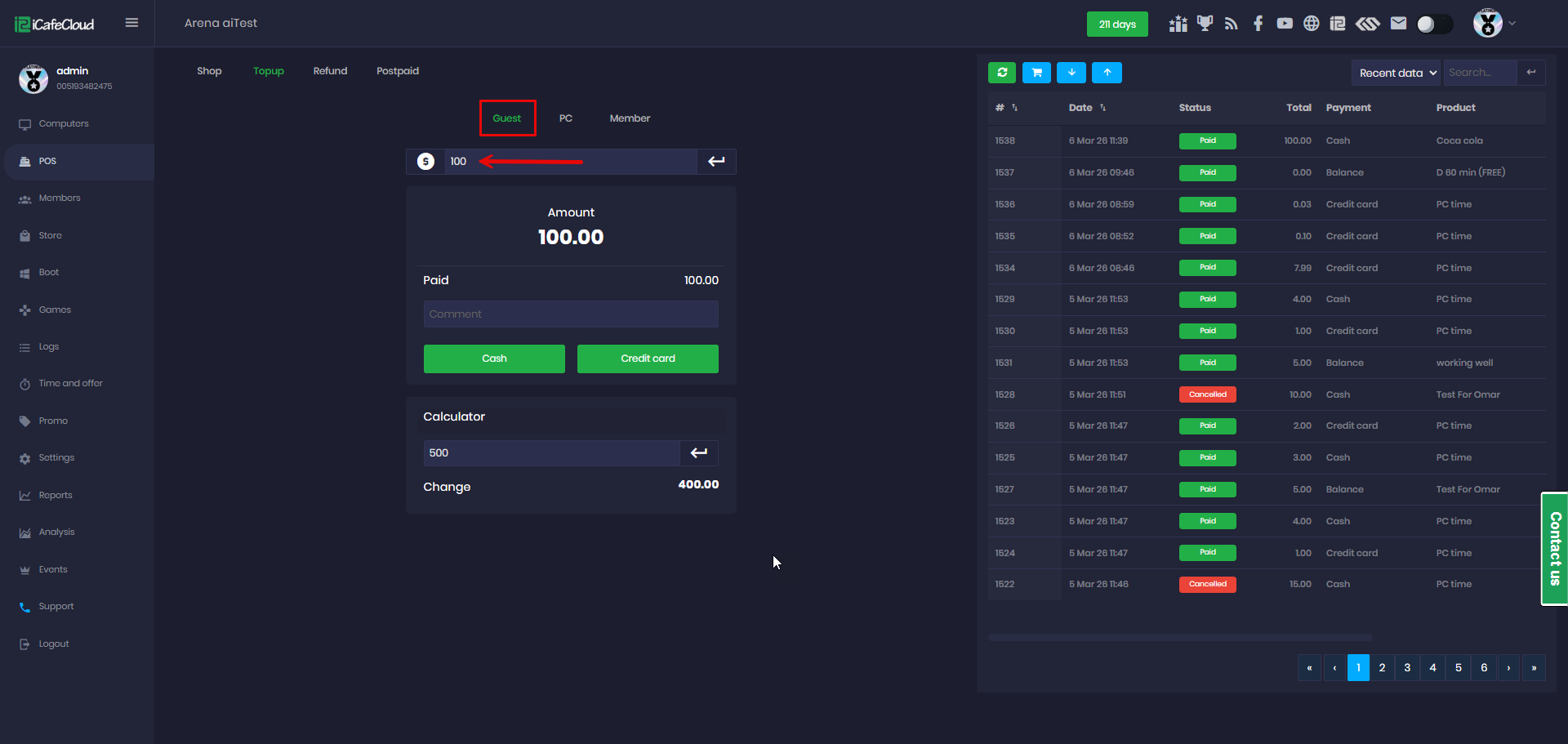
Troubleshooting Guide: Spotting Problems Fast
Even with the best software, you need to know how to interpret your data. When you review your daily reports, look out for these common discrepancies. Here is your troubleshooting guide for spotting issues quickly:
Problem 1: High Cash Variances
- The Symptom: Your POS says you should have $500 in the drawer, but you only have $460.
- The Diagnosis: This usually points to one of three things: incorrect change given to customers, an unrecorded cash refund, or employee theft.
- The Fix: Enforce a strict policy that the cash drawer must balance exactly to the POS report. If a cashier makes a mistake, it must be logged immediately. Utilize software to strictly control register access.
Problem 2: High Utilization, Low Revenue
- The Symptom: Your internet cafe machine utilization rate tracking shows that PCs were occupied at 90% capacity all night, but gaming revenue is surprisingly low.
- The Diagnosis: Staff might be logging in customers under administrative accounts, abusing promotional codes, or handing out unlogged VIP hours.
- The Fix: Review the session logs. Restrict admin account privileges strictly to management, and monitor promo code usage in your daily report.
Problem 3: Sudden Drop in F&B Profit Margins
- The Symptom: Your inventory is depleting rapidly, but your F&B revenue hasn't increased.
- The Diagnosis: Snacks are either being consumed by staff without payment, handed out to friends, or stolen by customers.
- The Fix: Move high-value items (like energy drinks) behind the counter. Conduct random spot-checks of physical inventory against your software's digital inventory.
Problem 4: Unusual Spike in Refunds
- The Symptom: You notice a significant jump in daily refunds.
- The Diagnosis: It could be a hardware issue (e.g., a row of PCs keeps crashing, forcing staff to refund game time), network instability causing lag, or staff pocketing cash and logging the transaction as a refund.
- The Fix: Make it mandatory for staff to attach a specific reason and customer name to every refund. If refunds are due to tech issues, prioritize maintenance immediately to stop the revenue bleed.
Conclusion
Mastering your daily numbers is the key to scaling your gaming business. By abandoning outdated methods and utilizing comprehensive automated internet cafe billing software reports, you empower yourself to make fast, data-driven decisions.
Remember, consistency is your greatest asset. Train your staff to respect the internet cafe shift handover checklist, keep a close eye on your machine utilization, and aggressively investigate cash variances. When you know exactly where every dollar is coming from—and where it’s going—you build a resilient, highly profitable internet cafe.
Ready to take the stress out of your daily reporting? Upgrade your center today with the industry’s most powerful tools at iCafeCloud and watch your profits grow.