

The following explains the Booking Lock Minutes function, which prevents other members from starting a new session on a PC during the specified number of minutes before a scheduled booking begins. The booked member can still start their session as scheduled and is charged only for the actual booking duration.
- Navigate to Members -> Settings, set the Booking Lock Minutes value to specify how many minutes before a booking the PC should become unavailable to other members.(Figure 1)
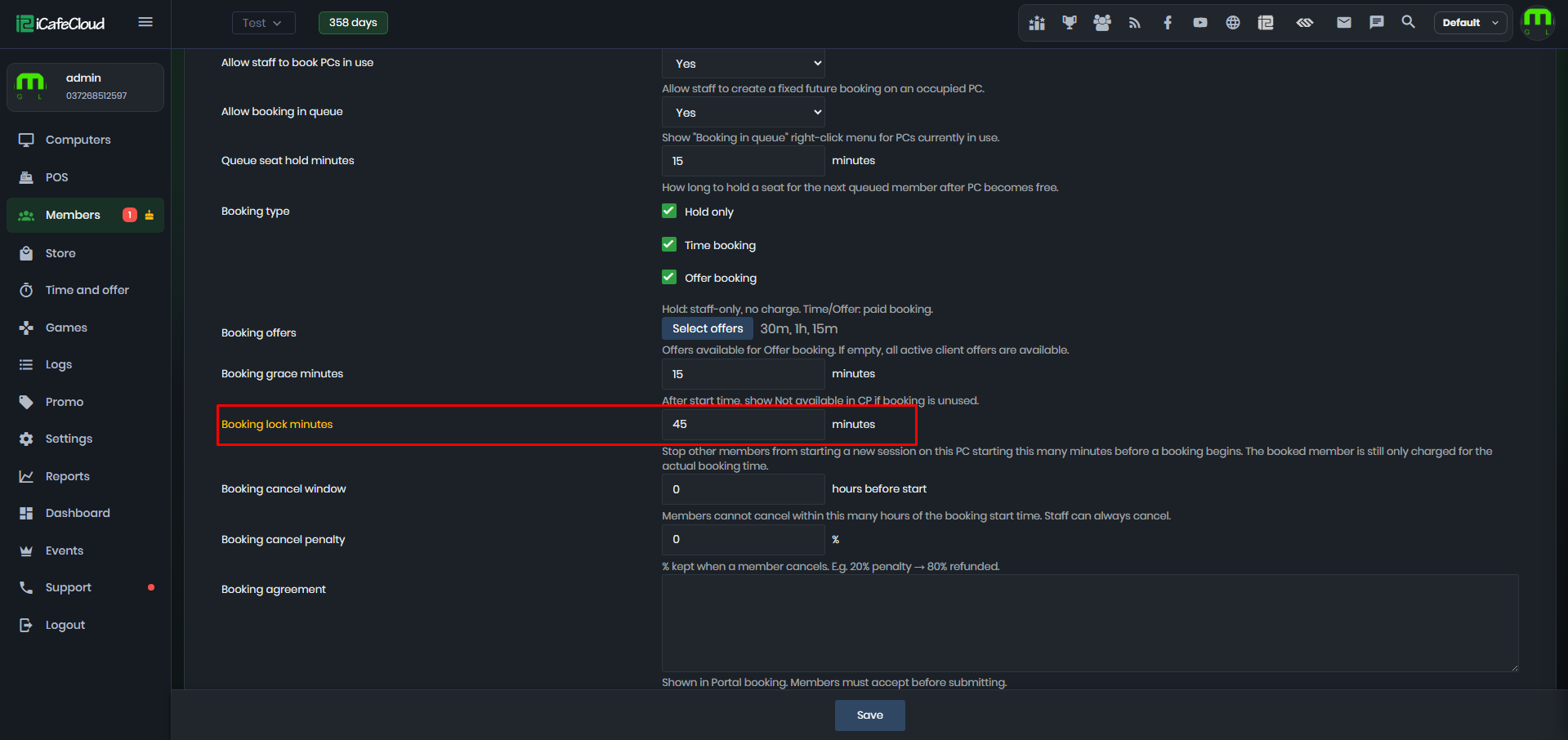
Figure 1
- The booked PC will not allow other members to start the session. (Figure 2)

Figure 2