2026-03-20
qr, pay, offer, client
The following explains how to purchase available offers directly from the client login page using a QR code.
- Go to Settings - Client Settings, locate Allow QR Offer at Client, and change it to Yes to enable QR offer purchases on the client side. (Figure 1)
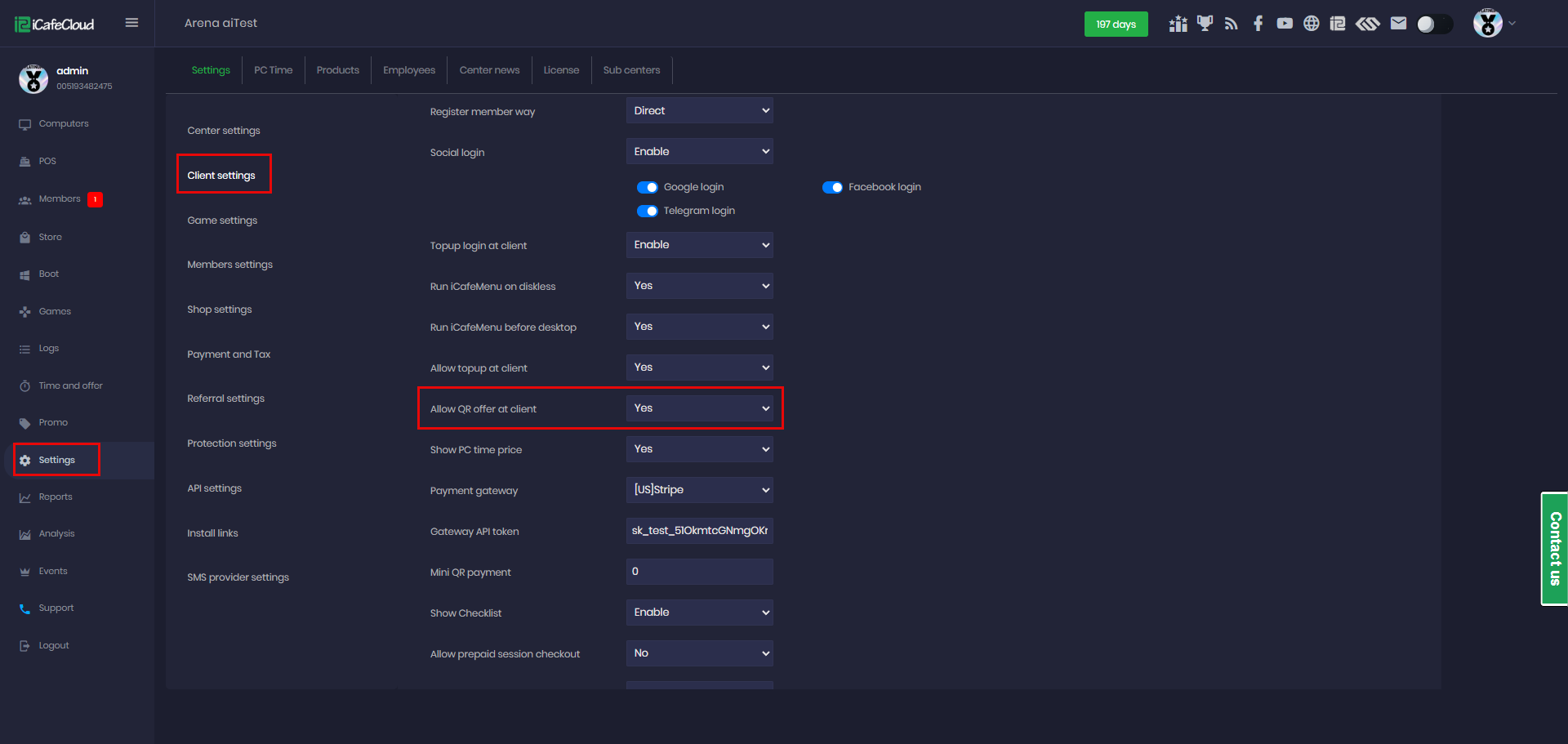
Figure 1
- On the client interface, a new “OFFERS” button will appear below the login details.(Figure 2)
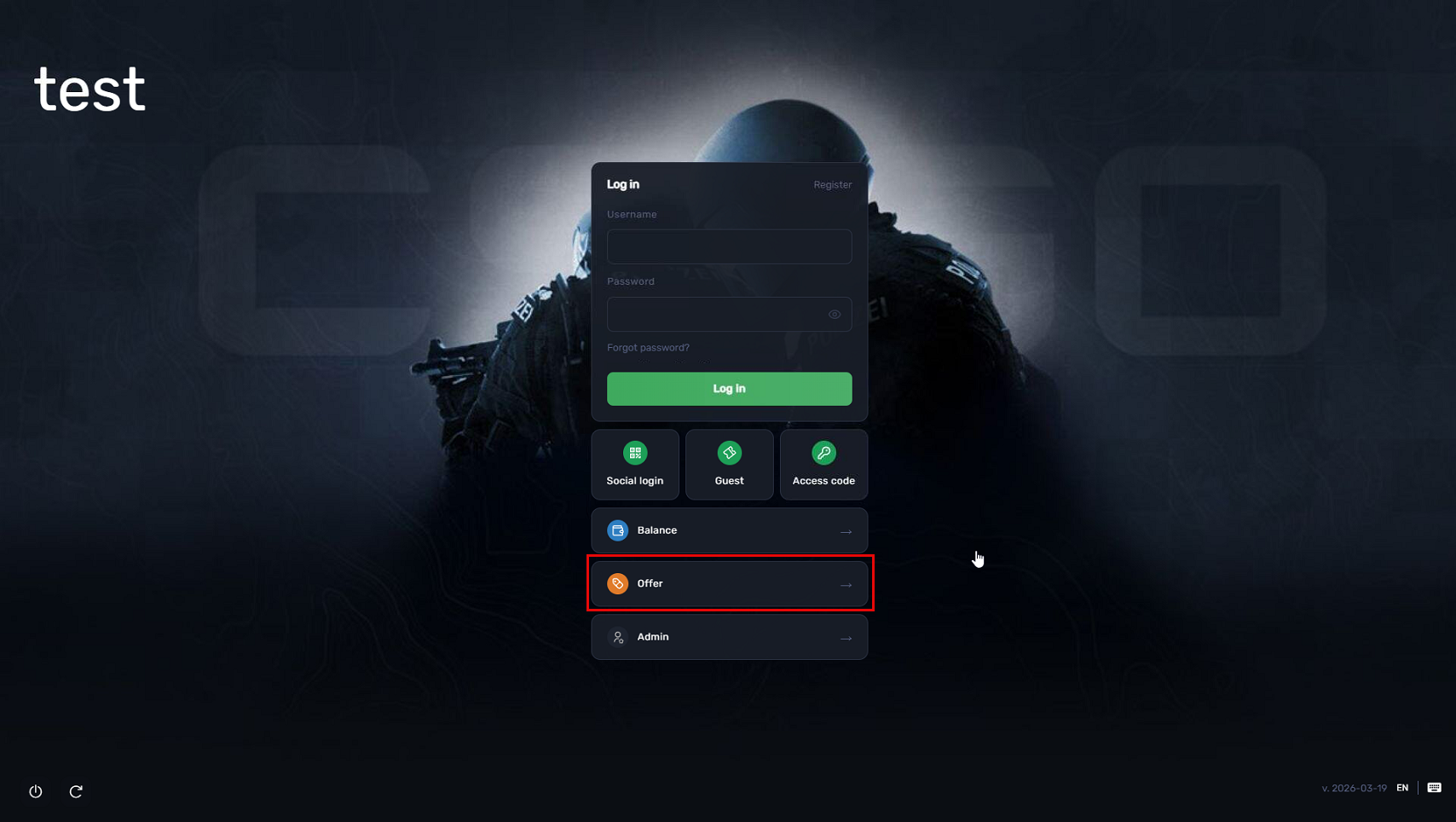
Figure 2
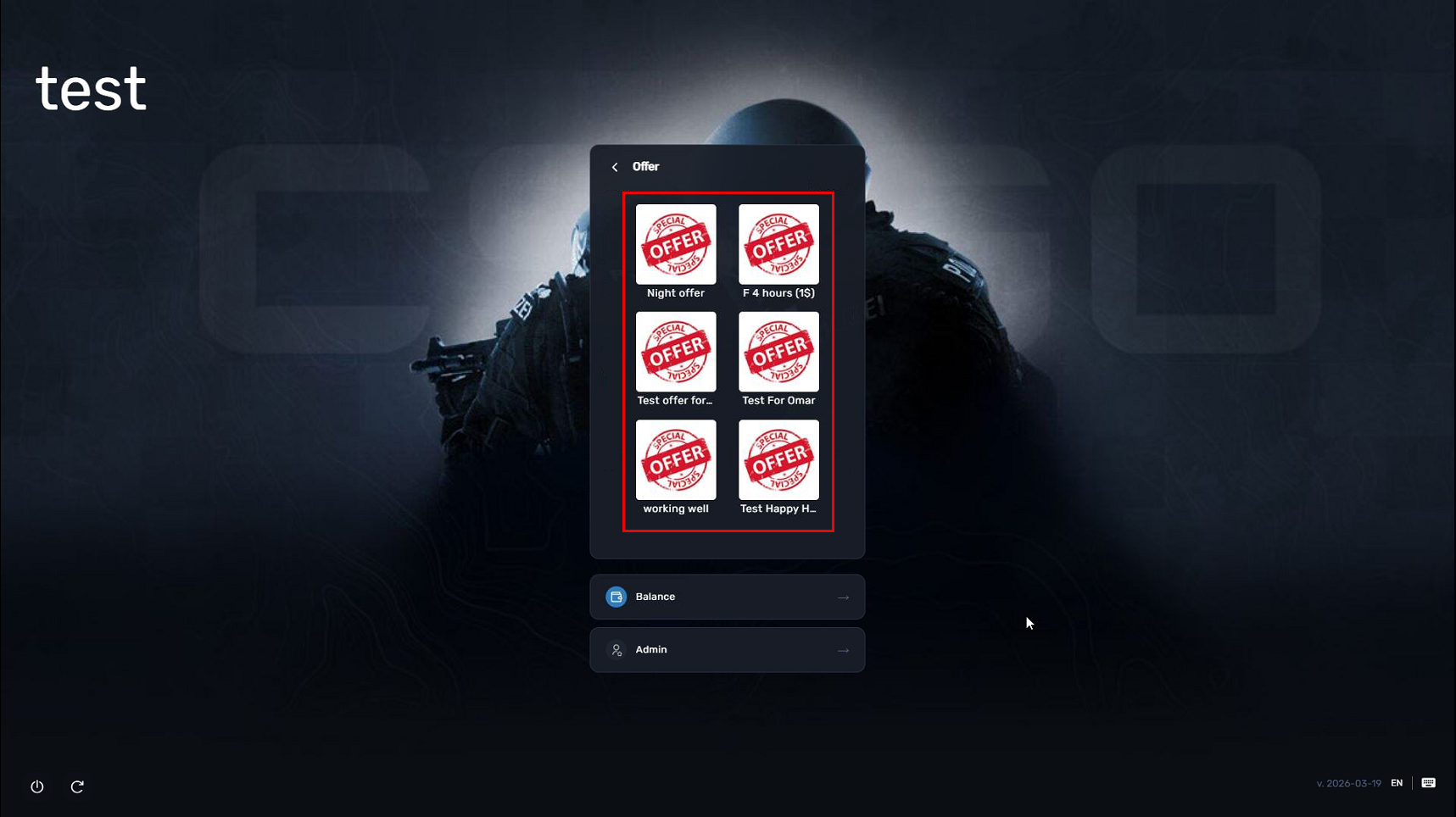
- Next you can select one of the available offers