

The following explains how to change the category names for Favorites and Club Games to your preferred names.
- Go to Settings → Client Settings, where you can change two options: Favorite Category Name (default: Favorites) and Club Games Category Name (default: Club Games). (Figure 1)
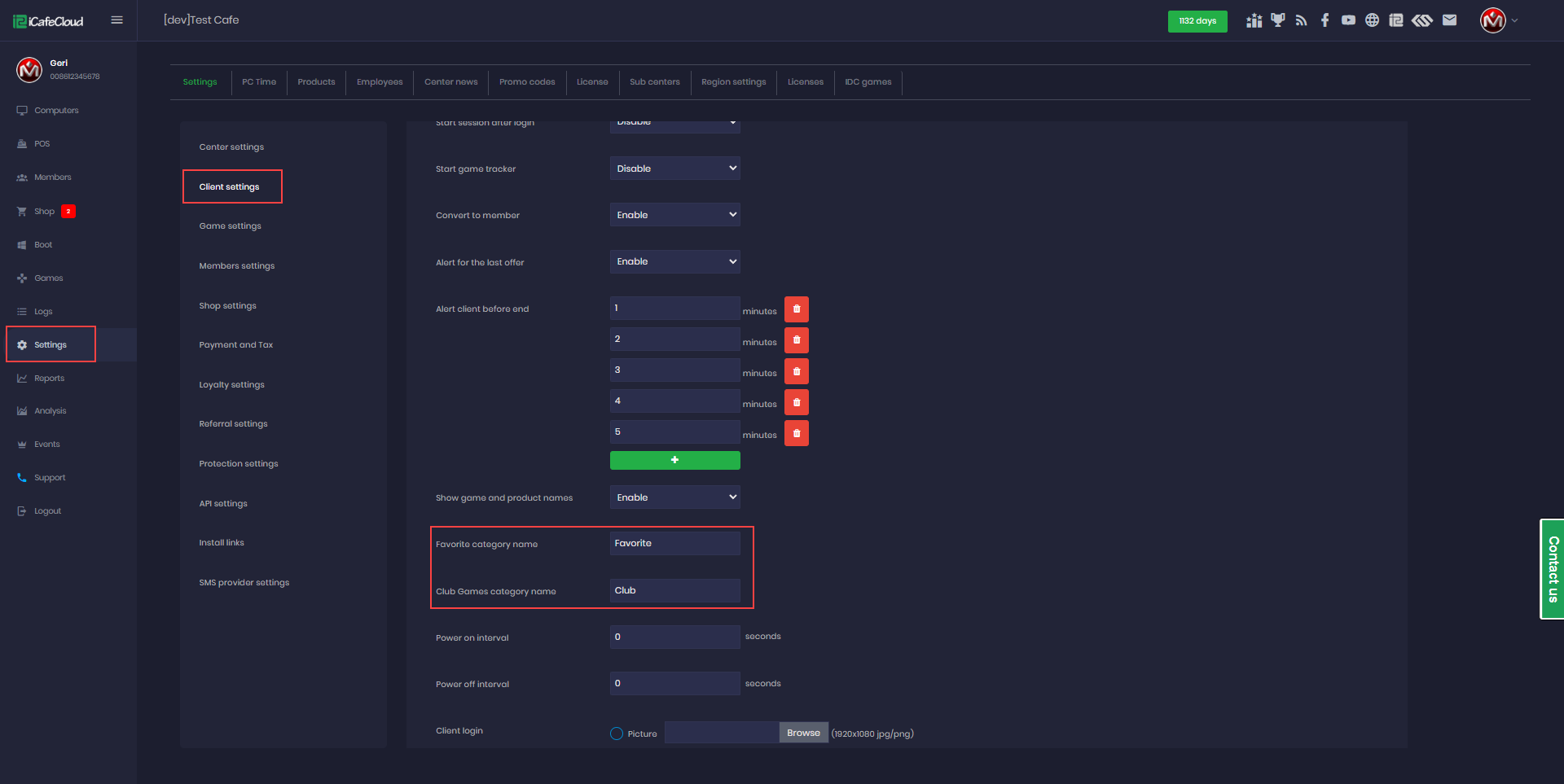
Figure 1
- Once changed, the client side will display the new category names (Figure 2).
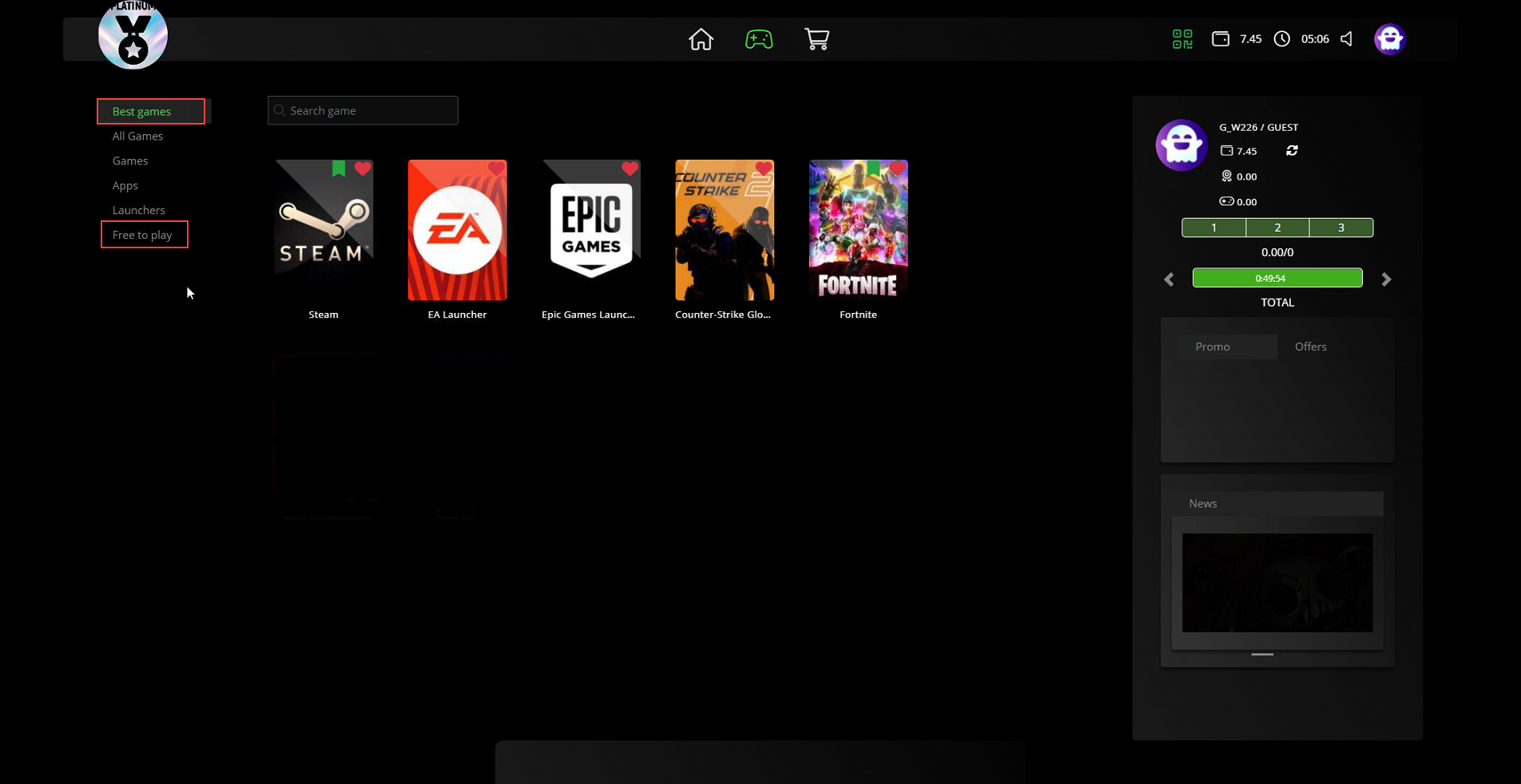
Figure 2