

The following explains how to enable or disable the top-up function.
- Go to POS → Settings, and set “Enable Top-up” to NO (Figure 1 & 2).
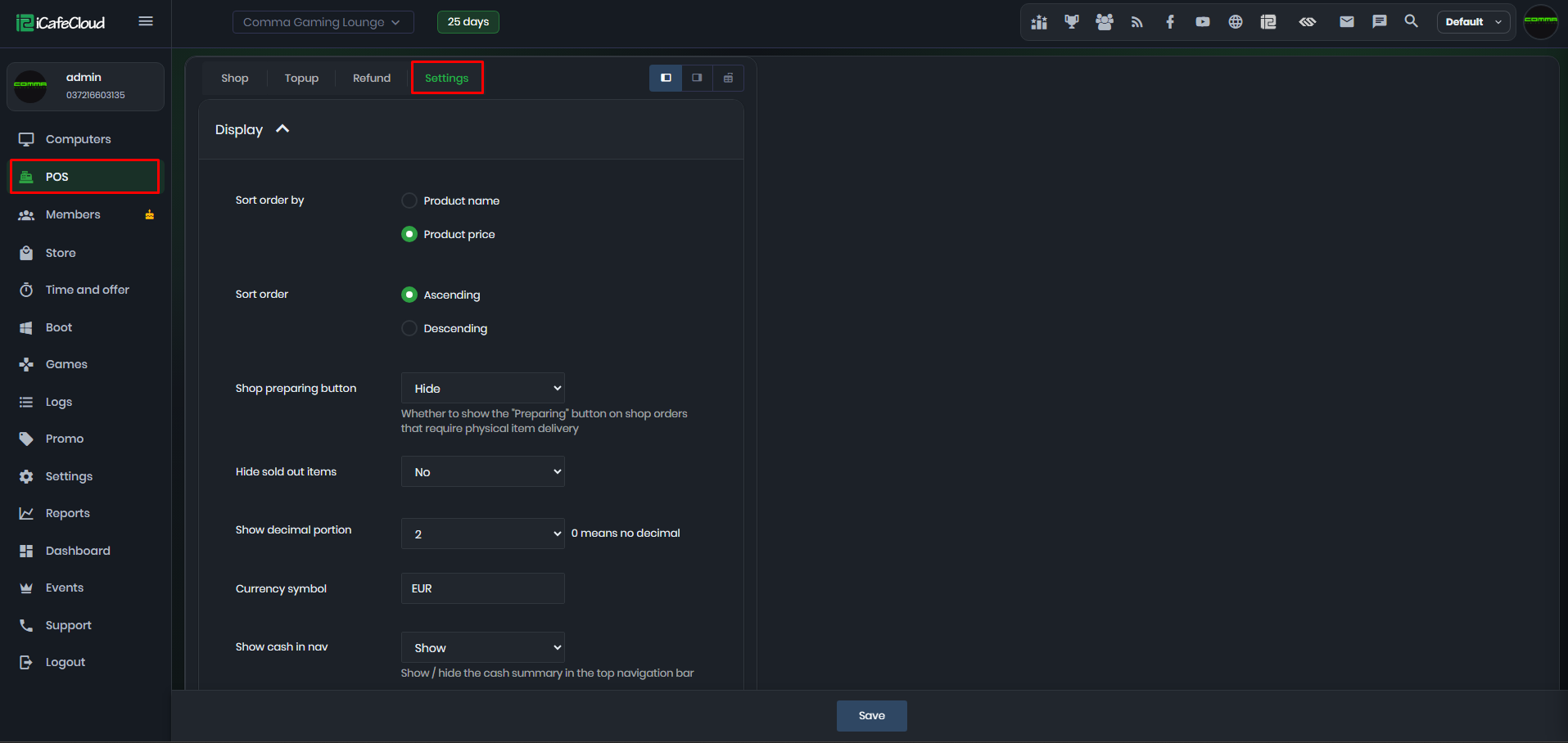
Figure 1
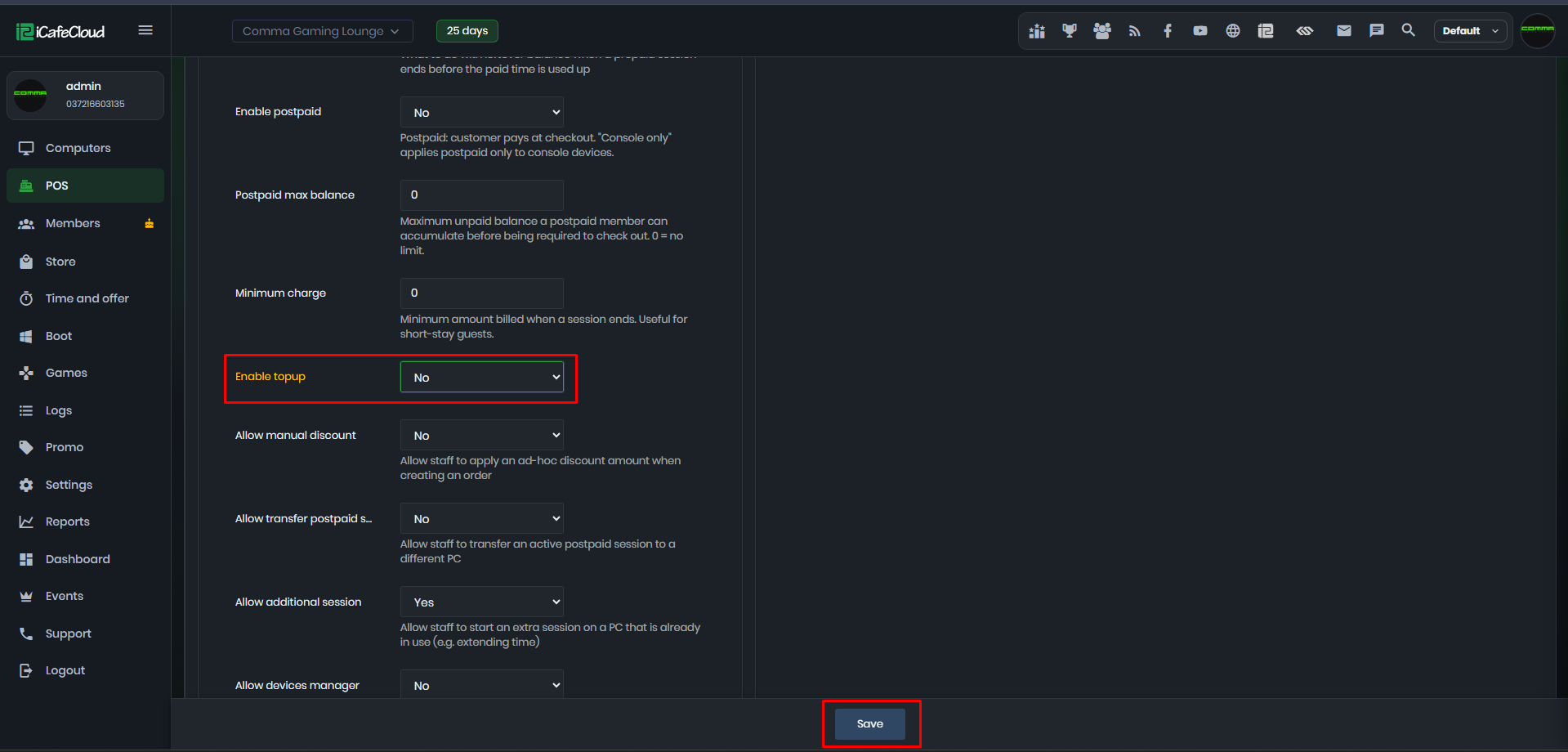
Figure 2
- Once disabled, you will no longer be able to top up accounts from the Computer page, the POS page, or the Member page (Figure 3 & 4).
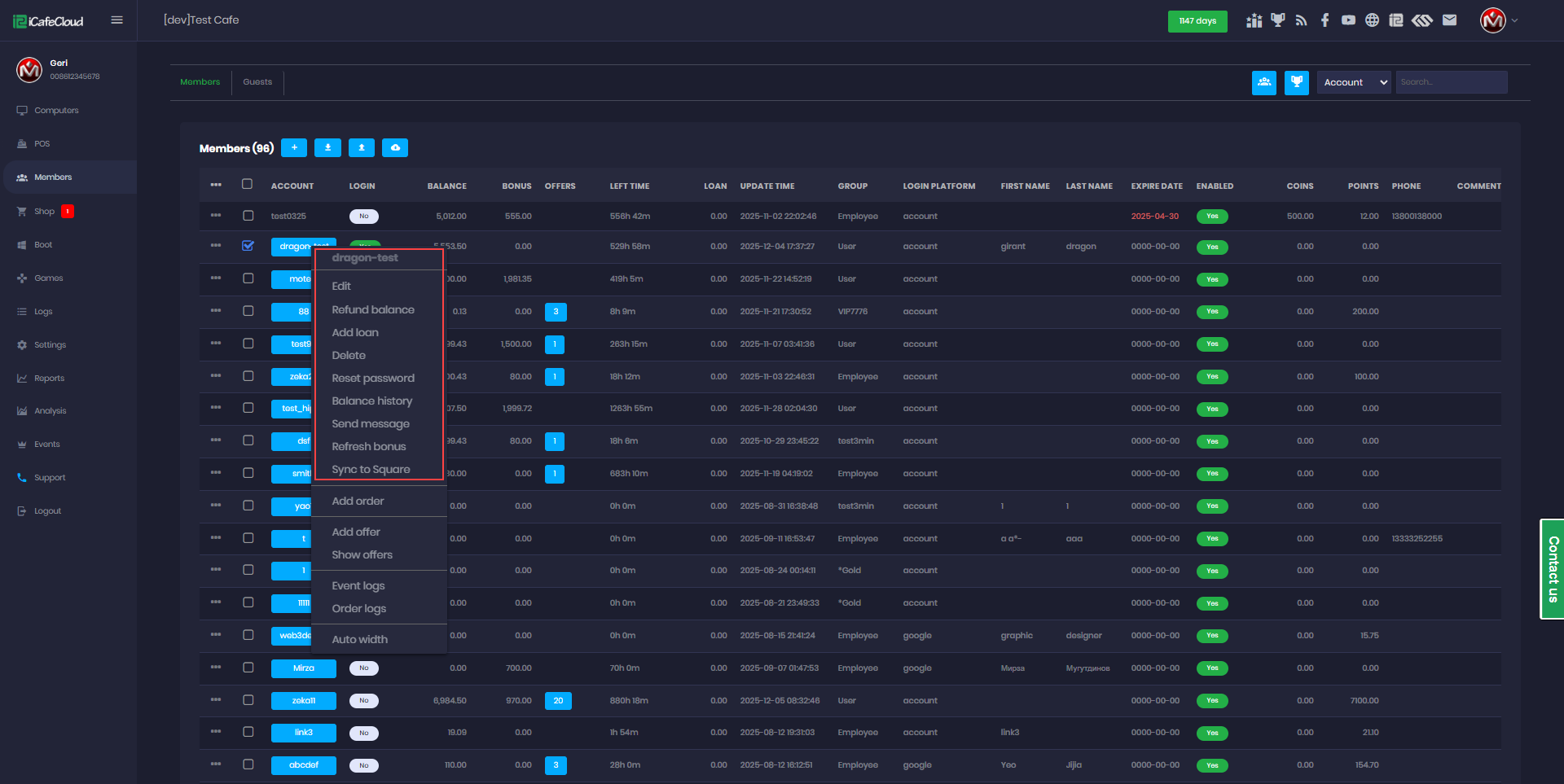
Figure 3
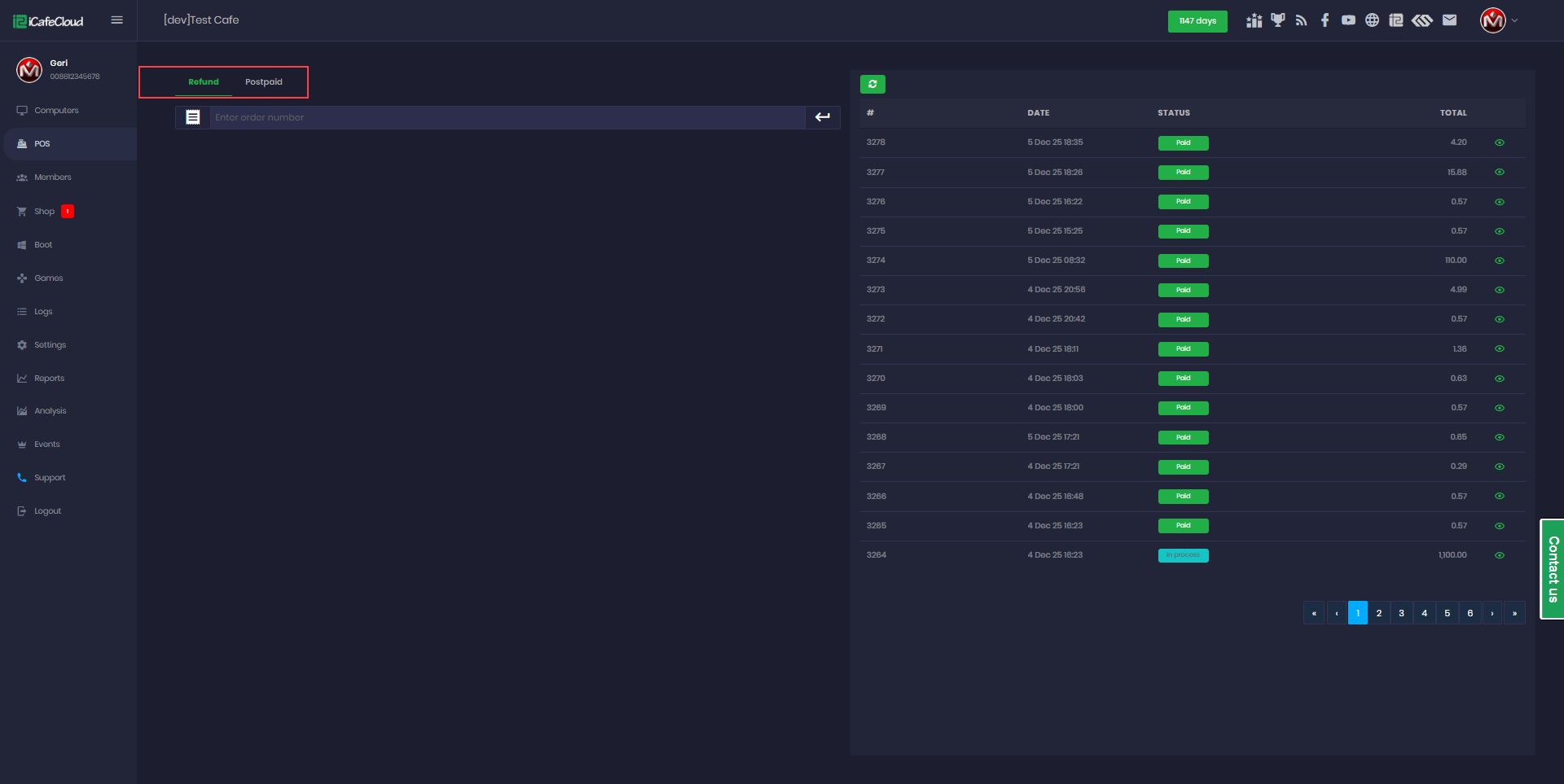
Figure 4
- If you enable the top-up feature, it will allow member accounts to be topped up again (Figure 4 & 5).
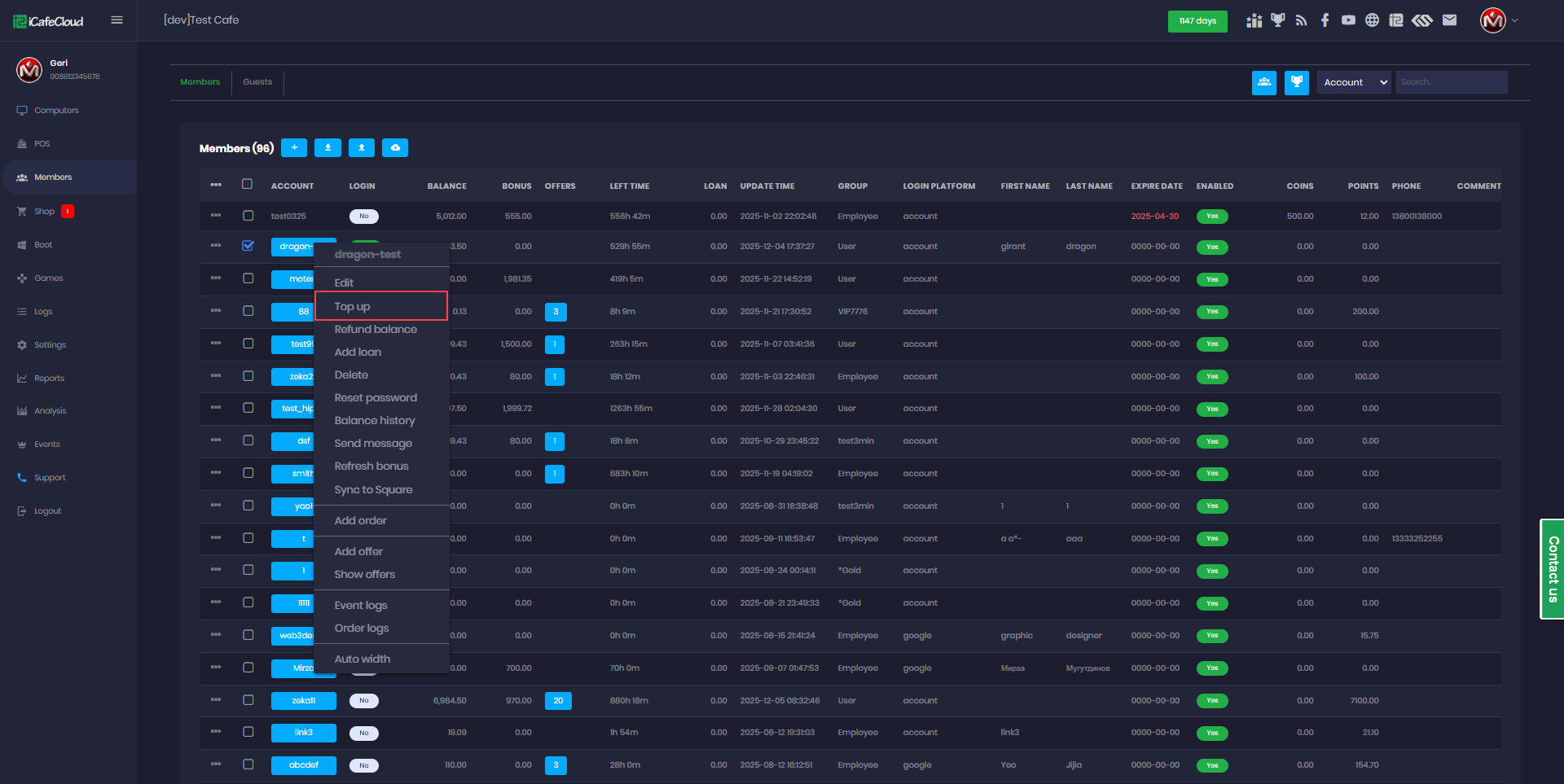
Figure 4
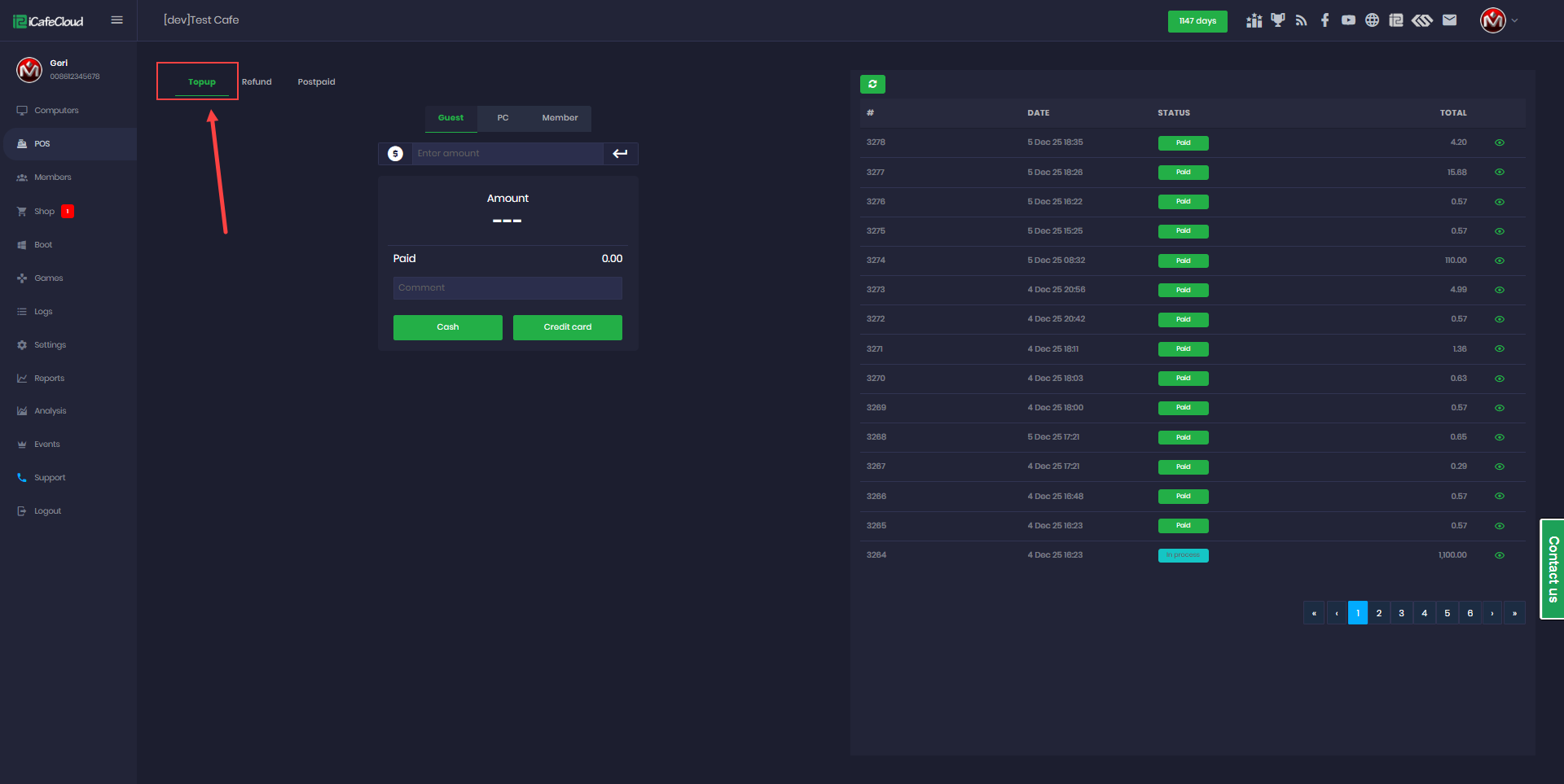
Figure 5