

The following explains how to enable or disable the functionality of printing your logo on tickets
- Go to the POS page, then select Settings. Find the Allow Print Logo option and set it to Yes or No depending on your preference.(Figure 1 & 2)
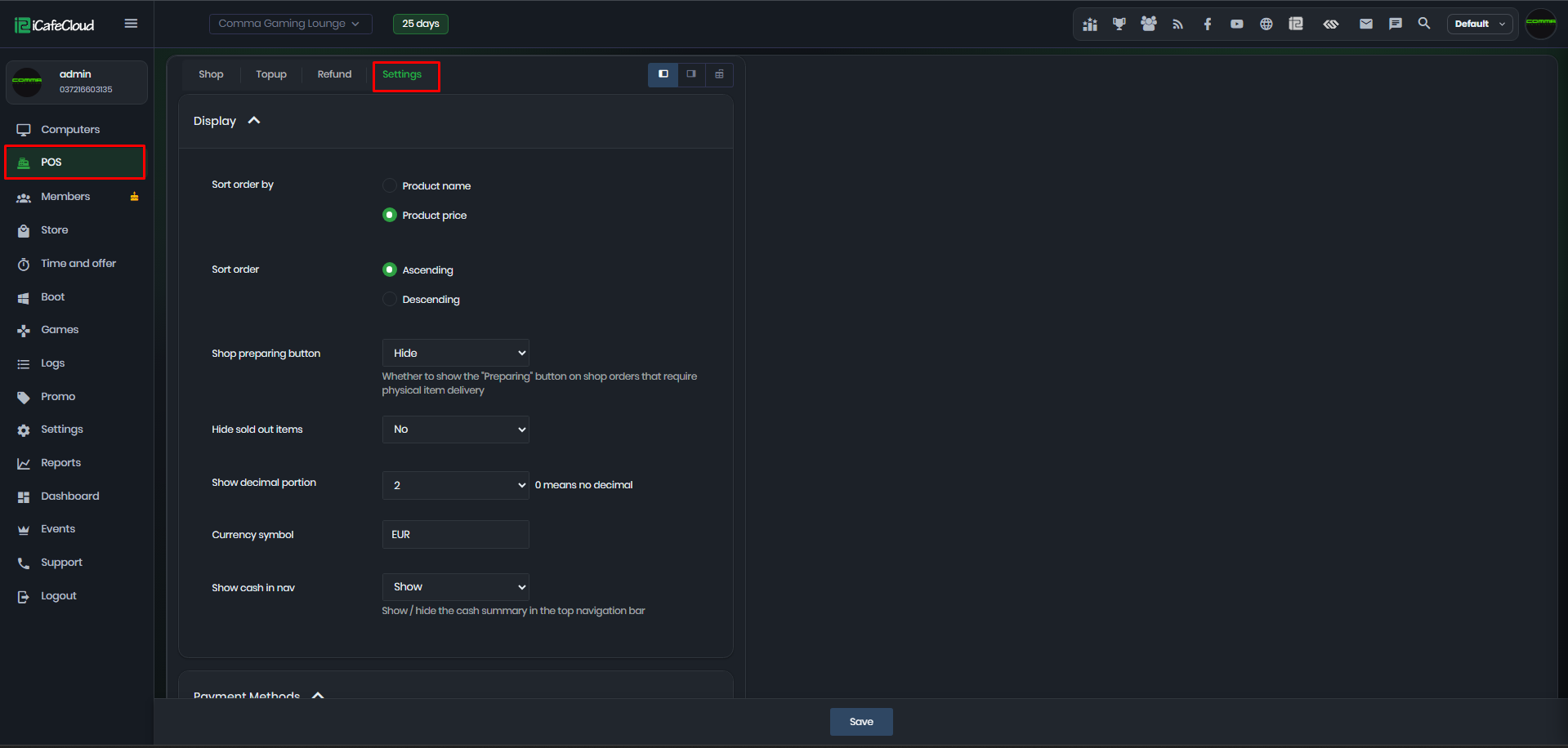
Figure 1
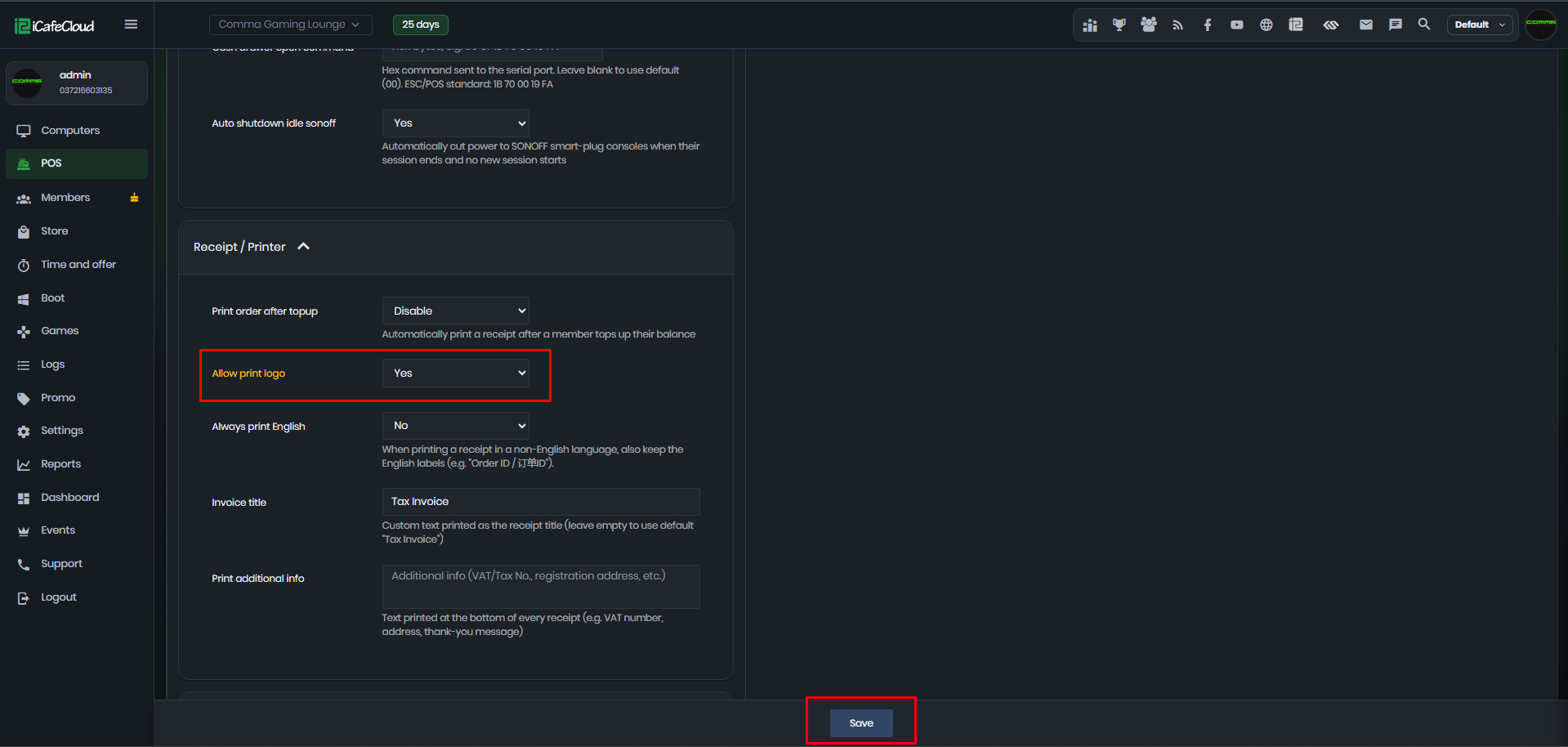
Figure 2
- If you enable the option to print the logo, it will appear at the top of all order tickets printed from the shop.(Figure 3)
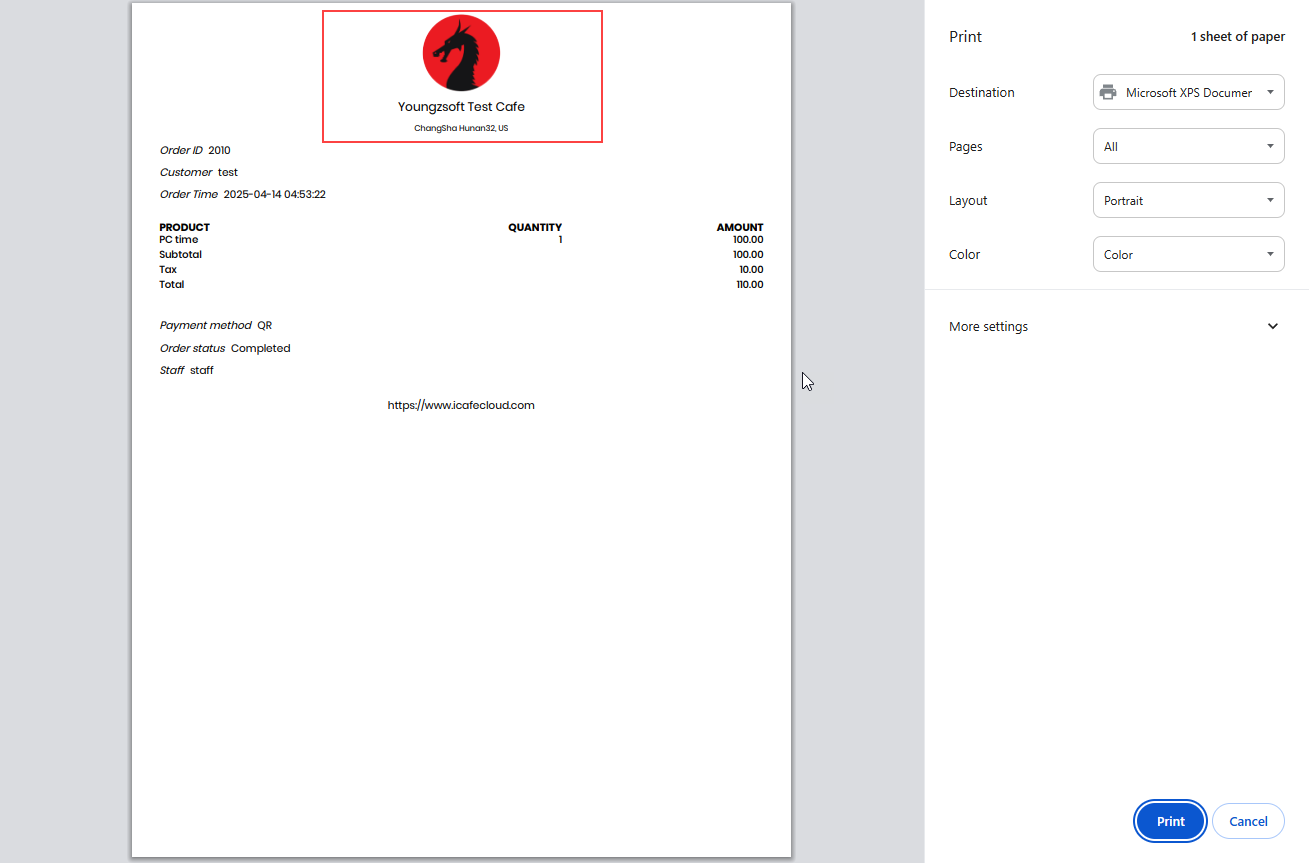
Figure 3
- If you prefer not to display the logo, you can simply disable the Print Logo option.(Figure 4)
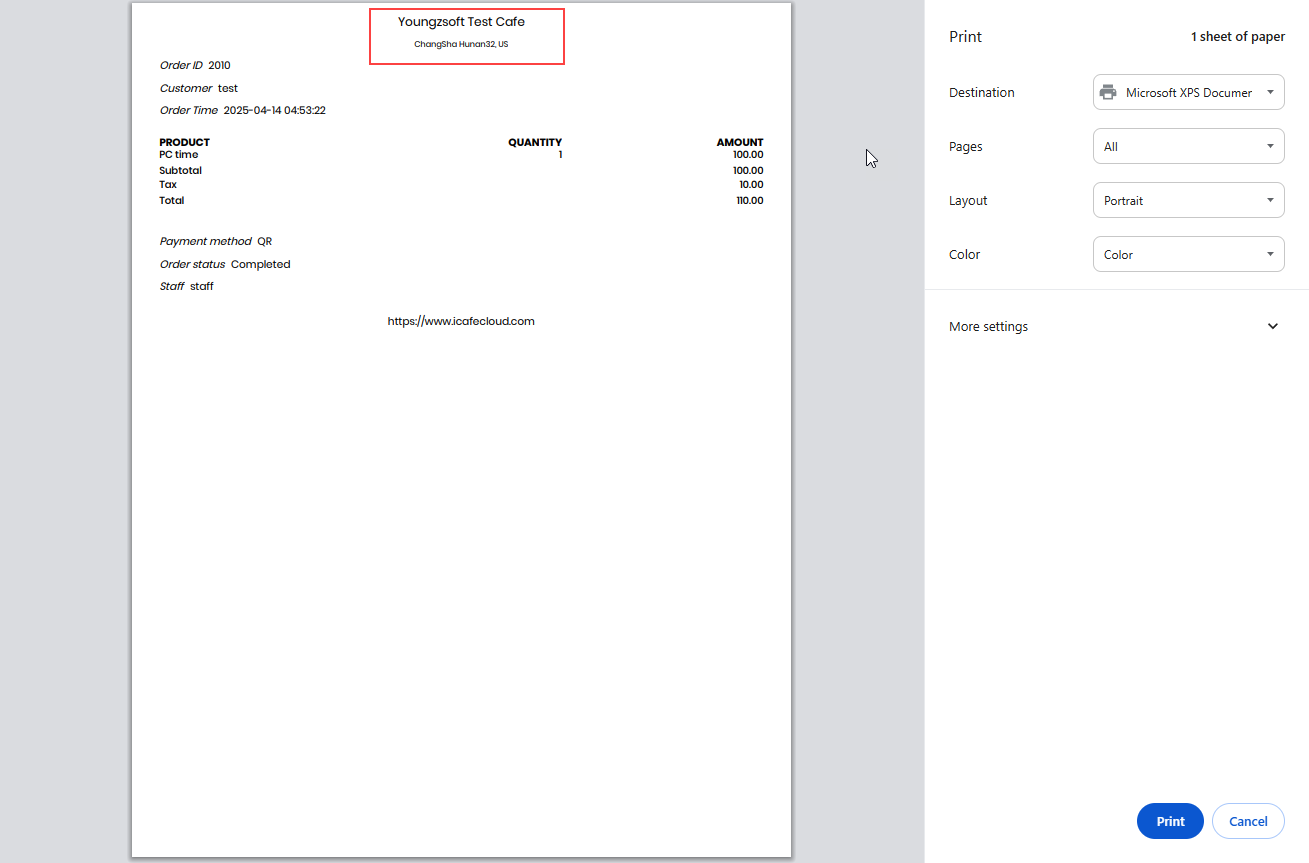
Figure 4