

This section explains how to use iCafeCloud for different business models center , home use and billiards, each with its own setup and configuration.
- In the Settings page, go to Center Settings. Under Business Mode, you will find three options: Center Mode, Home Mode, and Billiard Mode.(Figure 1)
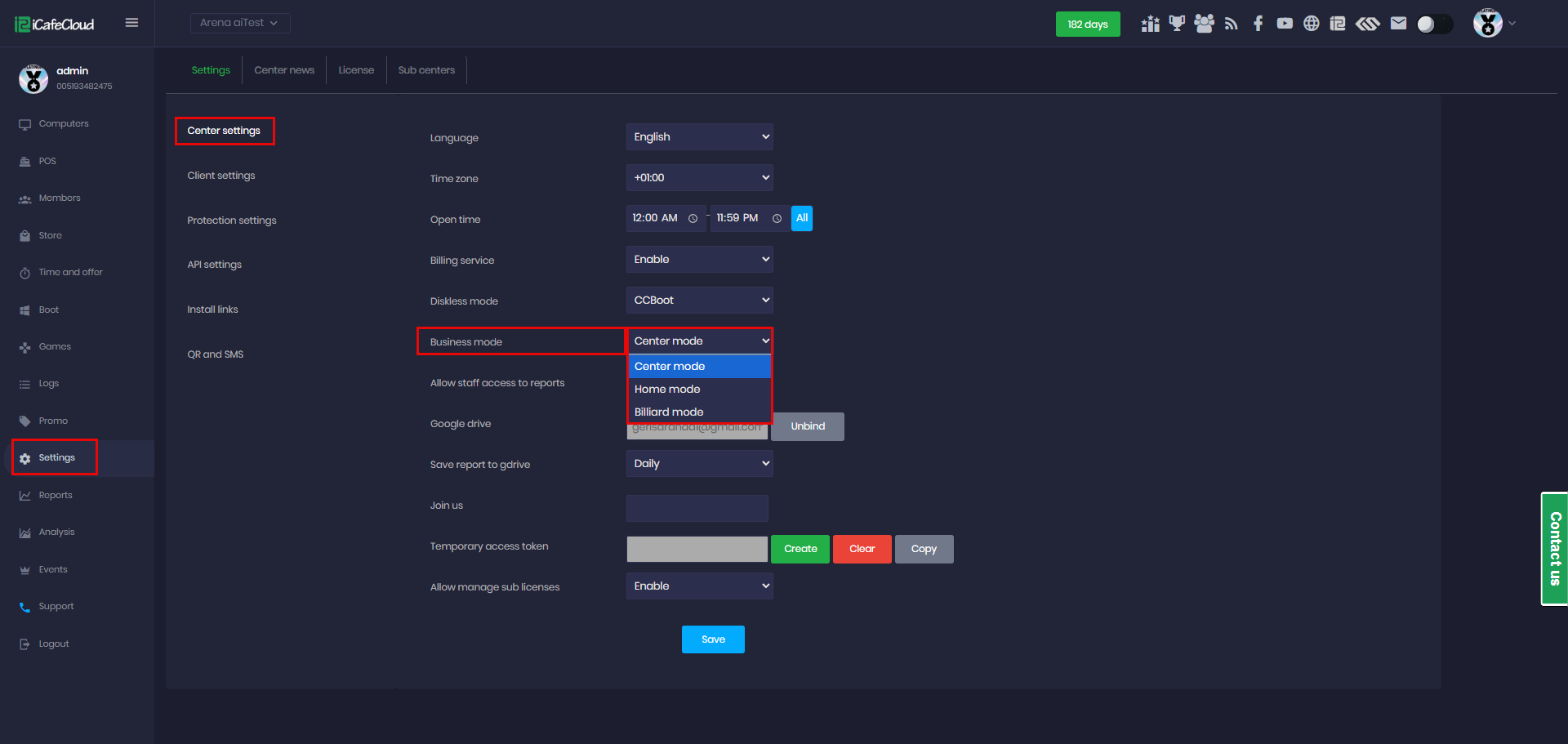
Figure 1
- Center Mode is designed for physical gaming centers with PCs or consoles, where customers pay to use the devices. This mode provides full access to iCafeCloud features, enabling efficient and seamless operation of the business.(Figure 2)
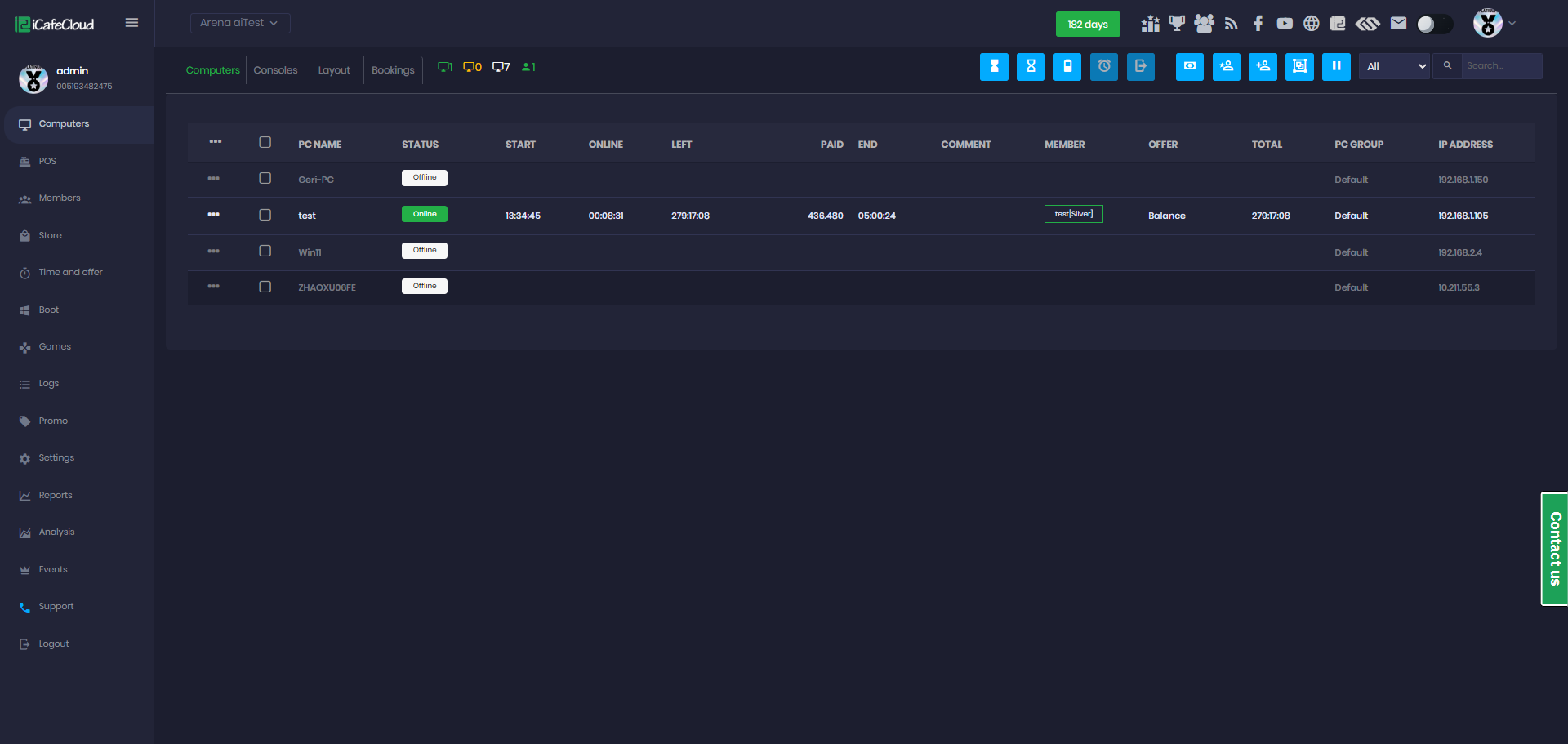
Figure 2
- Home Mode is designed for virtual centers, allowing you to build a community and create events where users install iCafeCloud on their personal PCs.(Figure 3)
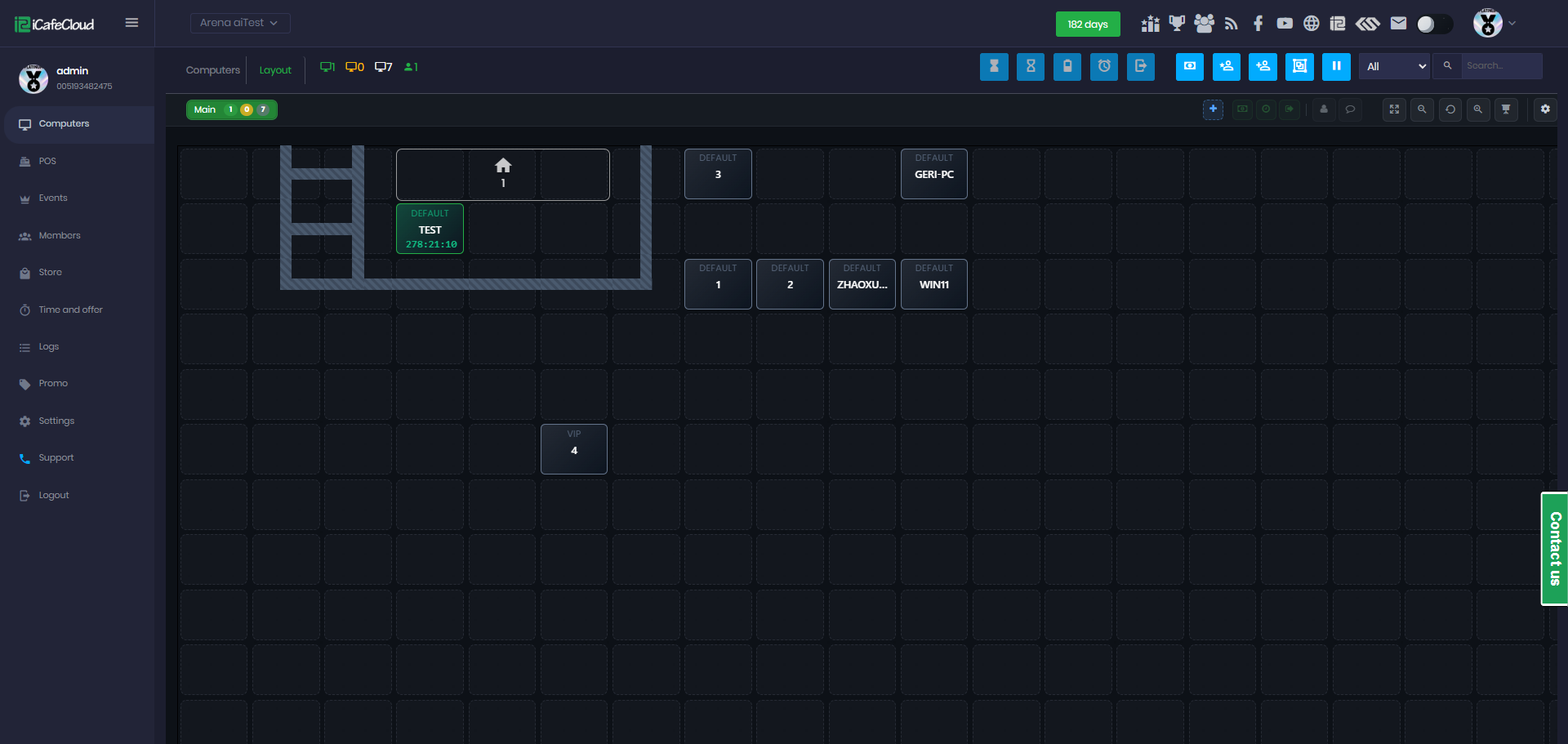
Figure 3
- Billiard Mode is designed for billiard rooms, providing essential tools to manage and track table usage time efficiently. (Figure 4)
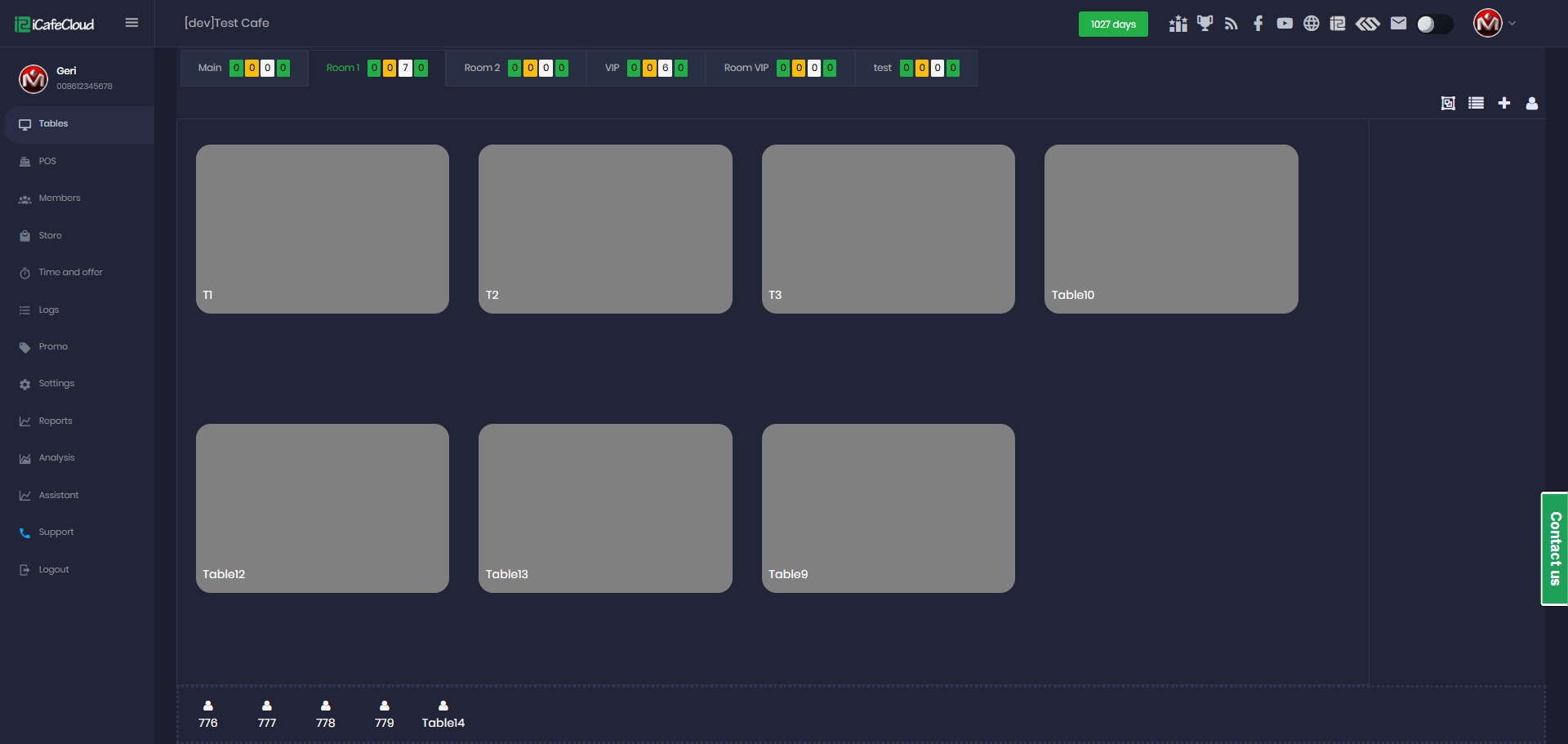
Figure 4
- PCs or consoles added in Center Mode do not count toward the license limit for Billiard Mode. Likewise, tables or assistants added in Billiard Mode do not count toward the license limit for Center Mode.