

The following explains how to configure whether the "Login by Balance" option is displayed on the client login screen. You can enable or disable this option in the settings to allow or prevent clients from logging in using their account balance.
- Navigate to Settings → Client Settings and locate the "Show Start by Balance" option. By default, this setting is set to Yes. Change it to No to hide the Start by Balance option from the client login screen. (Figure 1)
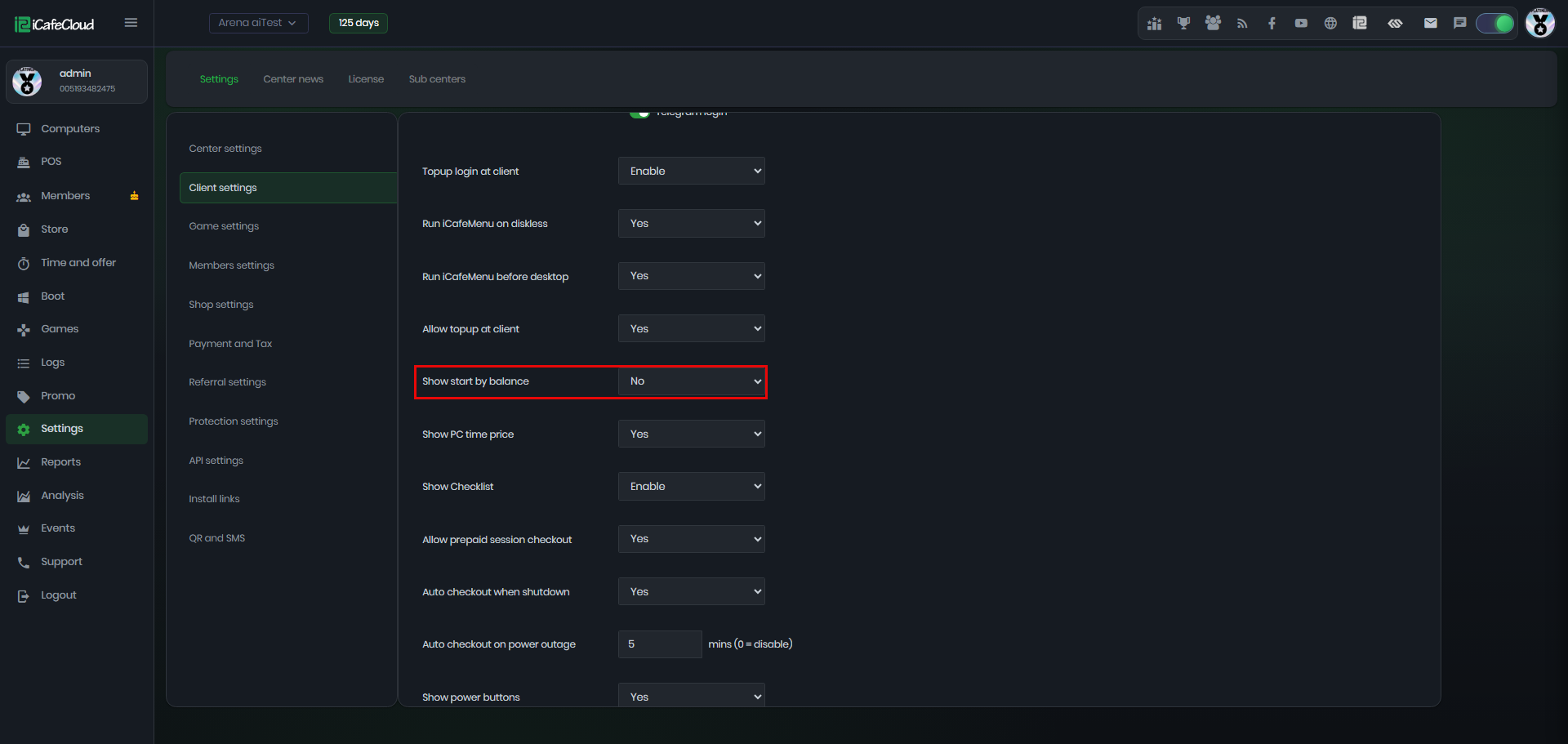
Figure 1
- On the client side, when a user logs in and no offers are available, the only option displayed will be Purchase Offer or QR topup. The Start by Balance option will be hidden and will not appear on the login screen.(Figure 2)
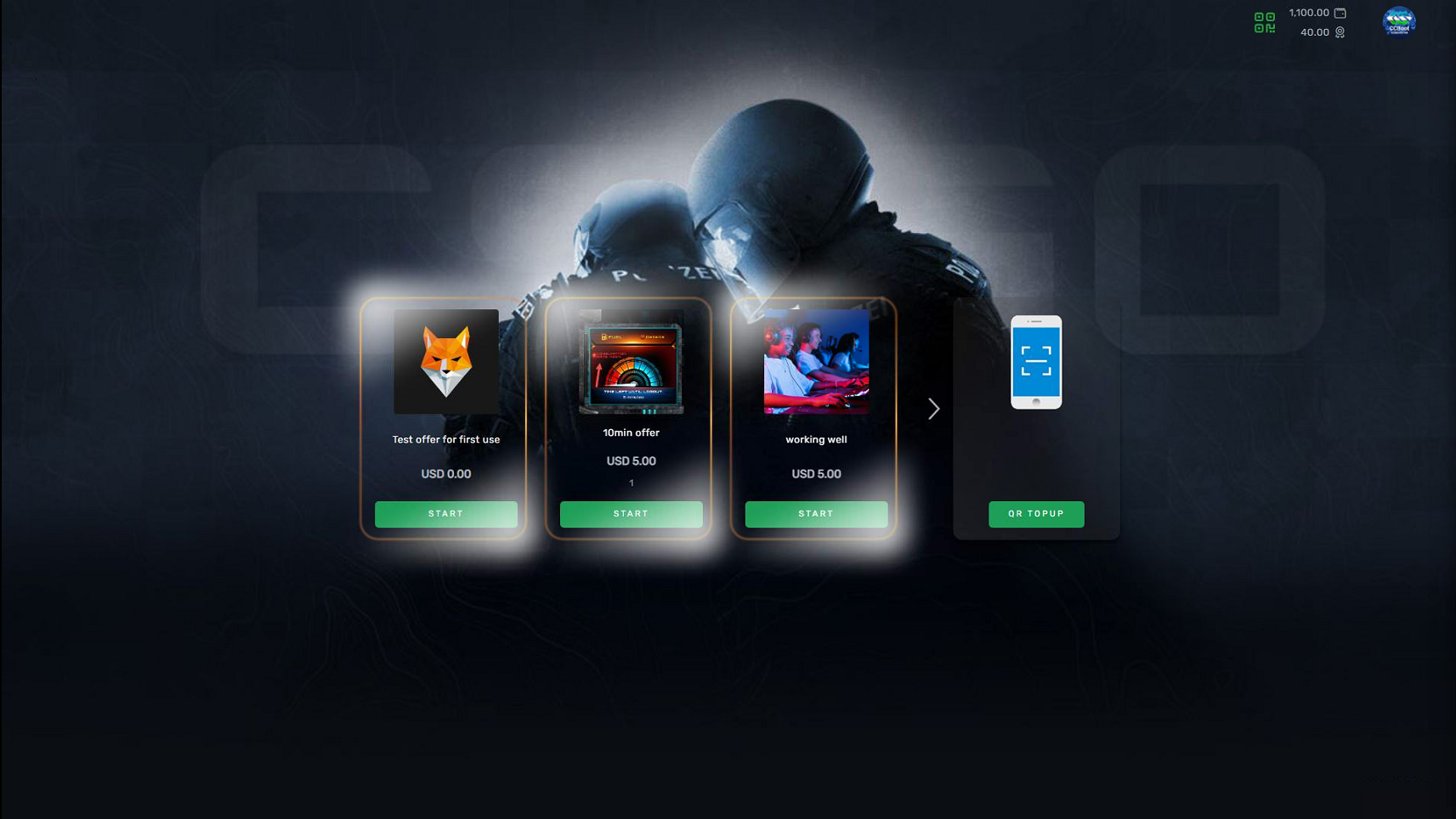
Figure 2