

The following explains how to change the hotkeys for the admin login on the client interface, in case you prefer not to use the default Esc key.
- Navigate to Settings - Client Settings, then locate “Admin Login Hotkeys”. From there, you can select one of the available options: None, Esc, or Shift + Esc. (Figure 1)
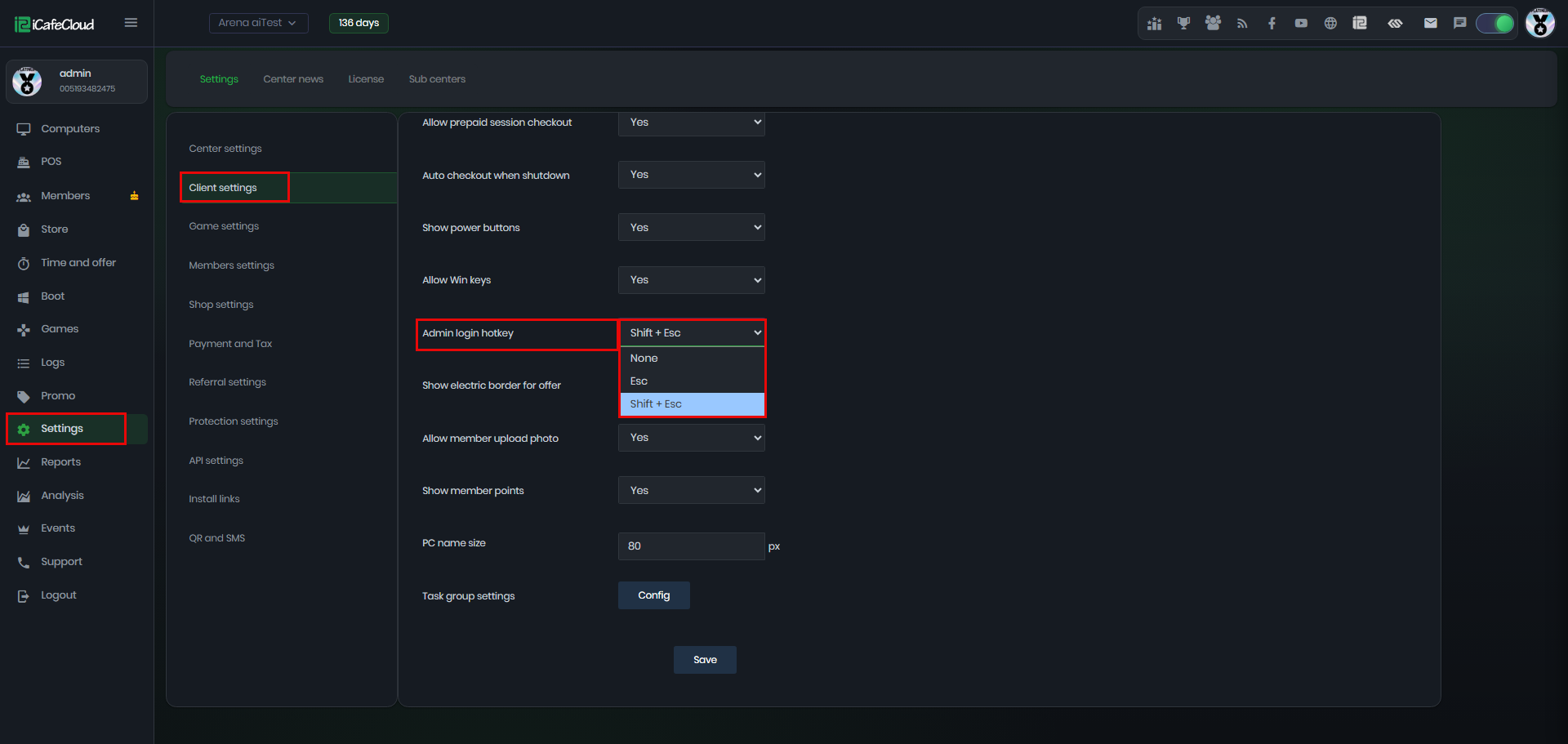
Figure 1
- If you enable only one option, for example Shift + Esc, then the admin password page will open only using that specific key combination. The Esc key alone will be disabled and will no longer trigger any action. (Figure 2)
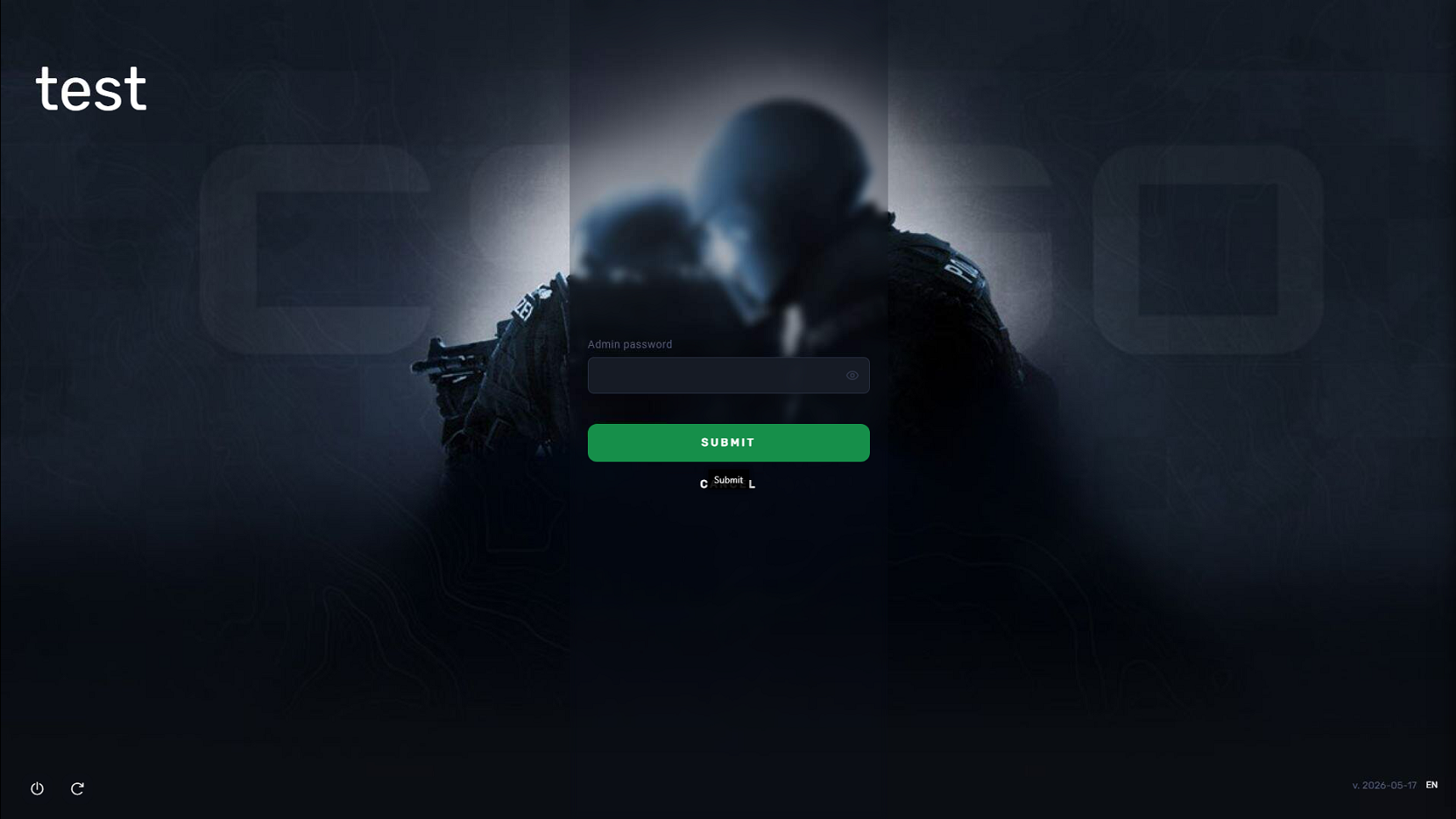
Figure 2
- If you select None, no keyboard shortcut will be available to open the admin password page.
- The hotkey settings do not affect the Admin button. The button will continue to function normally even if the hotkey option is set to None. (Figure 3)
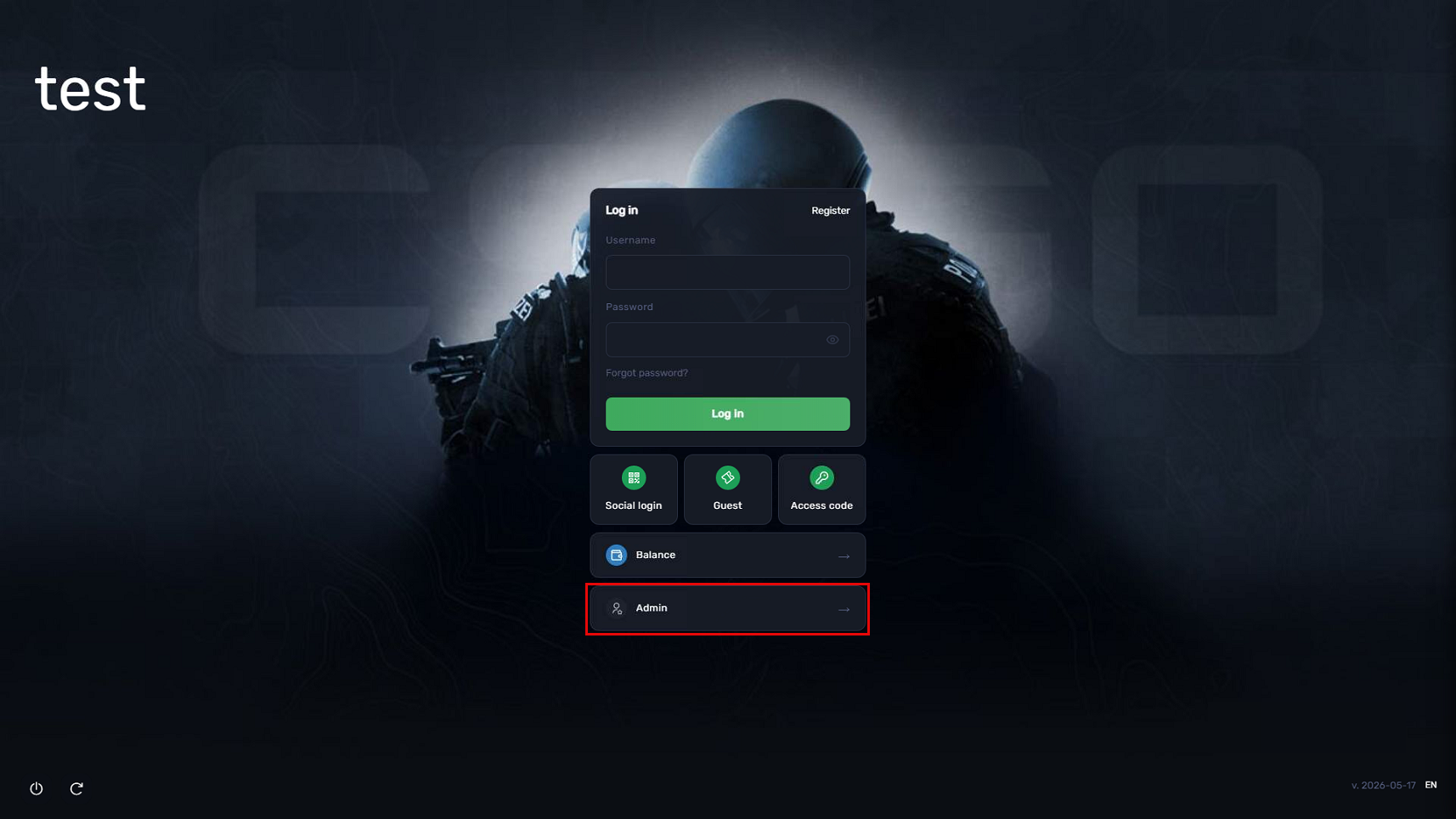
Figure 3